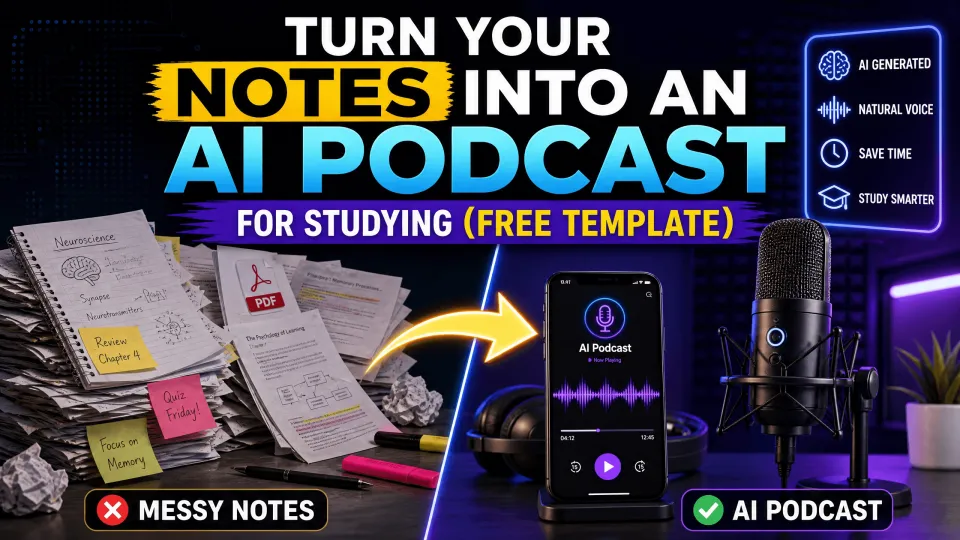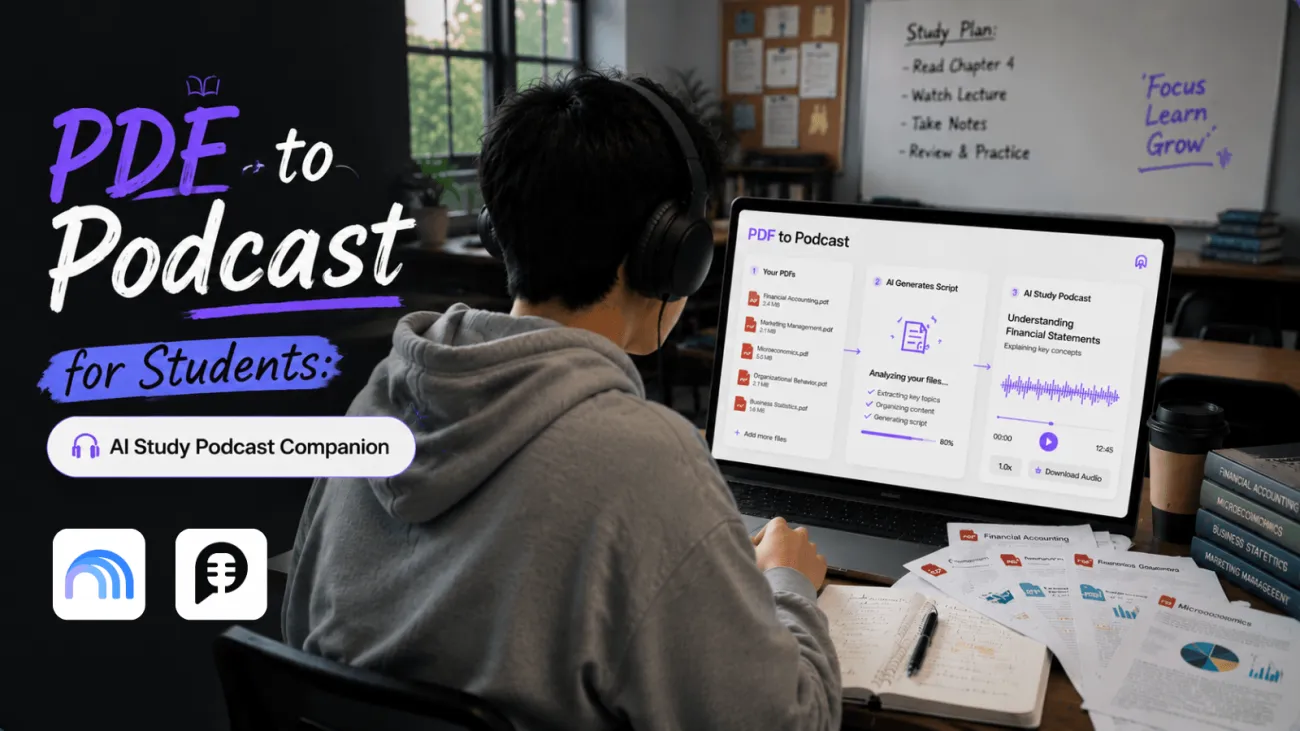

Course PDFs are portable, but they are not always easy to revisit. A 30-page reading packet, journal article, or textbook chapter can contain one important argument hidden beneath background, citations, and terminology. When you have ten minutes between classes, reopening the PDF is not always the most realistic way to review it.
A PDF to podcast workflow gives that material a second study format. With PodcastorAI’s PDF to Podcast tool, you can turn a reading into a structured script and export an audio or video podcast.
It is not a replacement for reading, taking notes, or working through a problem. It is a way to return to the main ideas when you are away from a desk.
Why turn a course PDF into a podcast at all?
A PDF to podcast is useful when a student needs to revisit course material away from the page, then return to it with a clearer purpose.
It gives a long reading a second route into memory: a short explanation that can be replayed on a walk, commute, or break between classes.
The issue is not that students cannot access their course files. It is that a PDF demands the same conditions every time: a screen, enough attention to read, and a place to stop and take notes.
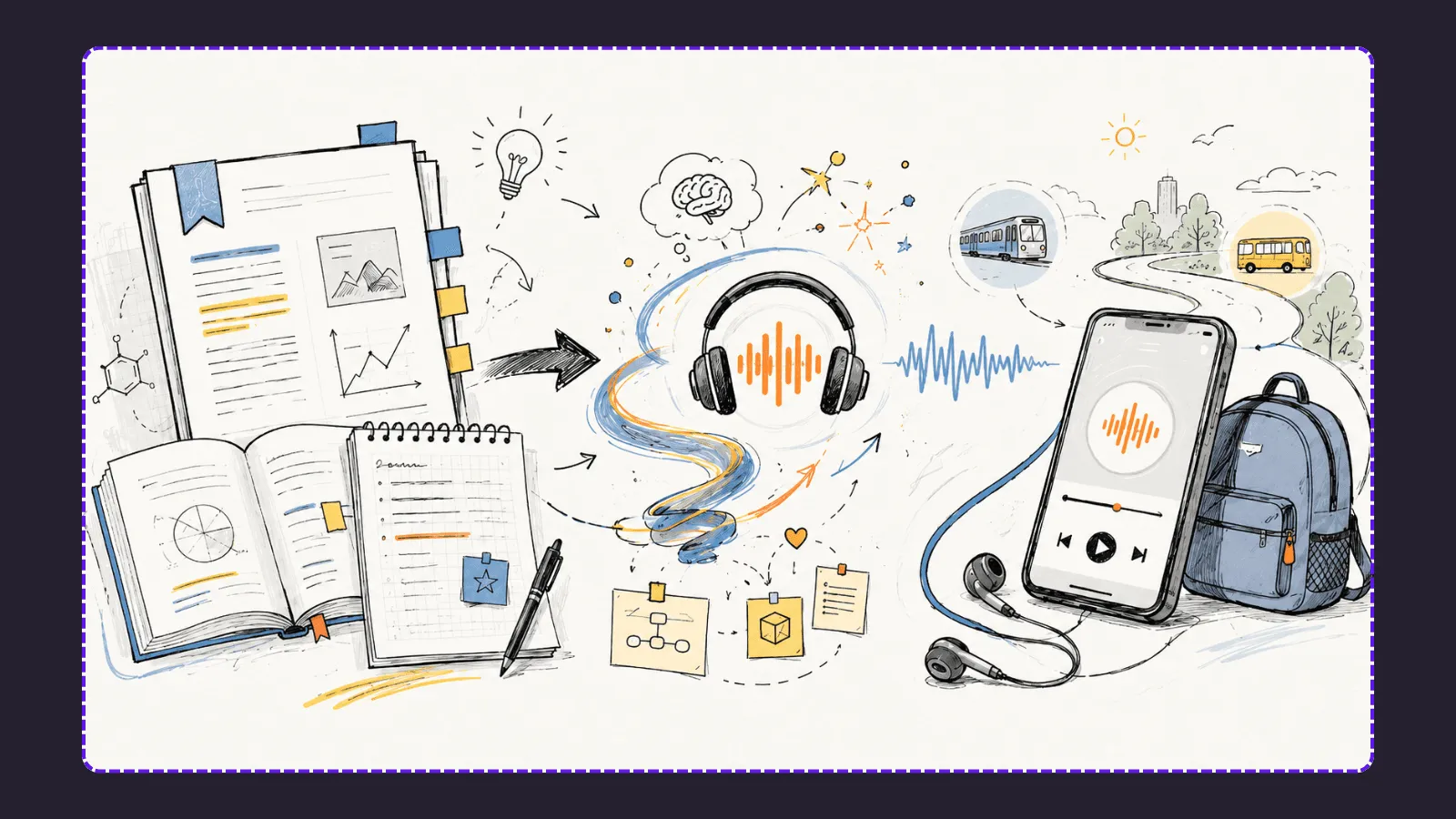
Those conditions are not always available. A well-scoped audio podcast lets a student revisit the research question in a paper, the sequence in a process, or the definitions in a chapter when rereading the file is impractical.
That benefit has a limit. A study podcast should not turn a 30-page paper into a vague spoken summary. It should compress a specific learning task: explain the main claim, distinguish two concepts, recall the stages of a process, or prepare for a seminar discussion.
The PDF remains the source of truth. The podcast becomes the revisit layer.
Use a study podcast for review
The best time to create a study podcast is after a first read. You should understand the basic topic and know what you need to remember. The audio then gives you another way to rehearse the argument, definitions, sequence, or case study.
This boundary matters because effective review requires retrieval, not just repeat exposure. In a 2008 Science experiment, Karpicke and Roediger found that repeated retrieval was critical for long-term retention, even when students had already studied the material. Use the podcast to cue recall, then explain the idea or answer a question before checking the PDF.
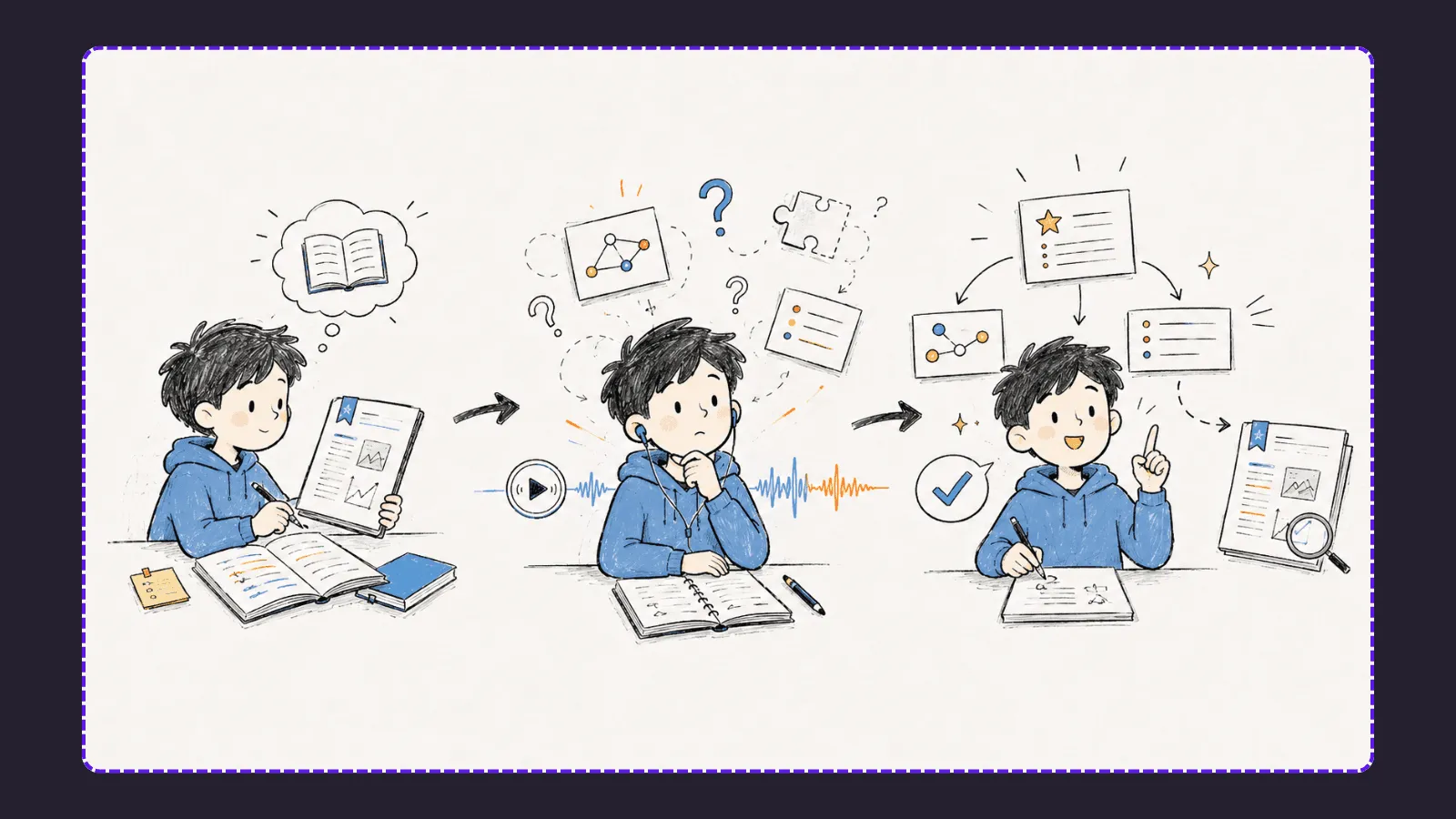
A four-step PDF to podcast workflow
1. Prepare the source with its limits in mind
Use a clean PDF whenever possible. If an image, chart, or appendix is essential, add a short note describing what the listener needs to understand from it. Keep the original PDF beside you for the final review.
For a research paper, also decide what should stay out of the podcast. A 15-minute review rarely needs every citation or methodology detail. It may need the research question, the method at a high level, the result, the limitation, and why it matters for your course.
2. Decide what you need to recall
Write one sentence before you upload. For example: “Explain the four forms of market segmentation, give one example of each, and distinguish segmentation from targeting.”
This makes the podcast useful for a real study task. “Summarize this PDF” leaves the important decisions to chance.
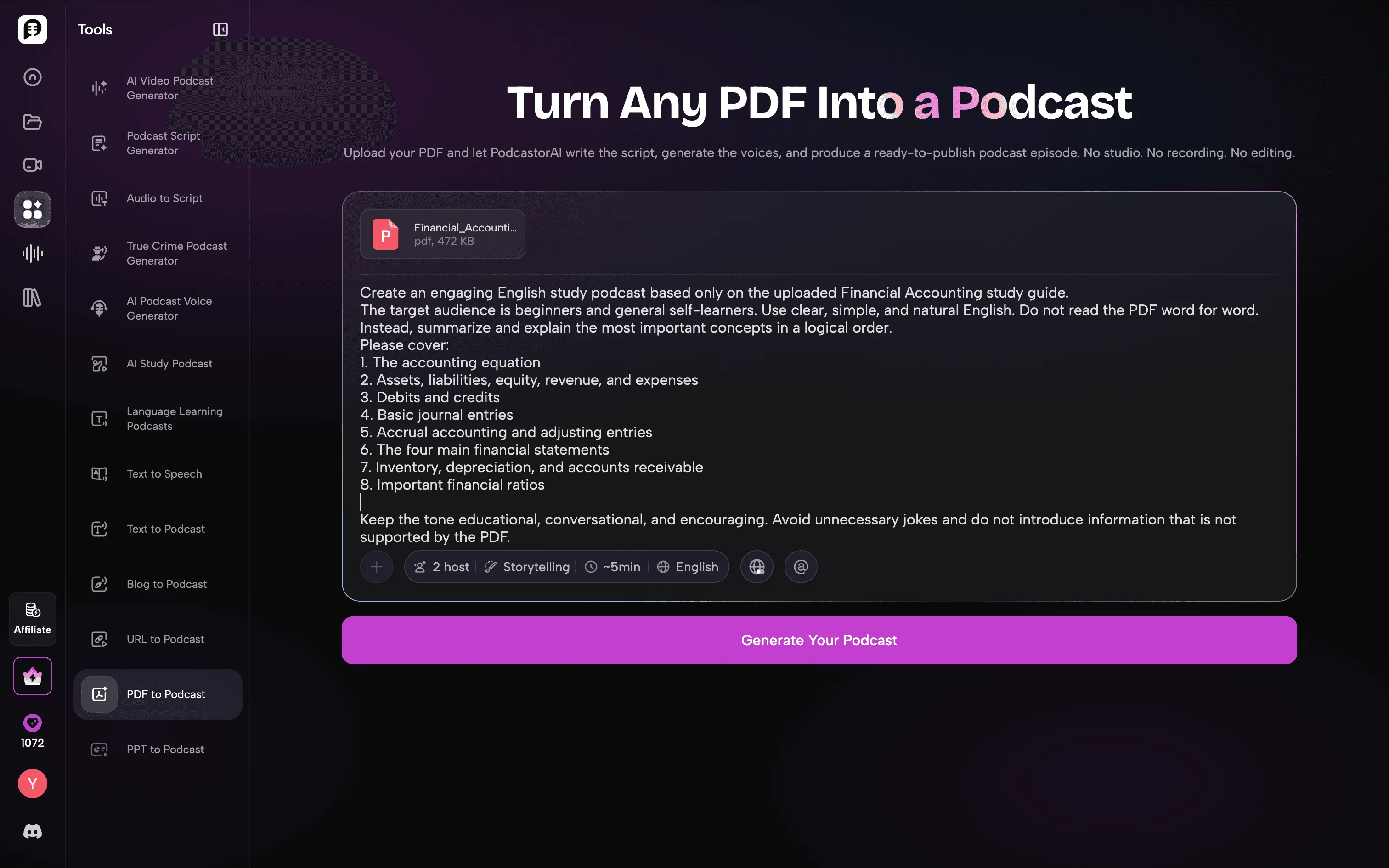
3. Generate a focused script in PodcastorAI
Upload the PDF in PodcastorAI and choose a duration that fits the topic. The platform turns imported documents into a structured podcast script, then lets you generate the podcast with selected AI voices. Keep the first version short enough to replay: a focused 8-minute explanation is often more useful than a long narration of every section.
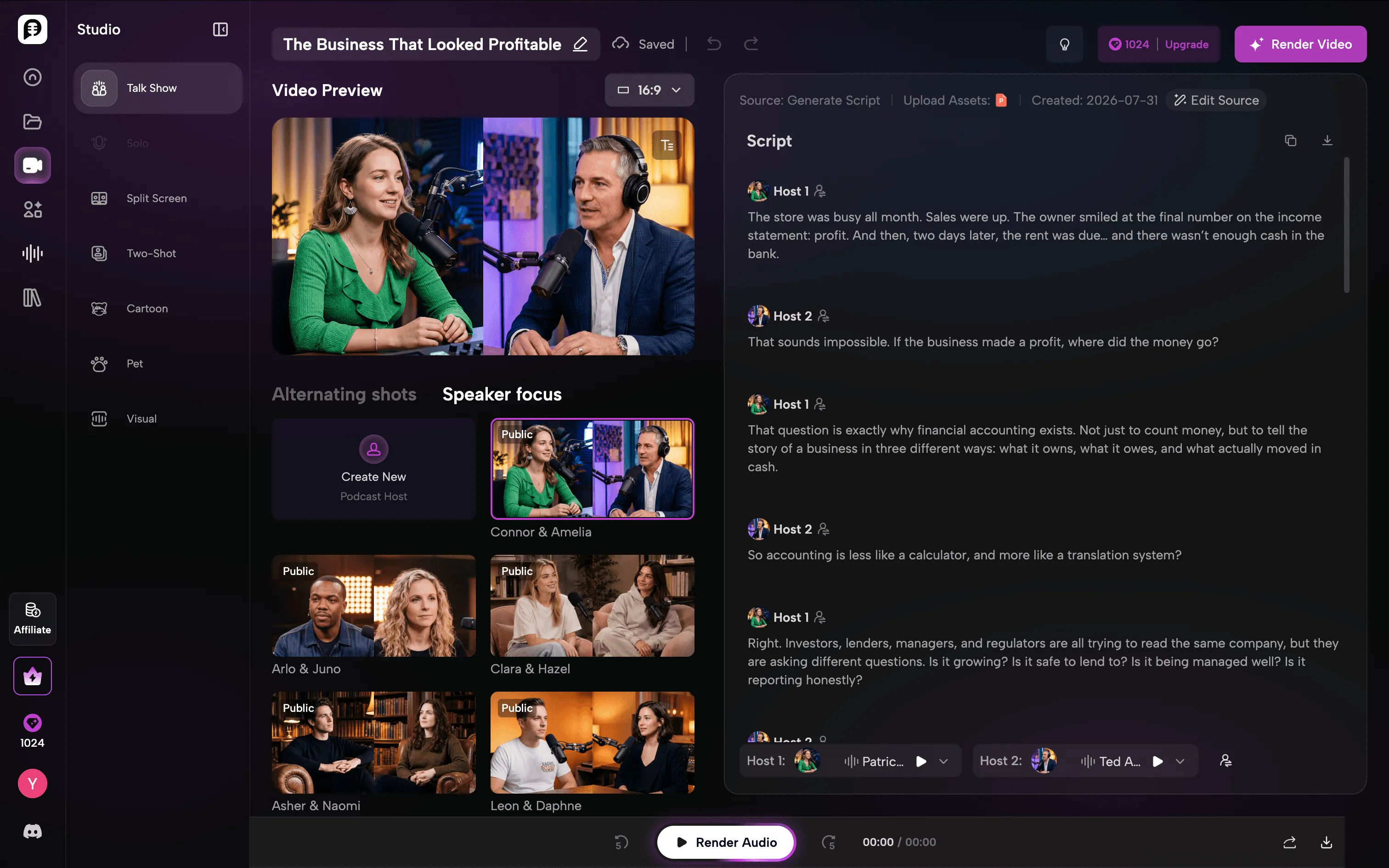
Tip: Use prompts to control the learning style
PodcastorAI can adapt how it processes your documents based on your instructions.
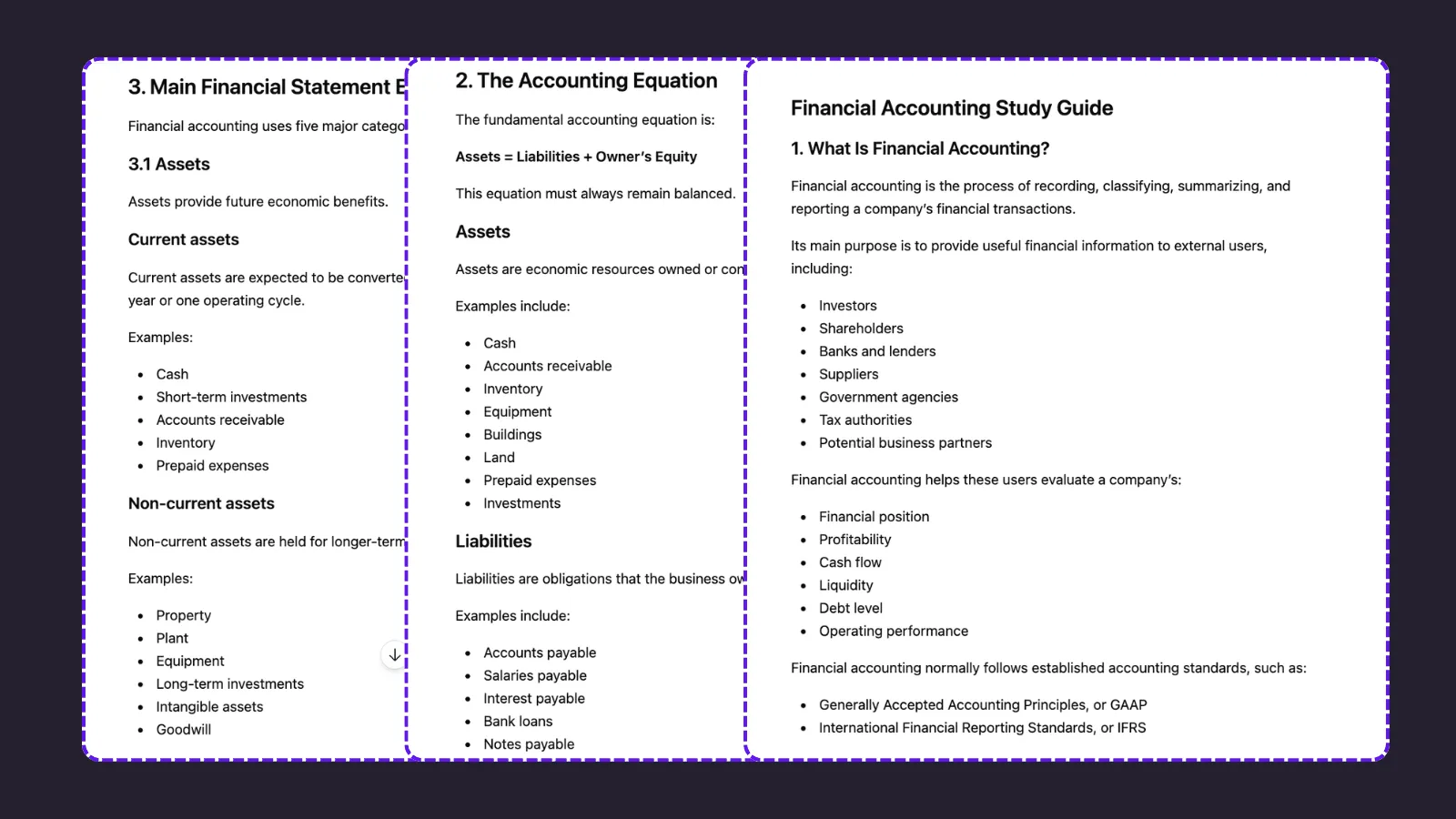
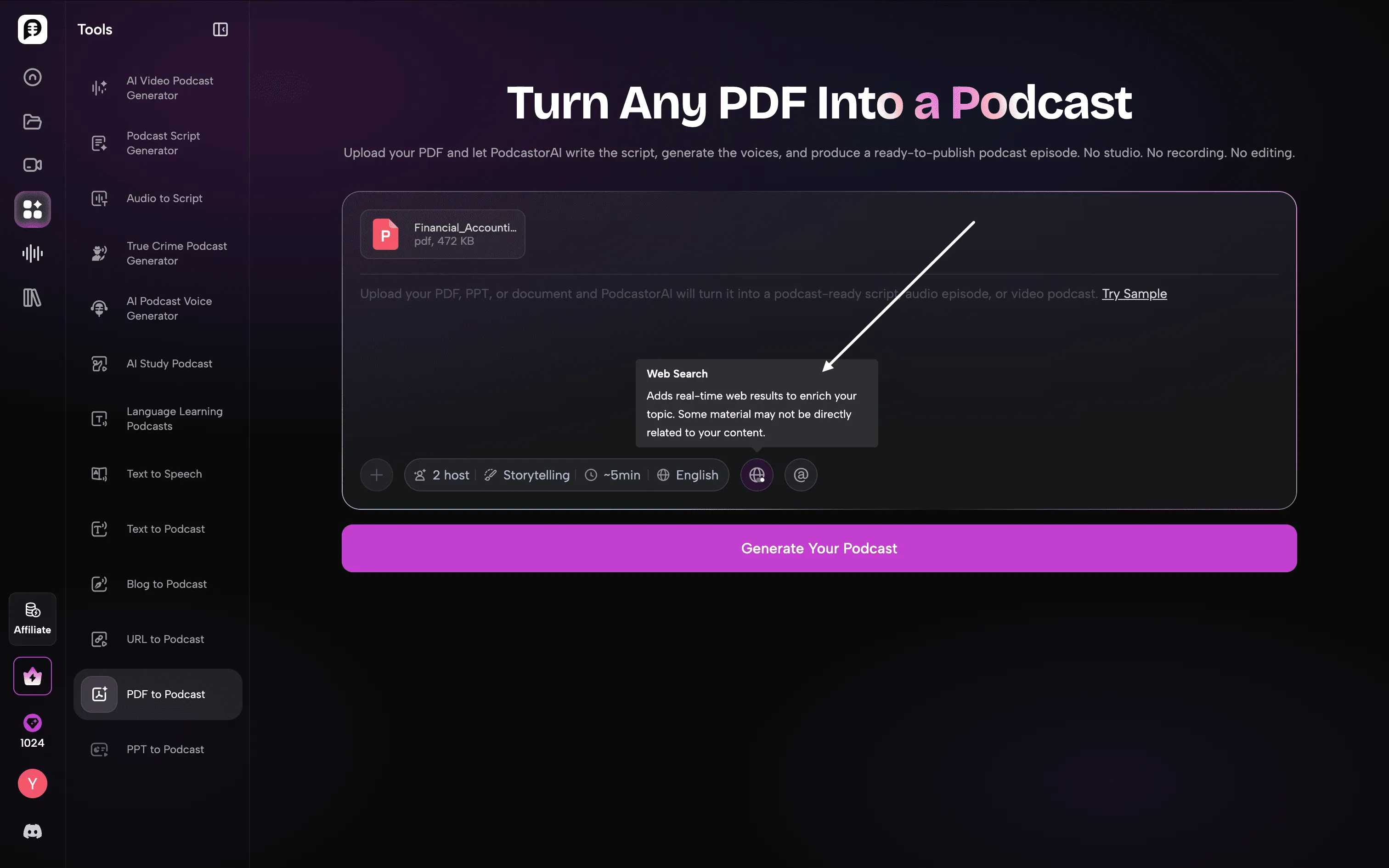
For a textbook-style PDF like financial accounting, you can ask PodcastorAI to explain concepts through stories, examples, and conversations instead of simply reading the content. This helps transform dense learning materials into engaging podcasts that are easier to understand and review.
If you prefer a more accurate reproduction of the original document, simply add instructions to keep the structure, key points, and wording closer to the source.
4. Select the learning format
Use a single narrator when you want a tight recap of definitions, a theory, or a sequence. Use a two-host discussion when the material needs comparison, questions, or a tutor-like explanation. PodcastorAI’s study workflow also supports audio-only and video exports, including 16:9 and 9:16 formats.
The format is a learning decision. A discussion can make an abstract argument easier to follow. It cannot compensate for an unclear objective or an unreviewed script.
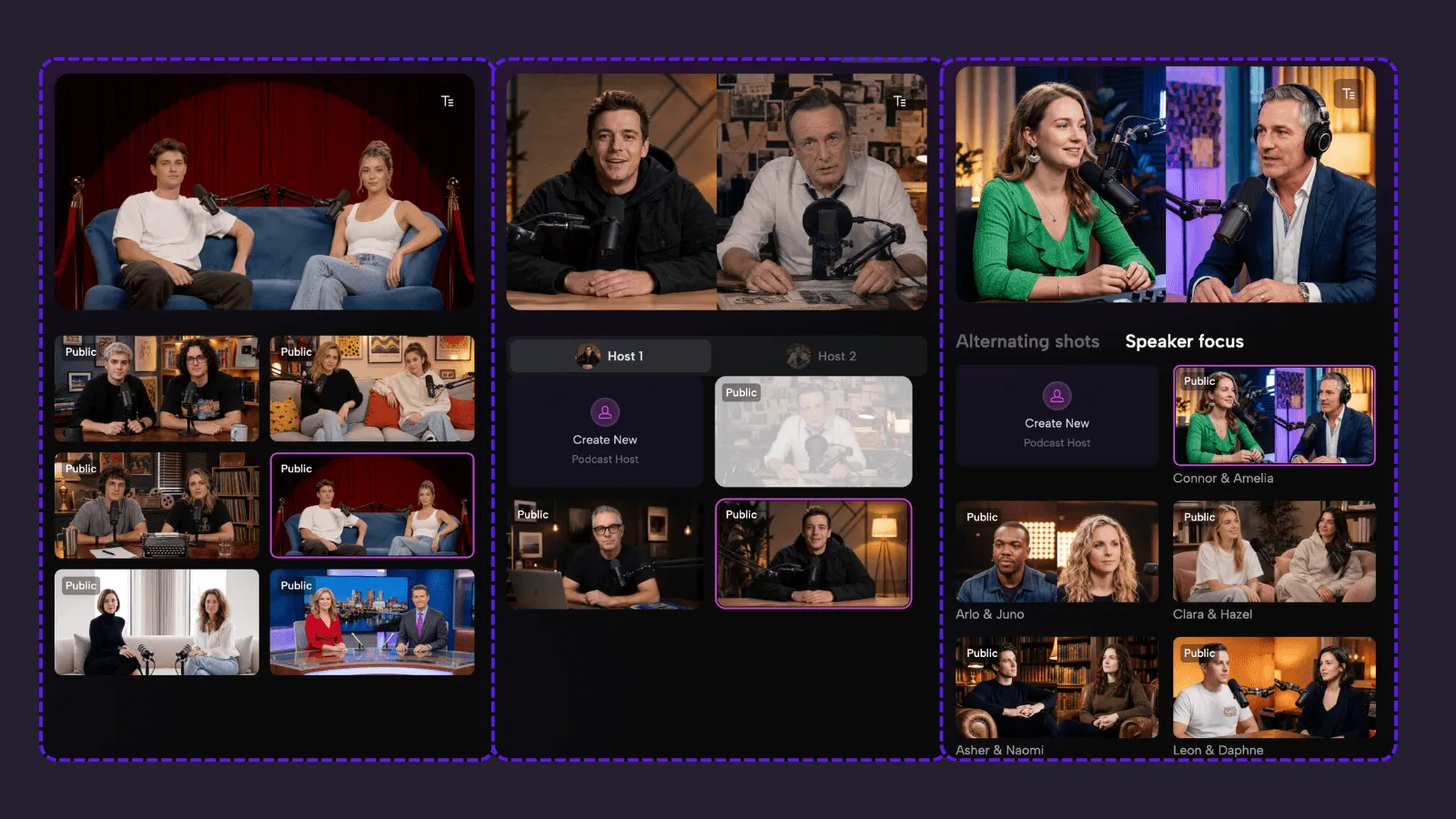
Start with audio, but choose video when the material needs to be seen
Audio is the most convenient output for screen-free review; video is the better output when captions, visual pacing, a dialogue, or a visual reference improves comprehension. Students do not need to choose one format for every reading. They should choose the format that matches the learning moment.
| Study moment | Better format | Why |
|---|---|---|
| Walking, commuting, or exercising | Audio | Easy to replay without a screen |
| Recalling terms or a sequence | Audio | Keeps attention on the explanation |
| Revising a dense argument | Captioned video | Text and pace are visible |
| Comparing two theories | Two-host video | Questions make contrasts explicit |
| Reviewing a diagram or data table | Video plus original PDF | Lets the learner switch back to evidence |
Audio is a strong first output because it works in otherwise unusable time. It can turn a lecture handout into an eight-minute recap, or a paper into a pre-seminar explanation. But audio alone can become passive: if you keep listening without stopping to retrieve the idea, it can feel familiar without becoming usable.
Video adds a different kind of support. Captions make technical terms easier to catch. A visible chapter or script makes it easier to pause and resume at the exact idea you missed. A two-host format can surface a question such as “How is correlation different from causation?” before answering it. For prerecorded learning media, captions are also an accessibility requirement under WCAG 2.2 Success Criterion 1.2.2.
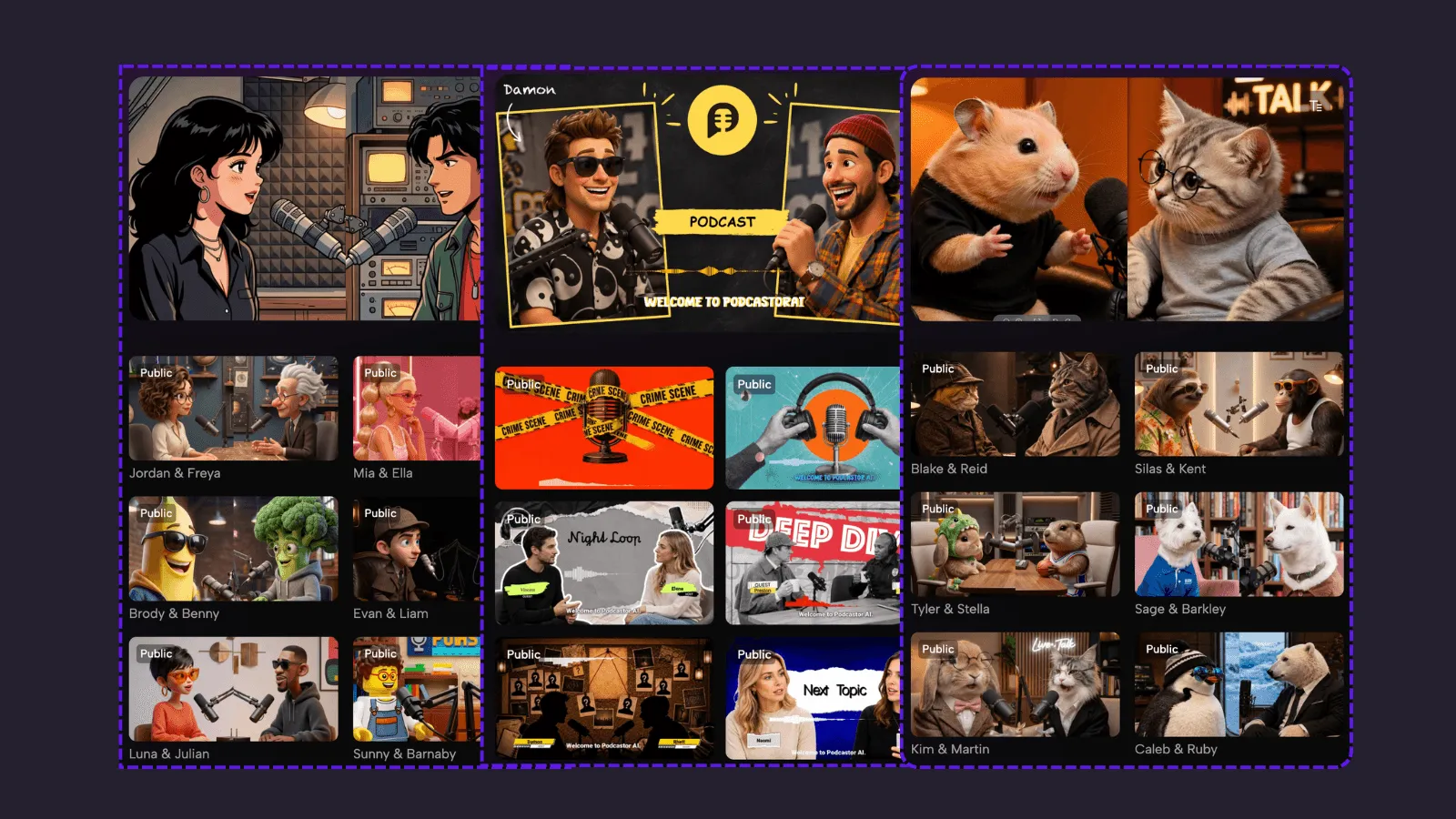
Video is not automatically better. A realistic host, a cartoon host, a pet host, or a simple visual waveform should serve the subject and the student’s attention, not become a distraction. For high-density academic material, a restrained visual format with readable captions is usually more useful than a busy scene. For a difficult comparison, a two-host discussion may be the clearest option. For a quick review on the move, audio is still the right call.
The PDFs worth turning into a study podcast
Start with a document that has one clear learning job. Good candidates include:
-
A textbook chapter before a quiz
-
A course reading packet with a shared theme
-
A research paper you need to present or discuss
-
A lecture handout that explains a process or framework
-
A certification guide with terms, rules, and examples
How to use the same PDF for audio review and video review
After the first script is accurate, do not regenerate the content from scratch. Use the approved script as the common source, then produce the version that fits the study task.
PodcastorAI is designed for this progression. Its PDF-to-podcast workflow supports PDF input, editable generated scripts, one- and two-speaker audio, voice selection, and a move from audio into video formats including visual waveform, realistic host, split-screen dialogue, cartoon, and pet host.
That means the same reviewed explanation can move from convenient listening to more supported visual review without moving the content into a separate production stack.
PodcastorAI vs. NotebookLM: which is better for study PDFs?
NotebookLM is a strong choice when your main goal is exploring and questioning source materials. PodcastorAI is a stronger choice when you want to transform knowledge into reusable audio and video learning assets.
Both tools can help you understand documents and enrich your learning with additional information, but they are designed for different stages of the learning workflow.
| Need | Choose NotebookLM when… | Choose PodcastorAI when… |
|---|---|---|
| Explore source material | You want to deeply question and analyze your uploaded sources | You want to turn your sources into structured learning content |
| Need additional information | You want a research workspace for exploring connections between sources | You want to enrich your content with web information while generating a podcast-style explanation |
| First audio overview | A quick source-grounded discussion is enough | You want to customize scripts, voices, formats, and learning styles |
| Repeat review | You mainly return to notes and chat | You need reusable audio or video study materials |
| Visual study support | A text-based research workflow is enough | You need captions, AI hosts, layouts, or video explanations |
| Share with a group | The notebook remains inside a research workflow | You want a shareable podcast or video lesson |
NotebookLM is valuable during the discovery stage. Its notebook workflow helps learners explore sources, ask questions, and understand relationships between different materials.
PodcastorAI becomes more useful once the job changes from exploring a source to producing a study asset. You can use the PDF to generate and edit a script, choose a voice, create one- or two-speaker audio, then take the same material into a video format. PodcastorAI can also use web search to enrich the learning content when additional context is needed. Its advantage is turning knowledge into a reusable learning experience with audio, visuals, and AI hosts.
Two mistakes to avoid
Treating audio as a substitute for visual study
Return to the PDF for equations, figures, tables, and close reading. The podcast should reinforce, not replace, visual and written work.
Creating one long podcast from every assigned reading
Make podcasts around learning objectives. A small library of named, topic-level podcasts is much easier to use before an exam.
Make the reading easier to revisit
The right PDF to podcast workflow does not pretend that listening is the same as learning. It turns a document you have already engaged with into a focused explanation you can revisit when the screen is closed.
Start with the PDF you find hardest to explain aloud. Upload it to PodcastorAI, set one learning objective, verify the script against the source, and export an podcast you will realistically replay.
FAQ
Can PodcastorAI turn a PDF into a podcast for studying?
Yes. PodcastorAI can transform textbooks, course readings, research papers, and lecture materials into a structured study podcast.
Instead of simply reading the PDF aloud, you can guide the generation process with prompts to create different learning styles, such as a tutor-style explanation, a two-host discussion, or a concise review session.
Is a PDF to podcast tool useful for studying?
A study podcast works best as a review companion after you have engaged with the original material.
It helps you revisit key concepts, definitions, arguments, and processes when you are away from your desk, such as during commuting, walking, or breaks between classes.
Can I customize how PodcastorAI explains my PDF?
Yes. You can use prompts to control the learning style and level of explanation.
For example, a technical textbook can be transformed into a more conversational explanation with examples and stories, while a research paper can be summarized with a focus on the research question, methodology, and key findings.
If you need a closer reproduction of the original document, you can also instruct PodcastorAI to preserve the structure and key points.
Can I turn the same PDF into both audio and video study materials?
Yes. PodcastorAI allows you to create audio and video learning formats from the same generated script.
Can PodcastorAI summarize academic papers and research PDFs?
Yes. Academic papers can be converted into study podcasts, especially for reviewing the main research question, arguments, results, and limitations.
How long should a study podcast be?
The ideal length depends on the learning goal.
For most course materials, a focused explanation is usually more effective than turning an entire textbook chapter into one long episode. Starting with a short review podcast makes it easier to replay and reinforce key concepts.
Can I listen to PodcastorAI study podcasts offline?
Yes. PodcastorAI supports audio export, allowing you to review your generated study podcasts away from your browser.