
Creating a podcast is no longer only about producing clean audio. For YouTube, TikTok, online courses, branded content, and faceless channels, creators also need a recognizable host, a strong main visual, relevant scene images, and B-roll that keeps viewers watching.
That visual work can easily become a second production process. You may write prompts in one tool, generate a character in another, design the cover somewhere else, and then search for or create B-roll before finally returning to the video editor.
PodcastorAI is making that process more connected.
We have updated PodcastorAI with GPT Image 2.5 capabilities across four important parts of video podcast creation:
-
AI host creation
-
Podcast cover and main visual creation
-
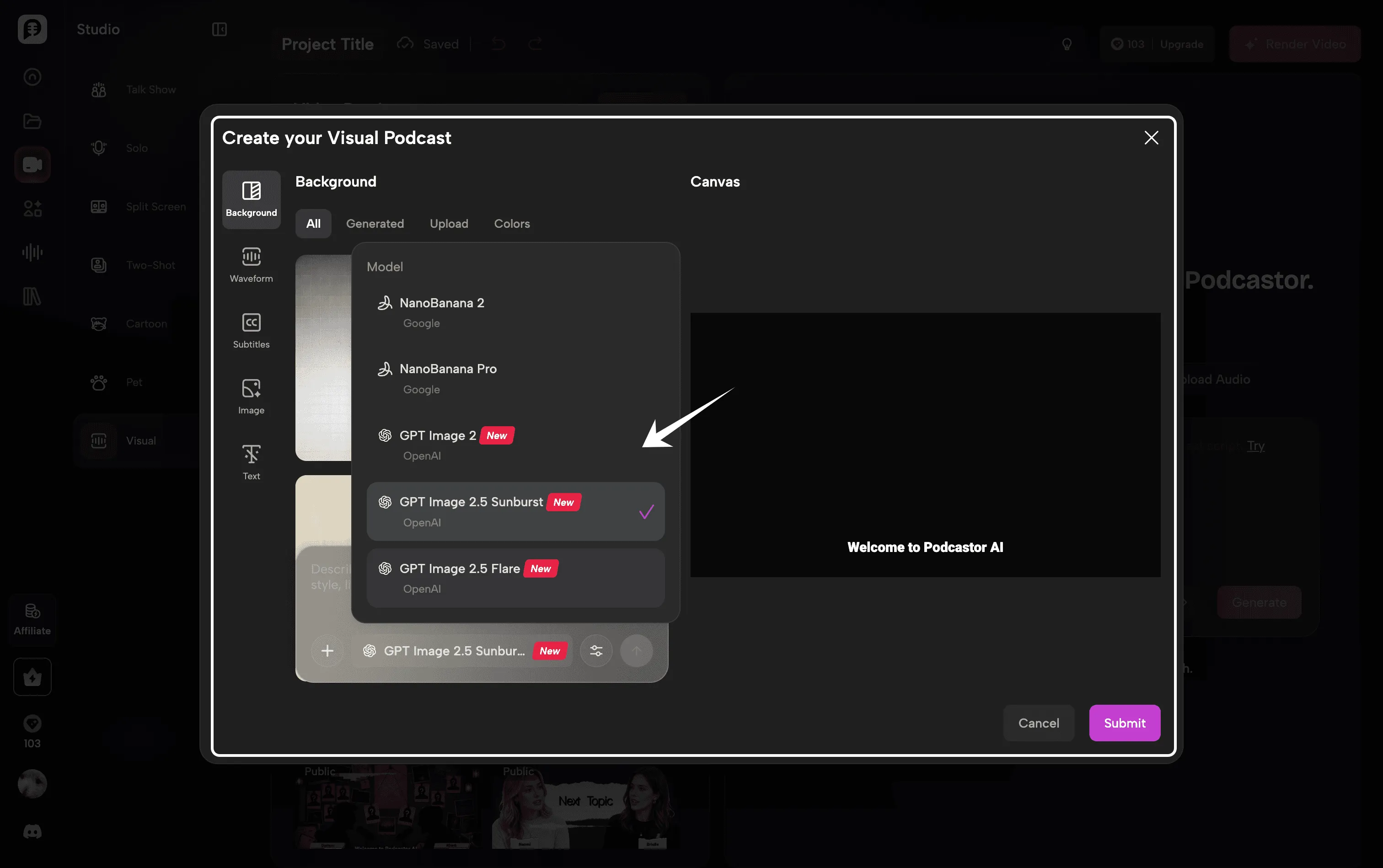
Visual Podcast generation
-
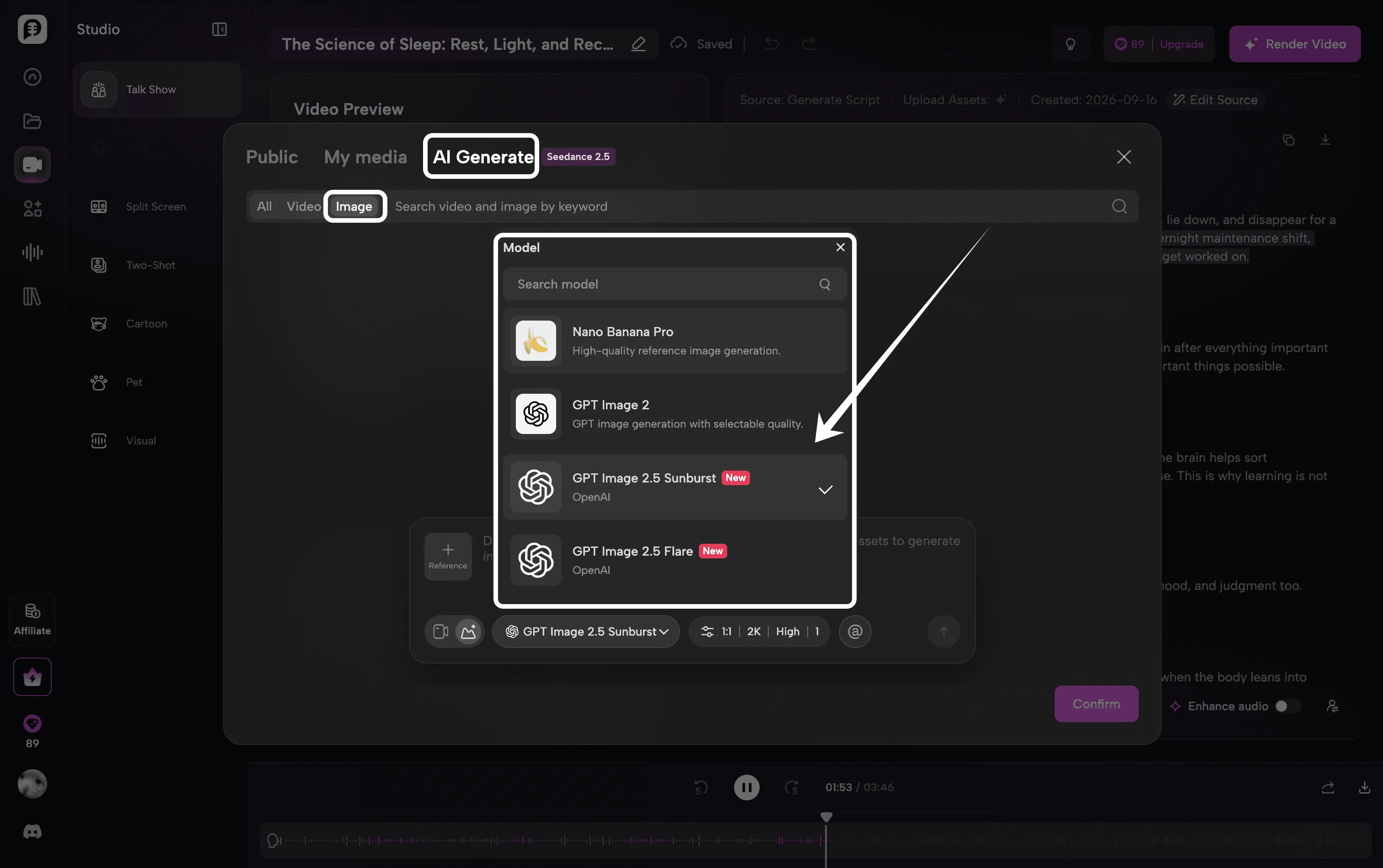
AI-generated B-roll
The goal is simple: help creators move from an idea, document, URL, script, or recording to a more complete visual podcast without building every image asset separately.
What Is GPT Image 2.5?
GPT Image 2.5 is OpenAI’s latest image generation and editing model. According to OpenAI’s official GPT Image 2.5 prompting guide, the model improves precise editing and subject preservation while supporting more controlled image generation and refinement.
GPT Image 2.5 supports image generation, image editing, reference images, custom output sizes, and transparent backgrounds. More technical details are available in the official OpenAI image generation guide.
These improvements matter for podcast production because visual assets rarely exist in isolation. A creator may need the same host to remain recognizable across a profile image, a studio scene, an episode cover, and multiple supporting visuals. Better instruction following and subject preservation make that workflow more practical.
What Has Changed in PodcastorAI?
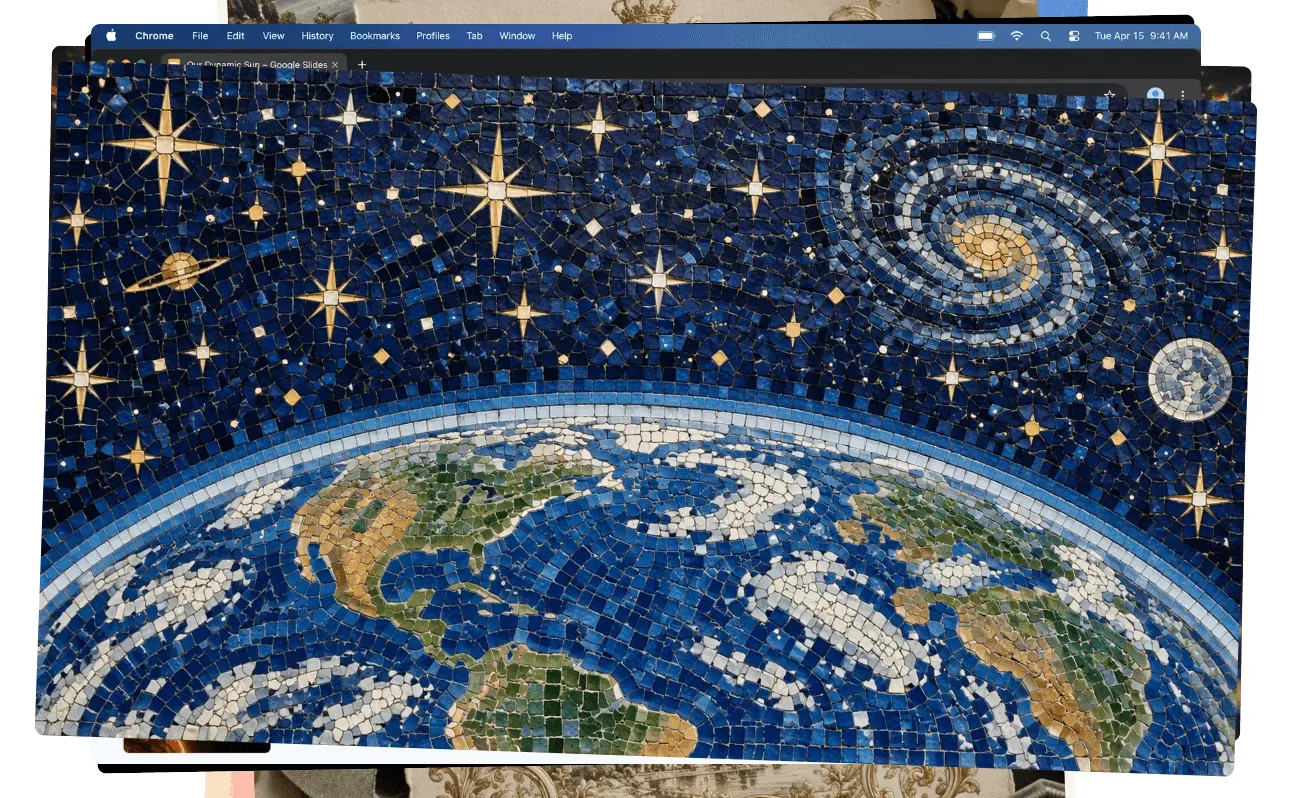
PodcastorAI already helps creators turn topics, PDFs, webpages, documents, scripts, and recordings into structured audio and video podcasts. The GPT Image 2.5 update strengthens the visual layer of that workflow.
Instead of treating image generation as a separate creative task, PodcastorAI can use it at the points where a podcast actually needs visual assets.
| Podcast creation task | What the GPT Image 2.5 update improves | Why it matters |
|---|---|---|
| AI host creation | More detailed, natural, and reference-aware host images | Build a more recognizable on-screen identity |
| Cover and main visual | Better prompt understanding, composition, and visual styling | Create an episode visual that matches the topic and format |
| Visual Podcast | More relevant scene imagery and more coherent visual direction | Turn an audio-first episode into a more watchable format |
| B-roll generation | Faster creation of supporting images for individual segments | Add visual context without searching stock libraries manually |
1. Create a More Distinctive AI Podcast Host
An AI host is more than a face on screen. It can become the recurring visual identity of a podcast, YouTube channel, educational series, or branded show.
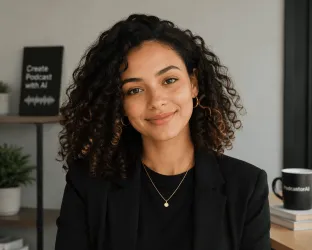
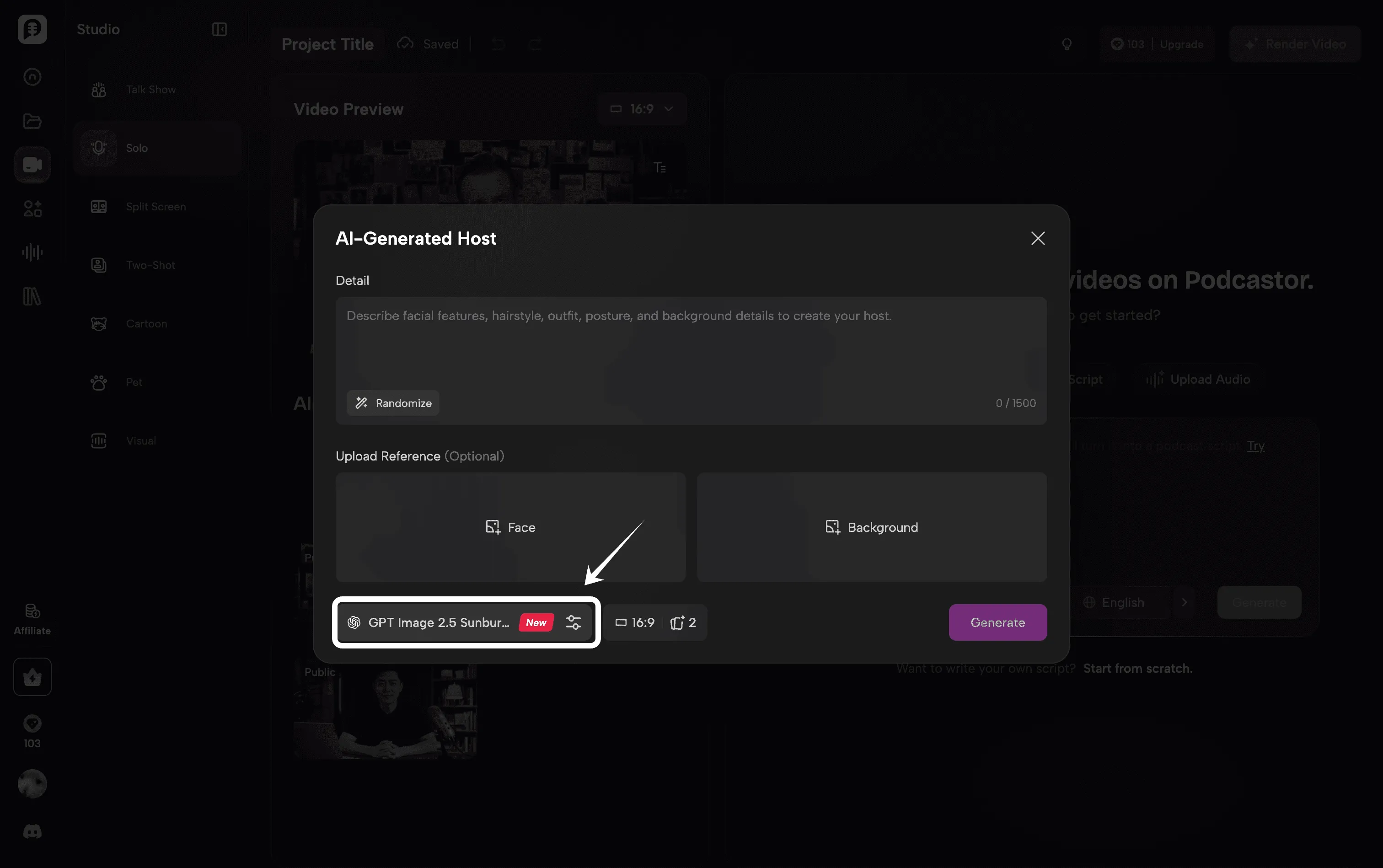
With PodcastorAI, creators can choose an existing host or create a custom host from a prompt or reference image. GPT Image 2.5 improves this process by producing more natural lighting, richer textures, and better preservation of important subject details.
This is especially useful when you want to:
-
Turn your own portrait into an AI podcast host
-
Create a fictional presenter for a faceless channel
-
Develop a teacher, expert, interviewer, cartoon character, or branded mascot
-
Explore different clothing, settings, or visual styles while keeping the same core identity
-
Generate host assets with a transparent background for more flexible layouts
The image model creates or edits the host’s visual appearance. PodcastorAI then connects that host with the script, selected AI voice, layout, subtitles, and video rendering workflow. This distinction matters: GPT Image 2.5 is the image engine, while PodcastorAI turns the resulting asset into part of a complete podcast episode.
Why host consistency matters
A recurring host gives viewers something familiar to recognize. If the character’s face, style, or overall appearance changes dramatically from one episode to the next, the channel can feel less cohesive.
GPT Image 2.5 is designed to preserve subjects more reliably when working from reference images and across focused edits. That makes it easier to refine one element—such as the background, outfit, or framing—without unnecessarily rebuilding the entire visual identity.
2. Generate Podcast Covers and Main Visuals
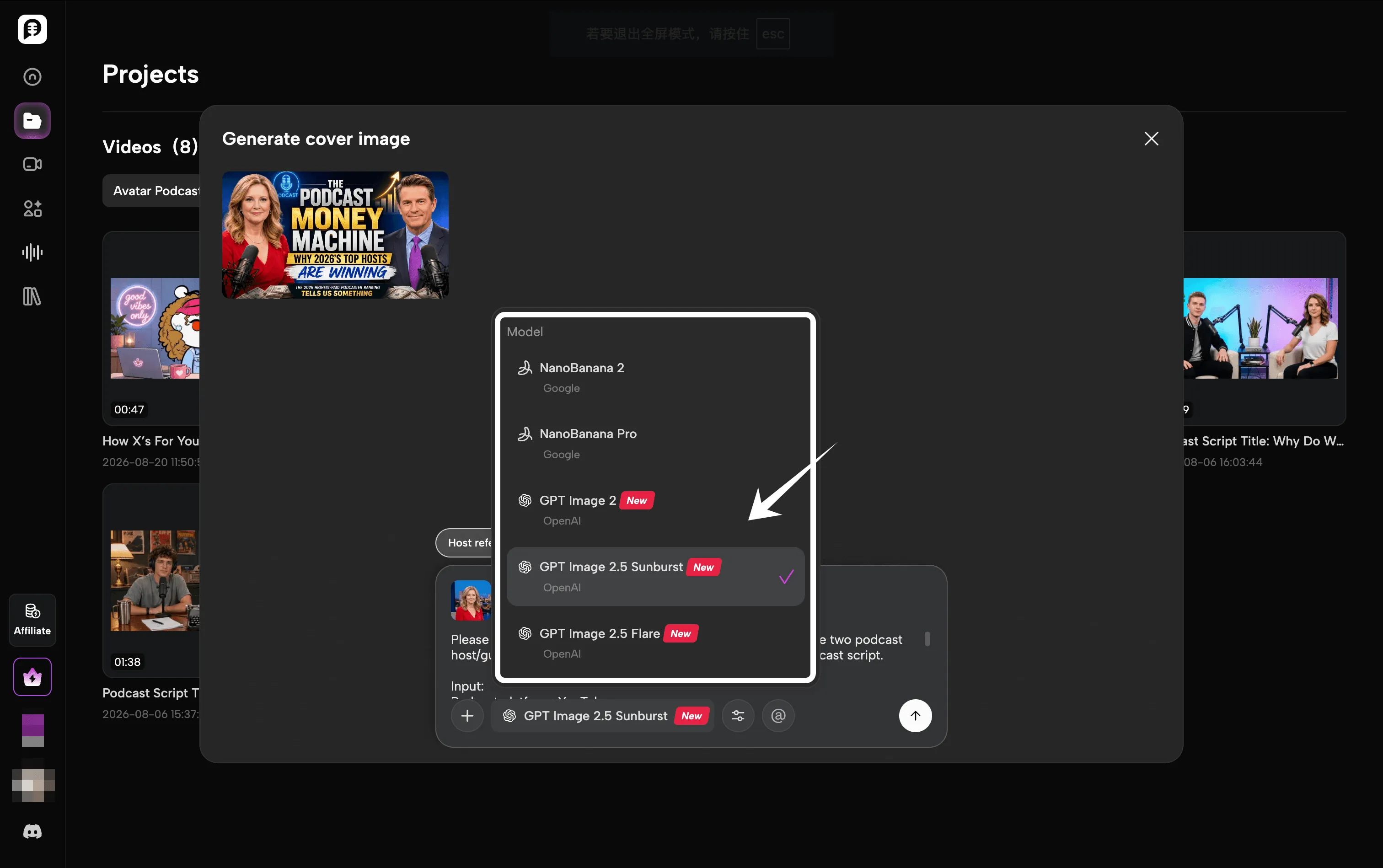
Before someone listens to an episode, they often see its cover or thumbnail first. That image has to communicate the topic quickly while still looking connected to the podcast’s overall identity.
PodcastorAI’s updated image workflow can help create a main visual based on the episode itself. Instead of starting from a blank canvas, creators can use the podcast topic, script, host, and desired style as context for the image.
Possible use cases include:
-
A 16:9 YouTube podcast thumbnail
-
A square episode cover
-
A branded background for an audio podcast video
-
A main image for a course lesson or educational podcast
-
A visual concept for a storytelling, news, interview, or true-crime episode
GPT Image 2.5 has improved understanding of complex creative instructions and layouts. It also supports custom resolutions through the API, which makes it more suitable for the different formats creators need across YouTube, podcast platforms, and social media.
Creators should still review any generated text, names, data, or factual elements before publishing. The update makes image generation more useful, but human review remains important for brand accuracy and editorial quality.
3. Build a Richer Visual Podcast
Not every creator wants a fully animated AI presenter. Sometimes the right format is a Visual Podcast: the episode keeps its audio-led structure while using a strong main image, scene visuals, captions, or other supporting graphics on screen.
This format works well for:
-
Educational explainers
-
Language-learning podcasts
-
Research and document summaries
-
Business and marketing content
-
Storytelling and true-crime episodes
-
Faceless YouTube channels
With the new image capability, PodcastorAI can produce visuals that more closely reflect the script’s subject and creative direction. A history episode can use period-inspired scenes. A language lesson can use contextual situations. A business podcast can use cleaner editorial visuals. A fictional story can establish a consistent atmosphere from one segment to the next.
The result is not simply an image added behind an audio track. The visual layer can be planned as part of the episode from the beginning.
4. Generate AI B-Roll for Key Moments
B roll gives viewers something relevant to look at while the host or narrator continues speaking. It can illustrate a location, object, process, mood, example, or transition that would otherwise exist only in the script.
The difficulty is scale. A ten minutes episode may contain many moments that could benefit from a visual cutaway. Finding suitable stock media—or generating every asset manually—takes time.
PodcastorAI’s updated B roll capability uses AI to generate supporting visuals for the content of the episode. Rather than beginning with a generic stock search, creators can produce a scene for a specific section of the script.
For example:
-
A science podcast can visualize a process that is difficult to film
-
A language-learning episode can show the real-life situation behind a dialogue
-
A marketing podcast can illustrate a customer journey or campaign concept
-
A story podcast can create locations, objects, and atmospheric cutaways
-
A faceless creator can add visual variety without recording new footage
GPT Image 2.5’s faster generation is valuable here because B-roll is iterative. Creators may want to test several compositions, change one detail, or adjust an image to fit a vertical or horizontal frame. More precise editing also makes it easier to change a specific object or setting while preserving the rest of the scene.
From Source Material to a Visual Podcast in One Workflow
The larger benefit of this update is not one isolated image feature. It is the connection between visual generation and the rest of the podcast production process.
Here is a typical PodcastorAI workflow:
-
Add your content. Start with a topic, URL, PDF, document, notes, finished script, or existing recording.
-
Generate and review the script. Choose a Solo, Interview, Talk Show, or other supported format, then edit the wording and structure.
-
Choose or create an AI host. Select a built-in host, upload a reference, or generate a custom visual identity.
-
Create the audio. Choose, design, or clone a voice and generate the episode audio.
-
Set the visual direction. Generate a cover, main visual, host background, or scene style that matches the episode.
-
Add AI-generated B-roll. Create supporting visuals for key parts of the script.
-
Render and export. Combine the script, audio, host, subtitles, visual layout, and B-roll into a publishable podcast video.
This means creators do not have to treat writing, audio, image generation, and video production as four unrelated projects.
Who Is This Update For?
YouTube podcasters
Create a more recognizable host, stronger thumbnails, and relevant B-roll without planning a traditional studio shoot for every episode.
Educators and course creators
Turn lessons, PDFs, notes, and research materials into audio or video episodes with a teacher-style AI host and visuals that support the explanation.
Faceless creators
Build a repeatable visual format without appearing on camera. Use a fictional host, stylized presenter, cartoon character, pet, or image-led podcast layout.
Marketing teams
Repurpose reports, webpages, product information, and thought-leadership content into branded podcast episodes with custom visual assets.
Storytelling creators
Generate locations, moods, characters, and cutaways that help an audience follow the story without requiring original filming for every scene.
Start Creating With GPT Image 2.5 in PodcastorAI
A podcast idea can now become more than a script and an audio file. With the latest PodcastorAI update, the same project can also include a custom AI host, a main visual, a visual podcast layout, and AI-generated B-roll.
Whether you are building a YouTube show, a faceless content channel, an educational series, or a branded podcast, you can develop the episode’s sound and visual identity in one connected workflow.