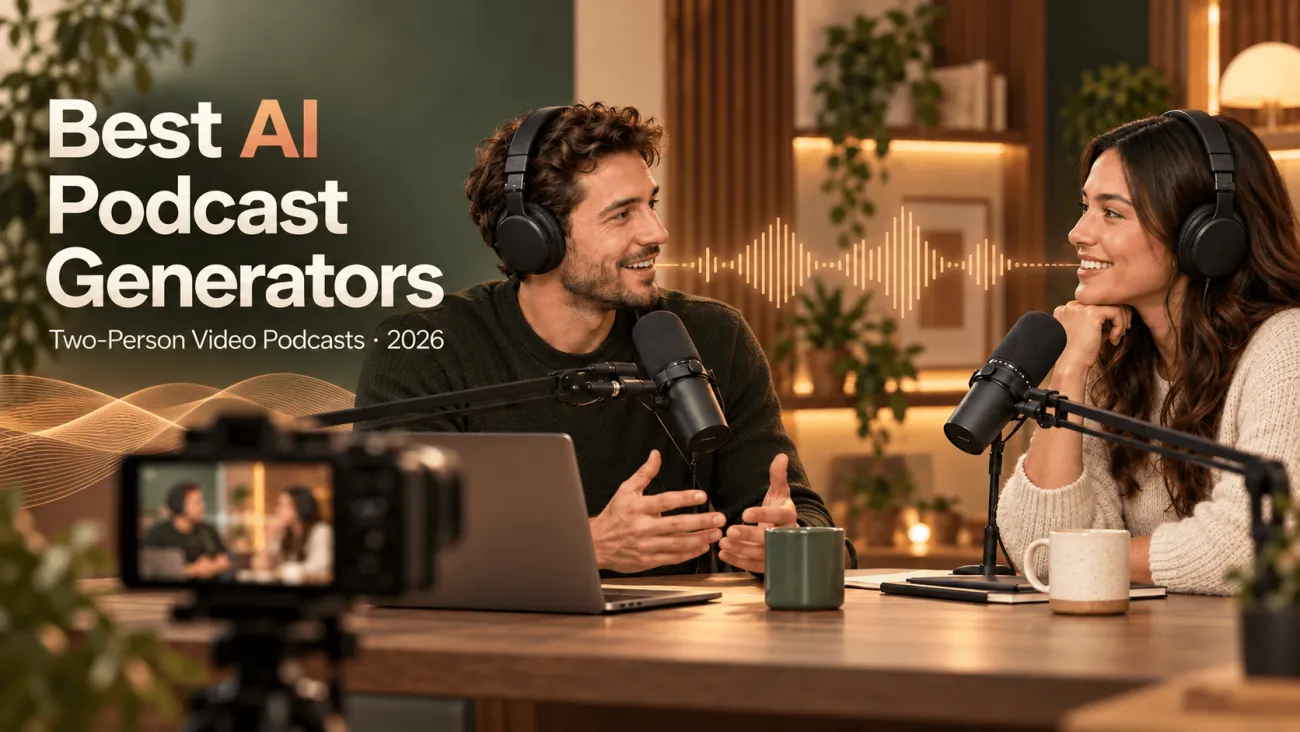

You have a topic for a two-person podcast, but no co-host to schedule, no studio, and no interest in filming yourself. The best AI podcast generators for this situation need to do more than produce two voices. You need a conversation you can edit, hosts you can recognize, and a video format you can use again next week.
Choose based on the part of production that matters most to you:
-
Choose PodcastorAI if you want to turn existing content into a two-host video podcast, edit the dialogue, customize the hosts, and reuse their identities and layouts across episodes.
-
Choose Jellypod if podcast hosting, RSS distribution, and recurring publication matter most.
-
Choose Wondercraft if you want timeline editing to combine dialogue with visuals, music, and other media.
-
Choose Higgsfield if you already have an episode or script and want short host videos, clips, and promotional assets.
This guide explains where each fits, what to check before you pay, and how to make a short two-host pilot without recording either speaker.
Quick Comparison: Which Tool Fits Your Two-Host Show?
Start with the episode you want viewers to see. Two people talking in a podcast set, an illustrated discussion, and a narrated presentation need different production tools.
| Tool | Choose it when you want… | Key features | Check before you pay |
|---|---|---|---|
| PodcastorAI | A two-host video podcast built from your topic, document, article, or script | Editable dialogue, AI voices, reusable image-based hosts, Talk Show and Two-Shot formats, audio and video creation | Custom visual-host creation depends on the plan. The trial limits individual videos to two minutes. Plan for separate podcast hosting. |
| Jellypod | A recurring show with hosting, distribution, and optional illustrated video | Editable scripts, up to four voice characters, visual styles, podcast website, RSS feed, and distribution | Its illustrated video is a different format from two realistic hosts sharing a studio frame. Free accounts can preview; exporting requires a trial or paid plan. |
| Wondercraft | An edited production combining dialogue, visuals, music, and other media | Podcast generation, voice direction, a video timeline, avatars, captions, and team workflows | Preview the exact two-host scene you need before choosing a plan. Check the number of custom characters included. |
| Higgsfield | Short host clips, episode teasers, and promotional videos | Podcast clipping, short talking-host videos, covers, and localization | Its current FAQ does not offer a full episode-length conversation between two AI hosts. Bring an existing episode or script. |
If your goal is two visible AI hosts discussing your content, start with PodcastorAI’s AI video podcast generator. Use a short sample to check the conversation and appearance before producing a full episode.
Four AI Podcast Generators Compared by Workflow
These four tools cover different parts of making and sharing a two-host show. Compare the complete episode you need with the clips and other assets you want to make from it.
1. PodcastorAI: Our Pick for Two Visible Hosts Without Filming
PodcastorAI is the closest fit here when you want two on-screen hosts to lead the show. Its AI podcast host tool lets you create reusable host identities from images, assign voices, and use them in supported podcast formats.
Start with what the hosts will discuss. Bring a topic, URL, PDF, document, script, or recording, then check the dialogue before you make the episode. Your source may already have a clear point, useful examples, and facts you need to keep.
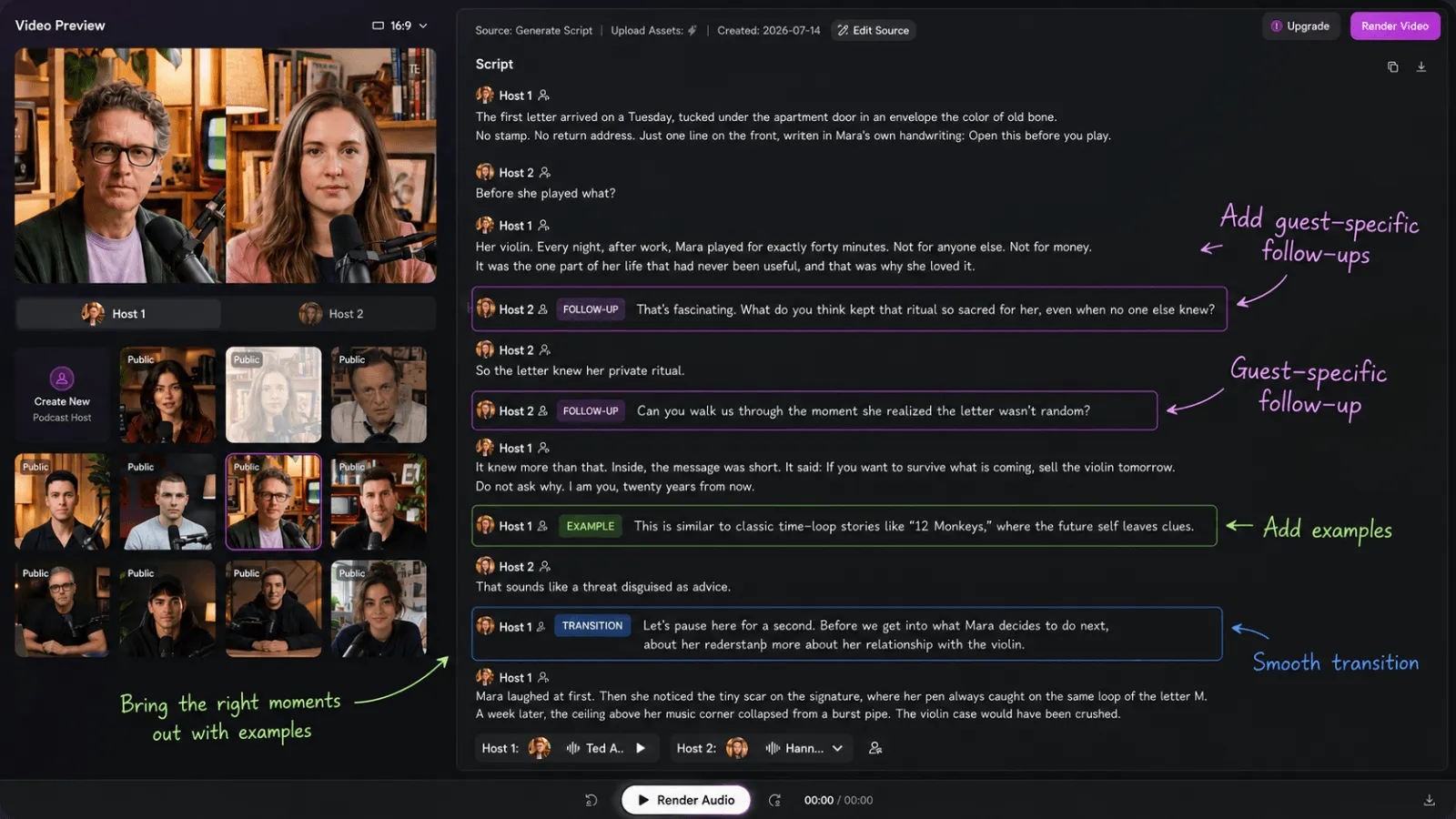
Imagine turning a blog post about remote-team onboarding into a weekly show. One host explains the approach; the second asks how a small team would use it. You can check the script, pick voices, and choose how it looks without writing it again in a separate video tool.
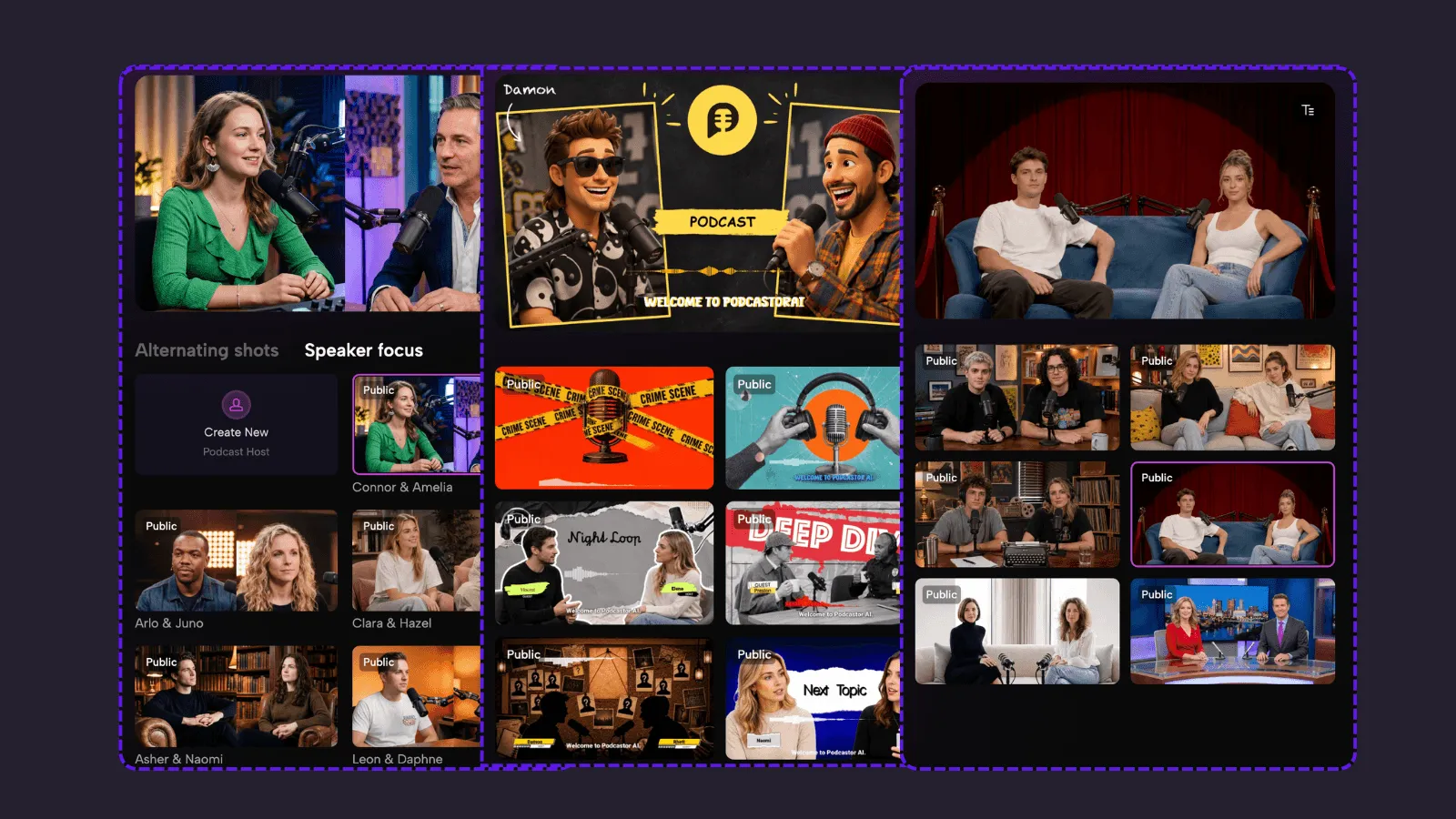
What makes it relevant to two-person video podcasts
-
Podcast layouts: Talk Show, Split Screen, and Two-Shot options give you formats to evaluate for a two-host episode.
-
Reusable visual hosts: Create a host identity from an image and pair it with a voice for future episodes, subject to plan access.
-
Script review: Correct the dialogue and speaker assignments before spending credits on the final output.
-
Audio and video production: Approve the conversation as audio, then continue into the visual version.
2. Jellypod
Try Jellypod when your main goal is to keep a show running. Write the next episode, reuse its characters, edit the dialogue, and publish through the same feed.
Its AI podcast generator accepts notes, documents, links, and topics. You can cast up to four hosts, review the script, and re-voice individual lines. Its platform also includes a podcast website, hosting, distribution, and analytics.
That suits a two-host history series, for example. You can keep the same characters across episodes, bring in new sources, and publish the next discussion without arranging a separate hosting subscription.
Where its video workflow differs
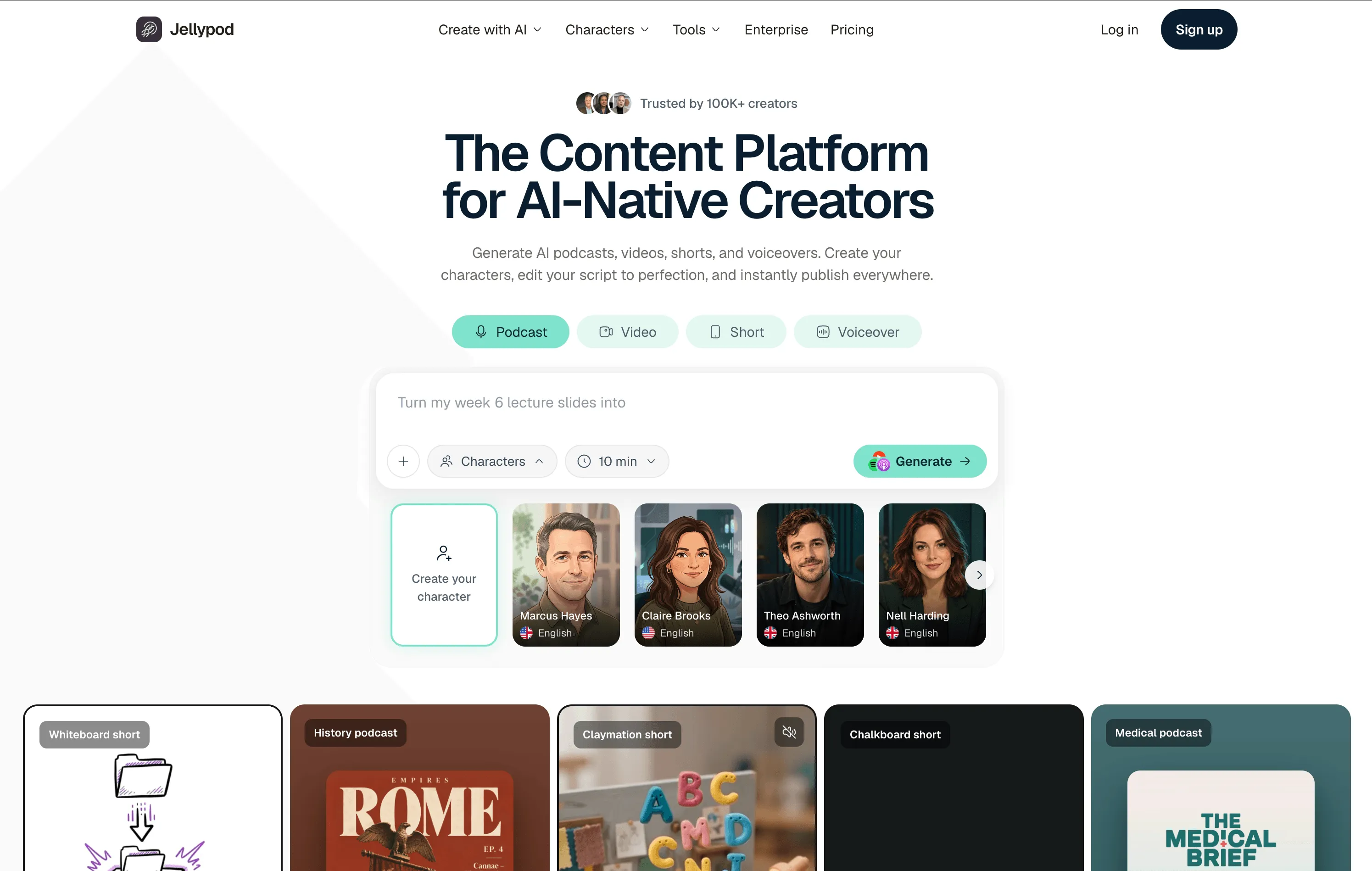
Jellypod’s current homepage showcases illustrated video and visual styles such as whiteboard explainers, claymation, and motion comics. Those formats can support a discussion without requiring realistic talking heads.
They are not the same visual result as two lifelike presenters sitting across a podcast desk. If that is your requirement, evaluate a sample with both hosts before choosing it. Two voices do not tell you how the hosts will appear on screen. Check that part of the trial, too.
3. Wondercraft
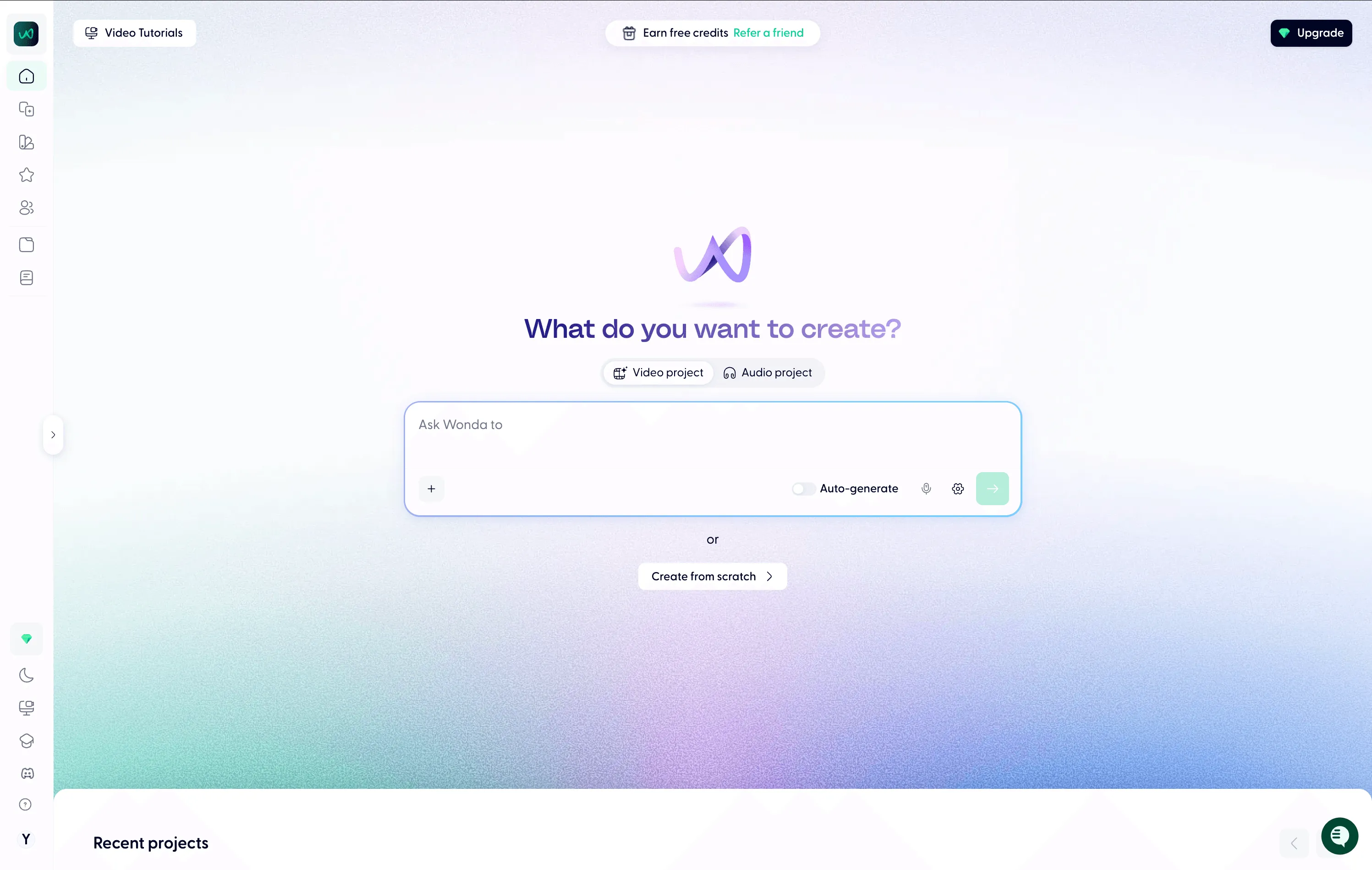
Try Wondercraft when you need to edit the sound and picture around the dialogue. Its podcast generator supports scripts, voice selection, delivery adjustments, music, and sound effects. Its broader platform adds a video editor and other creative tools.
Consider a product-education episode. Two voices discuss a feature, while the video moves between screenshots, diagrams, captions, and a presenter. That project benefits from control over what appears during each part of the conversation.
4. Higgsfield
Choose Higgsfield when you already have an episode or script and want to create video content around it. It describes clipping, short talking-host videos, teasers, covers, and localization.
For example, a two-host business show could use a short talking-host clip to announce the next topic, then cut a strong moment from the published episode for social media. That gives viewers a way to discover the show without watching the full discussion first.
What makes it relevant to a podcast workflow
-
Episode clips: Turn existing podcast content into short vertical videos for social channels.
-
Talking-host videos: Generate short host appearances for intros, announcements, or ads.
-
Covers and localization: Create promotional images and adapt clips for other audiences.
Start With a Short Two-Host Pilot
Choose one topic, give each host a clear role, and produce a 60–90 second episode. Check the script, voices, host appearance, layout, and export before committing to a weekly show.
If you want two AI hosts presenting your material without filming, create your first two-person video podcast with PodcastorAI. Start with a source you already know well, so you can spend the pilot judging the conversation and the final video.