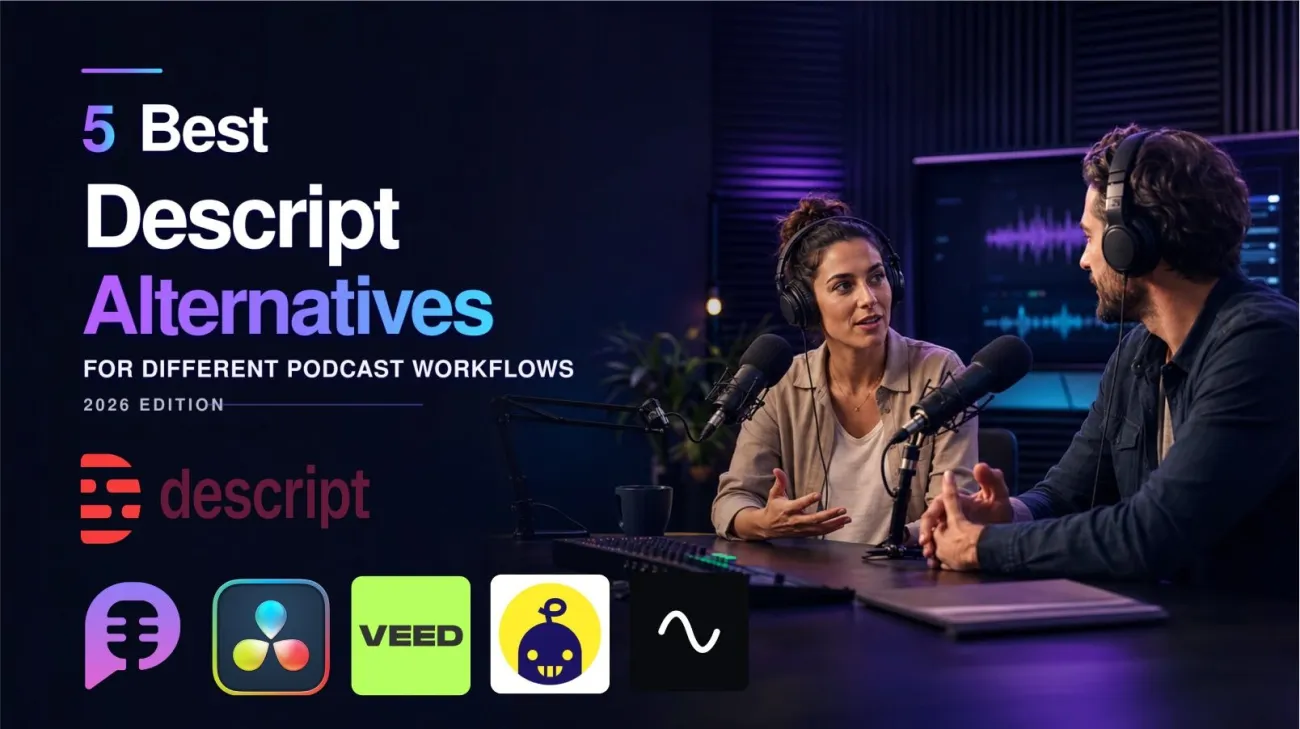

Looking for the best Descript alternative? The right choice depends on the part of your podcast workflow you want to replace. Descript remains a strong transcript-based editor, but remote recording, simple podcast production, professional post-production, social repurposing, and AI podcast generation each favor different tools.
This guide compares five Descript alternatives for podcasters: Riverside, Alitu, DaVinci Resolve, VEED, and PodcastorAI. We focus on workflow fit, recording requirements, editing depth, audio and video output, current pricing, and the tradeoffs involved in switching.
Short answer: Riverside is the best fit for remote recording, Alitu for a simple record-to-publish workflow, DaVinci Resolve for professional editing, VEED for browser-based social video, and PodcastorAI for finishing a video podcast with your own AI host without filming. If Descript already handles your main job well, switching may not save time.
Quick Comparison: 5 Descript Alternatives by Workflow
| Tool | Best For | Starting Price | Standout Strength | Main Tradeoff |
|---|---|---|---|---|
| PodcastorAI | AI-hosted video podcasts without filming | Free trial; paid from $9.99/month; custom hosts from $26/month | Your image and voice become a reusable host for complete solo or two-host episodes | No remote recording or detailed multitrack editing |
| Riverside | Remote interview recording | Free; Pro $24/month annually or $29 monthly | Locally recorded separate tracks and strong remote capture | Less precise than a professional timeline editor |
| Alitu | Beginner-friendly podcast production | $38/month or $32/month annually | Recording, cleanup, editing, hosting, and publishing in one tool | Limited advanced multitrack control |
| DaVinci Resolve | Professional audio and video post-production | Free; Studio $295 one time | Deep timeline, color, audio, multicam, and collaboration tools | Steep learning curve; text-based editing is a Studio feature |
| VEED | Fast browser-based and social video editing | Free to try; Creator $10/month annually | Templates, captions, clips, and easy online editing | Less suited to complex long-form podcast editing |
How We Chose the Best Descript Alternatives
This is a workflow-based comparison, not a universal ranking. Each product was selected for a distinct podcast production job: remote recording, simplified production, professional post-production, browser-based social video, or AI-hosted video podcast production.
We tested each tool through the workflow it is designed to handle. This included remote interview recording, record-to-publish podcast production, detailed audio and video post-production, browser-based social clip creation, and AI-hosted video podcast production from source content or existing audio. We evaluated workflow fit, recording requirements, editing depth, output quality, ease of use, pricing, and the practical tradeoffs involved in switching from Descript.
Current features and prices were verified against each product’s official documentation. We also reviewed discussions from r/podcasting and r/editors to understand the recurring workflow problems, strengths, and limitations reported by podcasters and professional editors.
Because these products solve different problems, we recommend each one for a specific workflow instead of assigning a universal score.
What Descript Does Well in 2026
Before choosing an alternative, it is worth being clear about what Descript has become.
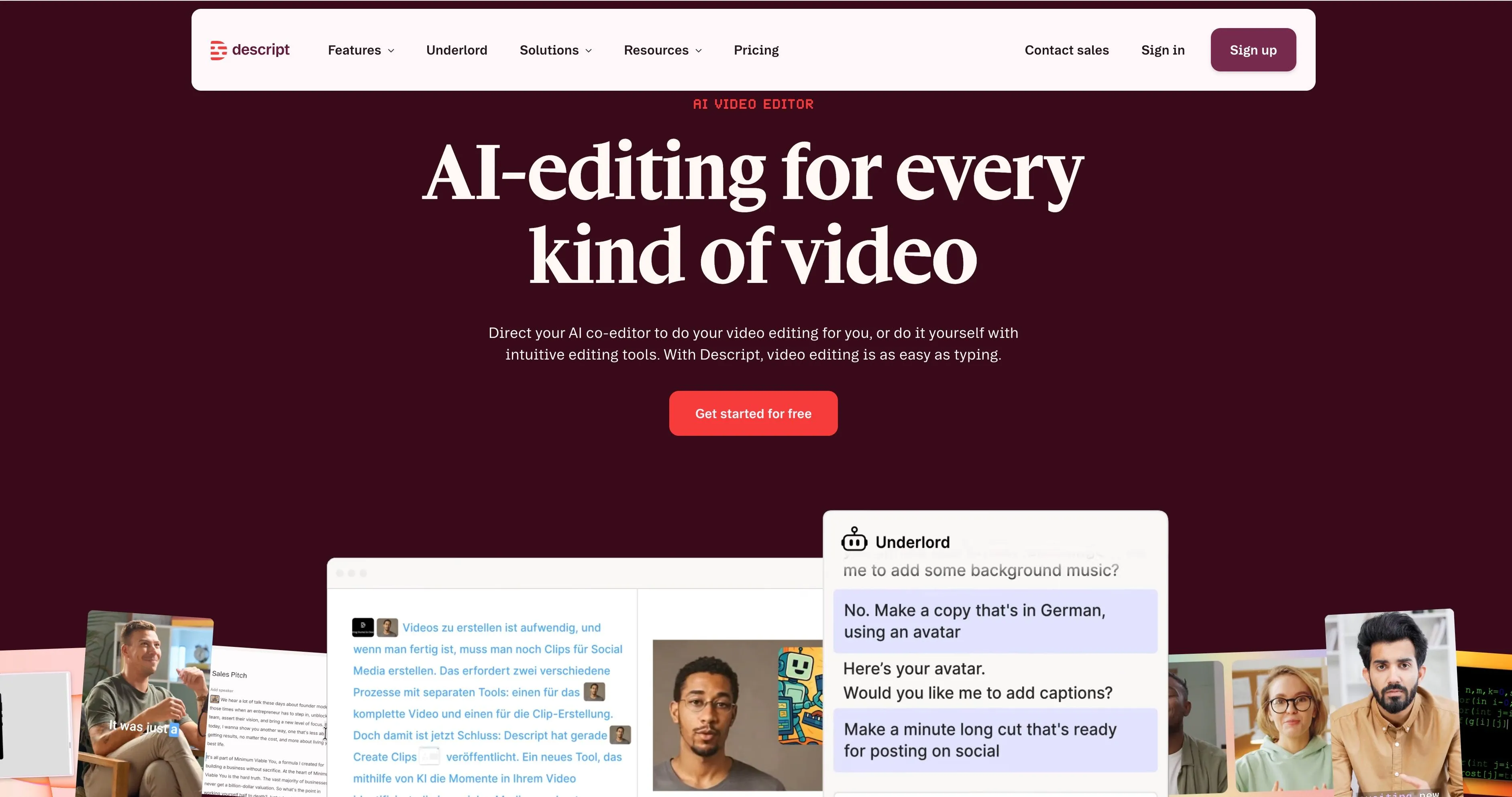
Descript is no longer just a transcript editor. It combines recording, transcription, text-based audio and video editing, multitrack projects, filler-word removal, Studio Sound, clips, captions, AI speech, custom voice clones, generative media, and AI avatars. Its current paid plans also include Underlord, an AI co-editor.
Descript’s official pricing currently lists:
-
Free: Limited media processing and AI access
-
Hobbyist: $16 per person per month when billed annually, or $24 monthly
-
Creator: $24 per person per month when billed annually, or $35 monthly
-
Business: $50 per person per month when billed annually, or $65 monthly
See the current Descript pricing page for exact limits.
For creators who already record audio or video and want a mature transcript-led editor, Descript remains a strong choice. Its editing workflow is more developed than many newer browser-based competitors, and it can handle more of the post-production process than a single-purpose podcast tool.
Why Look for a Descript Alternative?
1. Text-based editing is now widely available
Editing media by deleting words from a transcript was once Descript’s defining advantage. Today, Riverside, Alitu, VEED, professional editors, and several specialist tools offer some form of transcript-based editing. The feature still saves time, but it is no longer enough by itself to determine which platform is best.
2. The product can feel more complex than the original idea
Recent creator and editor discussions repeatedly mention feature growth, interface changes, bugs, or frustration with an increasingly opinionated workflow. This does not mean Descript is universally unreliable. Many long-term users still recommend it. But creators who only need one specific job may prefer a more focused tool.
3. AI credits add another usage limit to manage
Descript uses AI credits for features such as Underlord, Studio Sound, filler-word removal, AI speech, avatars, and generated media. That is reasonable for compute-heavy features, but frequent users need to track both media limits and AI-credit consumption.
4. Recording, editing, and generation are different jobs
A remote interview show needs reliable guest capture and separate local tracks. A narrative video podcast may need detailed timeline, multicam, audio, and color tools. A faceless creator may not need a recorder or conventional editor at all.
The best alternative is usually the product that specializes in your main job.
5. Some creators want to skip recording
Traditional podcast software assumes you will record human hosts first and edit the result afterward. That is not the only production model anymore.
If your starting point is a topic, blog post, PDF, script, or existing audio episode—and your goal is a host-led video podcast—an AI-native production workflow can remove the need for cameras, microphones, reshoots, and manual video assembly.
PodcastorAI: Best Descript Alternative for AI-Hosted Video Podcasts
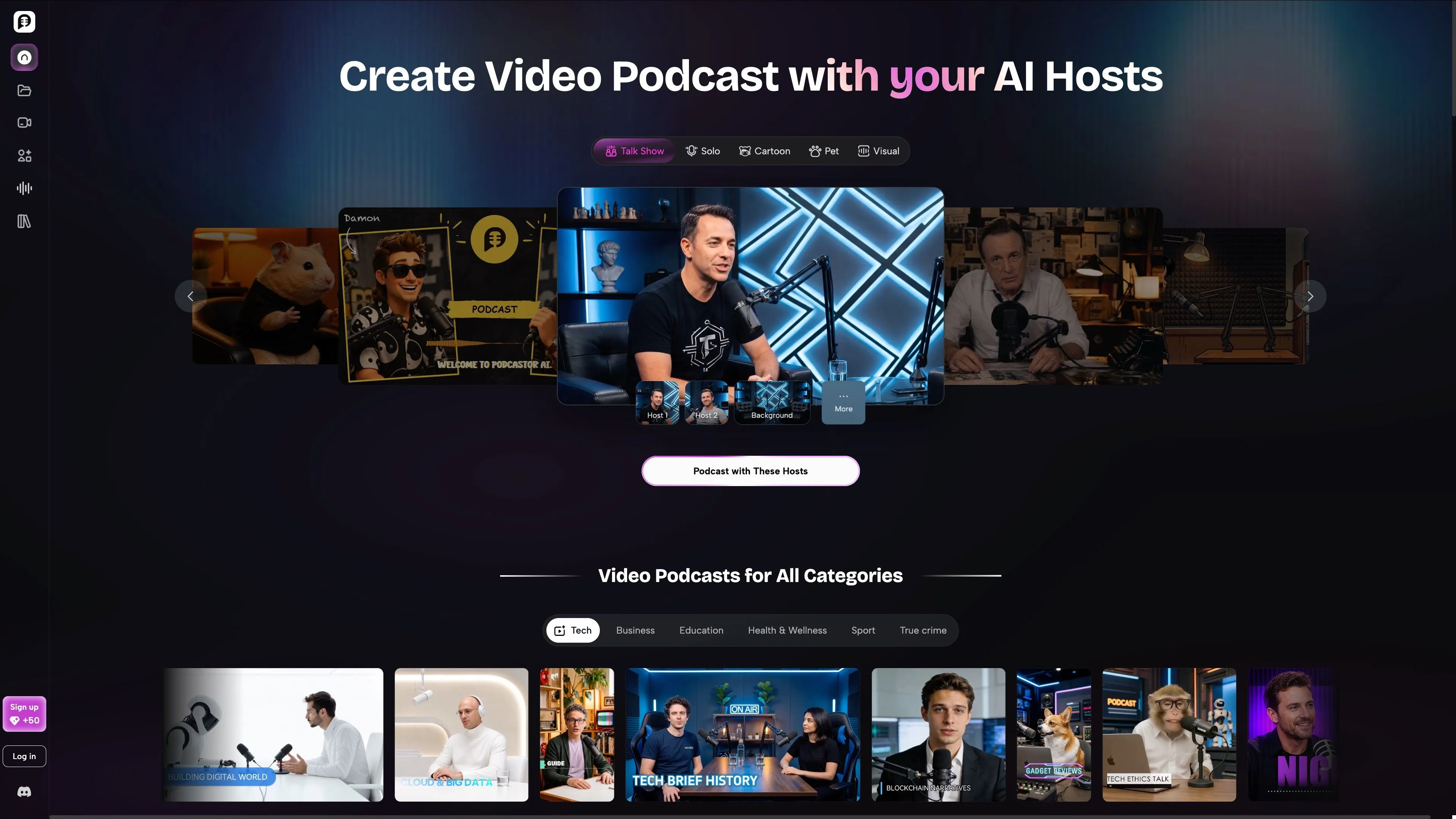
Best for: Creators, founders, educators, true-crime podcasters, and audio-first creators who want to turn source material or recorded audio into an AI-hosted video podcast without filming
Starting price: Free trial; paid plans start at $9.99/month, while custom AI-host creation starts with the $26/month Video Starter plan
Different from Descript because: Descript primarily helps you edit media you have recorded, while PodcastorAI turns source content or existing audio into a complete, host-led video podcast without cameras
What Makes PodcastorAI Different
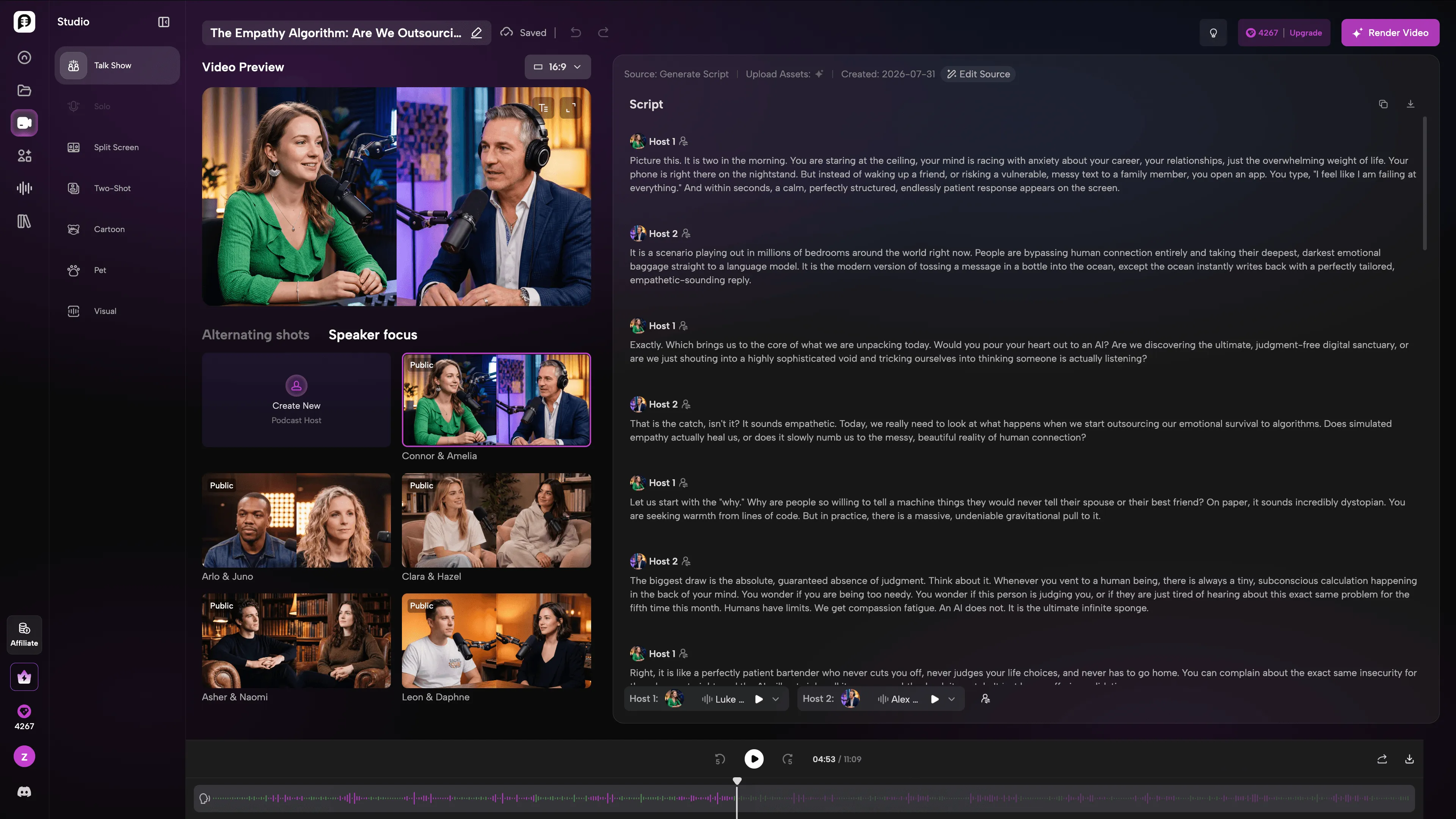
PodcastorAI is an AI Video Podcast Studio built for creators who want to produce a complete episode without recording themselves on camera. It can start from a topic, URL, PDF, document, finished script, or existing audio episode and turn that material into an editable solo or structured two-host podcast.
Inside one project, creators can generate or import a script, revise the spoken content, choose or clone voices, add reusable AI hosts, select podcast layouts, create captions, and render the finished episode. Output options include audio podcasts, image-and-waveform visual podcasts, and host-led video podcasts in horizontal or vertical formats.
For a recurring show, creators can upload an image to build a custom AI host and pair it with a cloned voice. Premade digital humans, cartoon characters, and pet hosts are also available. The same host, voice, background, and visual identity can then be reused across episodes. Creating a digital twin requires the person’s explicit consent.
PodcastorAI also includes:
-
Editable solo narration and structured two-host conversations
-
Custom AI hosts created from an uploaded image
-
Voice cloning and separate voice selection for each host
-
Editable dialogue, wording, pacing, and pauses
-
Solo, Talk Show, Speaker Focus, Alternating Shots, Two-Shot, and Split-Screen layouts
-
Captions, reusable backgrounds, images, and waveform-based visual formats
-
Existing-audio-to-video conversion without re-recording
-
Horizontal and vertical video output
The main advantage is workflow continuity. Instead of moving between a script generator, voice platform, avatar tool, caption editor, and video renderer, creators can manage the episode inside one project. This makes PodcastorAI a focused Descript alternative for producing a new video podcast rather than editing footage that has already been recorded.
That specialization also defines its limitations. Descript remains better suited to detailed editing of human-recorded interviews and multitrack media. PodcastorAI does not include remote guest recording, and its two-host conversations currently use structured speaking turns rather than overlapping speech or natural interruptions.
PodcastorAI Pros
-
Turns topics, URLs, PDFs, documents, scripts, or existing audio into complete solo or two-host podcast episodes
-
Uses GPT-5.6 for dialogue and script generation and GPT Image 2 for generating character artwork that can be used as a podcast host
-
Provides MiniMax and ElevenLabs voice models for multilingual podcast creation, voice cloning, and distinct voices for each host
-
Applies AI lip-sync technology to match a host’s mouth movements with generated or uploaded audio
-
Creates reusable AI hosts that can maintain the same voice and visual identity across a podcast series
-
Keeps scripts, voices, hosts, captions, backgrounds, layouts, and rendering inside one production workflow
-
Converts an existing audio podcast into an AI-hosted or image-and-waveform video without requiring a new recording
-
Produces horizontal and vertical video podcasts without a camera, recording studio, or conventional production team
PodcastorAI Cons
-
Not designed for detailed multitrack editing of human-recorded interviews
-
Does not include built-in remote guest recording
-
Two-host dialogue is turn-based; overlapping speech and natural interruptions are not currently supported
-
Fine-grained control over host reactions, emotion, and body language is still in development
-
Vertical output is a complete episode layout rather than automatic AI-generated short clips
-
Credit limits and plan-based maximum video lengths of 2 to 30 minutes require additional planning for longer episodes
Try PodcastorAI Here.
Riverside: Best for Remote Podcast Recording
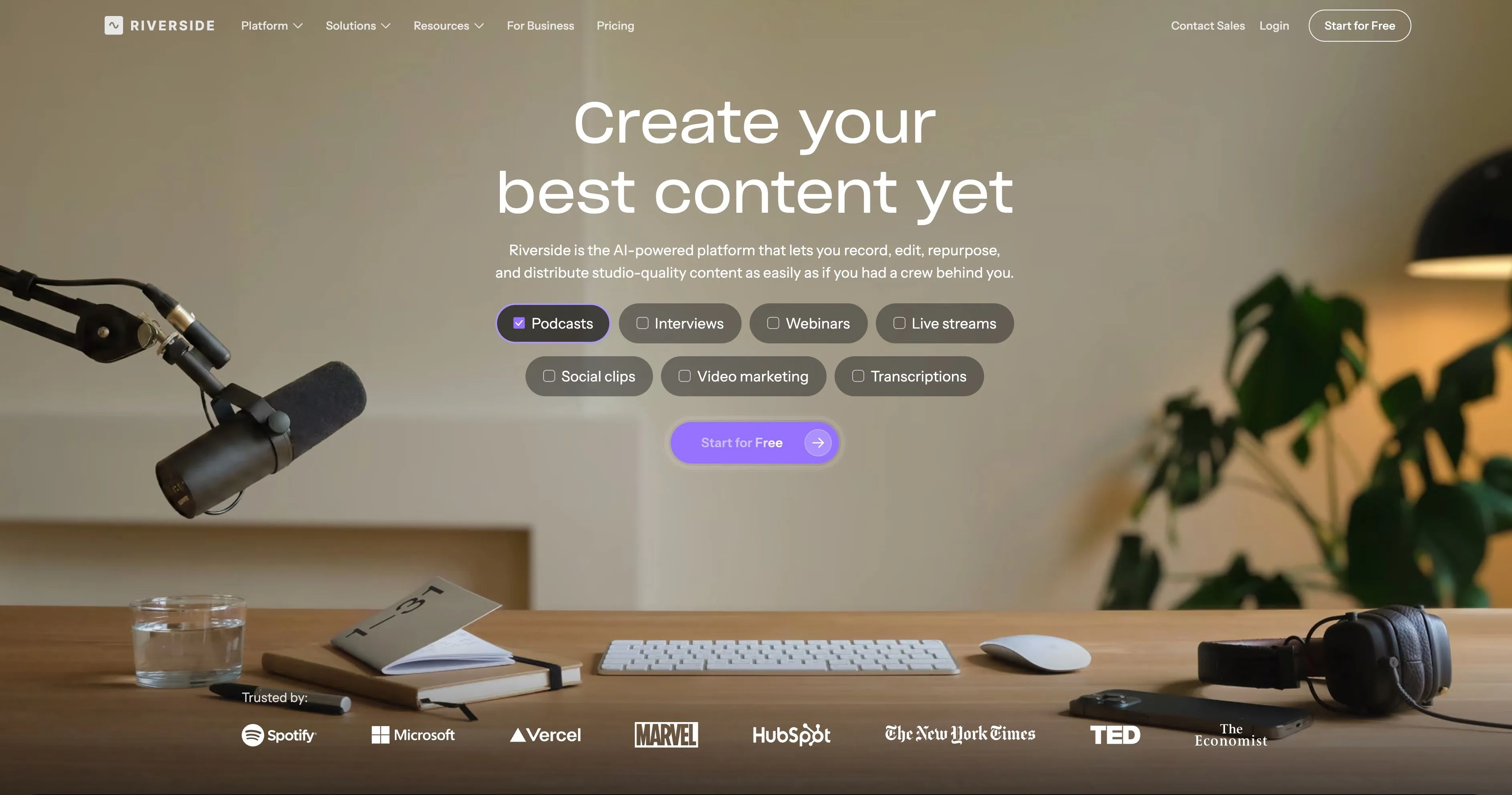
Best for: Interview podcasters who need reliable remote audio and video capture
Starting price: Free; Pro costs $24/month when billed annually or $29 month-to-month
Different from Descript because: Recording quality and remote guest capture are the center of the product
Riverside records each participant’s audio and video locally on their device, then uploads the high-quality tracks to the project. A temporary internet problem can affect the live call, but it does not have to destroy the final recording.
That makes Riverside one of the clearest Descript alternatives for remote interview shows.
Riverside also includes:
-
Separate audio and video tracks
-
Up to 4K video and 48 kHz audio on Pro
-
Text-based editing
-
Automated silence and filler-word removal
-
AI B-roll and eye-contact tools
-
Magic Clips and show notes
-
Captions and layouts
-
AI editing and repurposing tools
Riverside’s editor is useful, but recording remains its strongest advantage. Both specialist reviews and recent podcaster discussions tend to describe Descript’s editing as more mature, while Riverside is favored for capture quality and a simpler record-to-publish workflow.
Riverside Pros
-
Excellent remote recording workflow
-
Separate local tracks protect quality when a connection is unstable
-
Strong audio and video specifications
-
Guests can join without learning professional editing software
-
Text-based editing, clips, captions, and AI cleanup are included
Riverside Cons
-
Fine edits can feel less precise than in Descript or a professional NLE
-
Strongest when you record inside Riverside; editing imported media is less central
-
More advanced publishing and growth features require higher plans
-
Not designed to generate a complete podcast from source documents
See Riverside’s current plans.
Alitu: Best for Simple Podcast Editing and Publishing
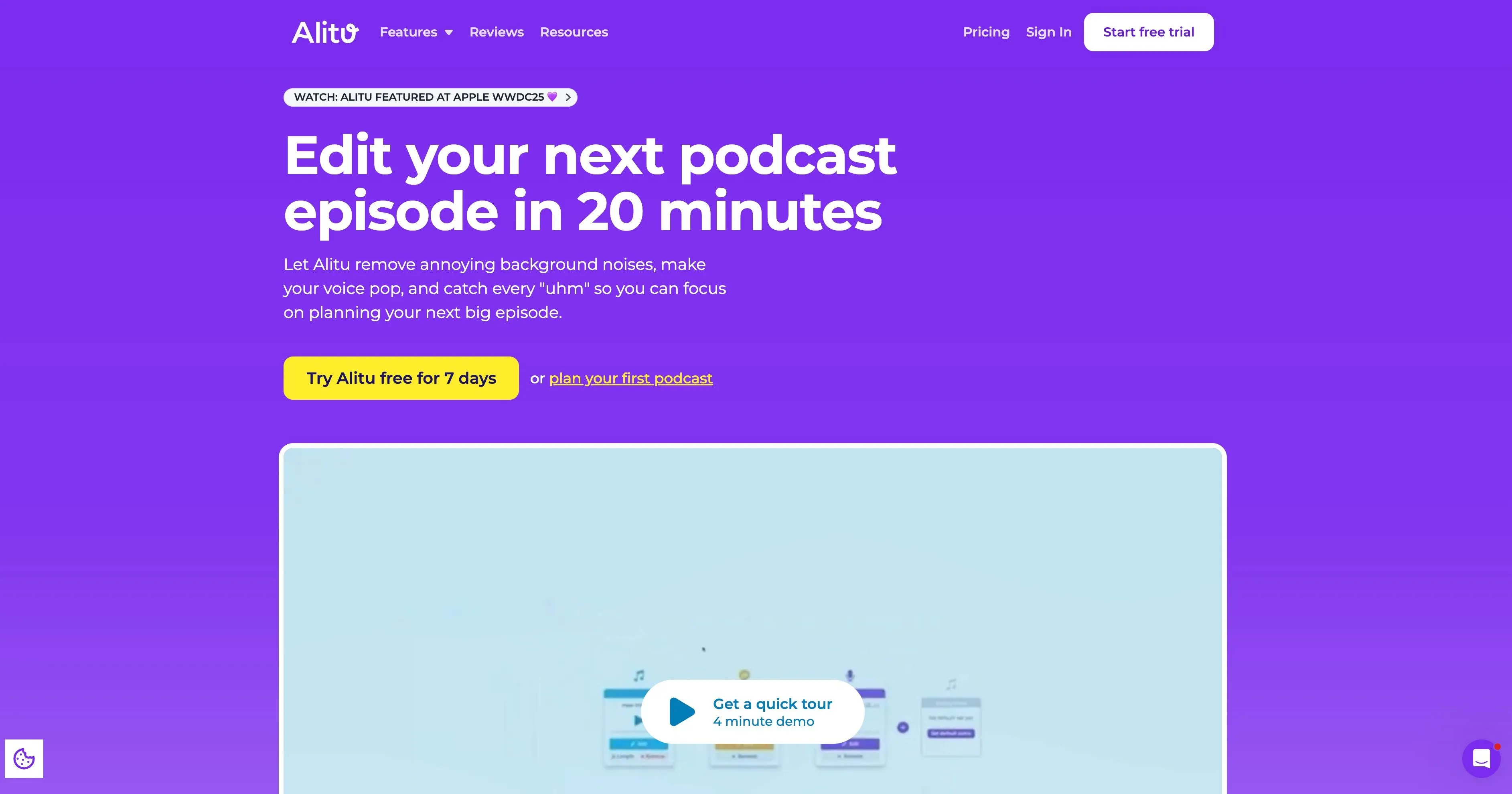
Best for: Audio podcasters who want the simplest route from recording to hosting
Starting price: $38/month or $32/month when billed annually
Different from Descript because: It is a guided, podcast-specific production and hosting tool rather than a general media editor
Alitu is designed for people who want to publish a podcast without learning a traditional digital audio workstation.
It combines:
-
Solo and call recording
-
Audio and video recording
-
Text-based and waveform editing
-
Automatic audio cleanup and leveling
-
Filler-word and silence removal
-
An episode builder for music, segments, and transitions
-
Transcription
-
Podcast hosting, scheduling, and distribution
-
A basic podcast website and analytics
The main appeal is simplicity. Instead of building a workflow from a recorder, editor, cleanup service, music library, and host, Alitu places the common steps inside one product.
This also explains its limitation. Alitu is not intended for complex multitrack productions or highly customized post-production. It helps creators finish an episode quickly, but it offers less detailed control than Descript, DaVinci Resolve, or another professional editor.
Alitu Pros
-
Built specifically for podcast production
-
Easy for beginners to learn
-
Combines recording, editing, cleanup, hosting, and publishing
-
Text and waveform editing are both available
-
Automates many repetitive audio tasks
Alitu Cons
-
Limited advanced multitrack editing
-
One all-in-one price may be less attractive if you already pay for recording or hosting
-
Less suitable for complex visual podcasts or professional video post-production
-
Requires you to record or upload the actual episode
See Alitu’s pricing and included features.
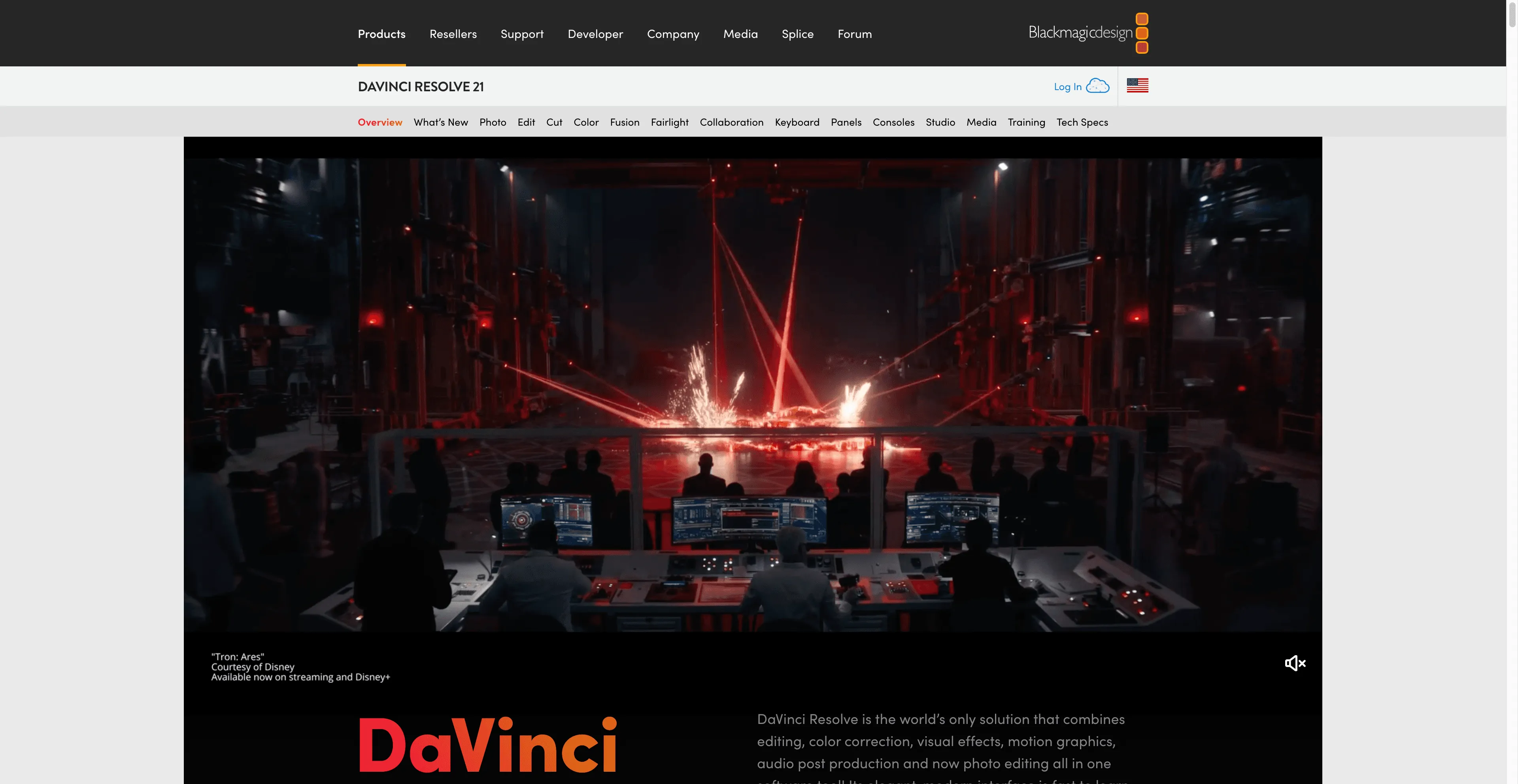
DaVinci Resolve: Best Free Descript Alternative for Pro Editing
Best for: Video podcasters, documentary editors, and production teams that need deep timeline control
Starting price: Free; DaVinci Resolve Studio 21 costs $295 as a one-time purchase
Different from Descript because: It is a professional nonlinear editor with full post-production capabilities
DaVinci Resolve combines video editing, color correction, visual effects, motion graphics, audio post-production, multicam editing, and collaboration inside one desktop application.
For a polished long-form video podcast, it gives editors control that transcript-first creator tools cannot match:
-
Detailed timeline and trim tools
-
Multicam editing
-
Professional color correction
-
Fairlight audio mixing and processing
-
Fusion motion graphics and visual effects
-
A wide range of media formats
-
Remote and local multi-user collaboration
-
Custom export presets and platform delivery
DaVinci Resolve Studio includes text-based editing and additional AI features. The free version remains unusually powerful, but creators choosing it specifically for text-based editing should confirm which transcription and AI functions require Studio.
Professional editors in the Reddit discussion also pointed toward DaVinci Resolve and Premiere Pro when the goal was to keep the transcript workflow close to the final timeline. This avoids the handoff between a separate rough-cut tool and the main editor, although it requires more technical knowledge.
DaVinci Resolve Pros
-
The deepest editing control in this comparison
-
Powerful free version
-
Professional audio, color, multicam, graphics, and effects
-
One-time Studio license rather than a monthly subscription
-
Suitable for long-form and complex projects
DaVinci Resolve Cons
-
Steepest learning curve in this comparison
-
Requires a capable computer
-
Text-based editing and several AI tools are Studio features
-
Does not simplify podcast hosting or generate a host-led podcast from source content
VEED: Best Online Descript Alternative for Social Video
Best for: Marketers and creators who want to turn recordings into captions, branded videos, and short social clips
Starting price: Free to try; Creator costs $10 per user/month when billed annually
Different from Descript because: It prioritizes fast, accessible online video creation and social-ready output
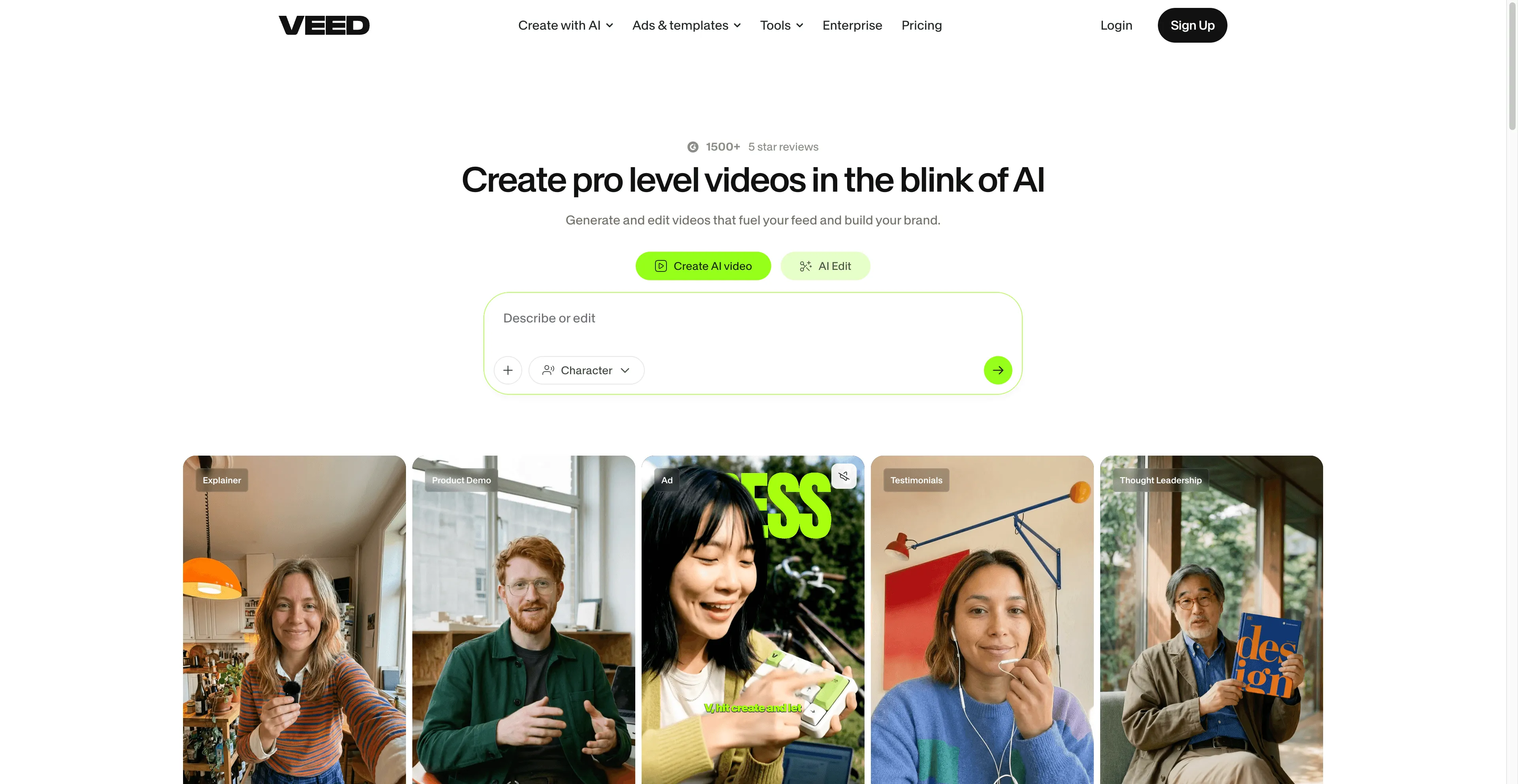
VEED is a browser-based editor with a lower learning curve than a professional NLE. Its Edit with Script feature lets users remove sections of a video through the transcript, while its AI clip tools can identify and export highlights from podcasts, webinars, interviews, and other long-form content.
VEED also includes:
-
Automatic subtitles and transcript export
-
Text-based editing
-
AI clip generation
-
Templates and stock assets
-
Brand kits
-
Audio cleanup
-
Screen and webcam recording
-
Translation and dubbing tools
Unlike PodcastorAI, VEED’s AI-avatar and generation features are general-purpose. It is better suited to ads, explainers, social posts, and individual talking-head scenes than to a podcast-native solo or two-host production flow.
VEED Pros
-
Works in a browser with no full editing suite to install
-
Easy for non-editors to learn
-
Strong captions, templates, branding, and social formats
-
Text-based editing is available in the browser editor
-
Useful for turning long recordings into shorter clips
VEED Cons
-
Free exports include a watermark
-
Less precise than DaVinci Resolve for complex edits
-
Long-form projects can be less comfortable than short social content
-
AI avatars are not organized around a complete podcast show workflow
See VEED’s text-based editor and current pricing.
Feature Comparison of 5 Descript Alternatives
| Feature | PodcastorAI | Riverside | Alitu | DaVinci Resolve | VEED |
|---|---|---|---|---|---|
| Primary workflow | Finish AI-hosted video podcasts | Record remote interviews | Make and host an audio podcast | Professional post-production | Create and repurpose online video |
| Start from a topic, link, or document | Yes | No | No | No | Limited AI generation |
| Use existing audio | Yes | Yes | Yes | Yes | Yes |
| Remote guest recording | No | Yes | Yes | No | Basic recording |
| Text or transcript editing | Script and transcript editing | Yes | Yes | Studio version | Yes |
| Detailed multitrack/timeline control | No | Basic to moderate | Basic | Advanced | Moderate |
| Custom AI host | Yes; image and cloned voice | No | No | No | Yes, general-purpose |
| Solo and two-host AI podcast layouts | Yes; structured turns | No | No | Manual production | Not podcast-specific |
| Podcast hosting | No dedicated RSS hosting | Available on higher plans | Yes | No | No |
| Best final output | Publish-ready host-led video podcast | Recorded interview | Audio podcast | Polished professional production | Social-ready video |
What You Gain—and Give Up—When Leaving Descript
Switching tools solves one bottleneck but usually creates a tradeoff somewhere else. This comparison is more useful than counting which platform has the longest feature list.
| Alternative | What You Gain | What You Give Up Compared With Descript |
|---|---|---|
| PodcastorAI | A finishing-studio workflow from content or audio to a video podcast hosted by your AI self | Remote guest recording, detailed multitrack editing, and fine-grained performance control |
| Riverside | A recording-first workflow with separate local guest tracks | Some of Descript’s editing depth and transcript-led post-production maturity |
| Alitu | A simpler audio podcast workflow with cleanup, hosting, and publishing | Advanced multitrack control and complex video post-production |
| DaVinci Resolve | Professional timeline, multicam, audio, color, graphics, and delivery control | Descript’s lower learning curve and creator-friendly transcript workflow |
| VEED | Faster browser-based captions, branded videos, and social clips | Precision and comfort for complex long-form podcast editing |
How to Choose the Best Descript Alternative
| Your Main Job | Best Fit | Why |
|---|---|---|
| Record remote interviews with strong guest audio and video | Riverside | Local recording and separate tracks protect the source material before editing begins |
| Finish a video podcast with your own AI host without filming | PodcastorAI | Combines source material, editable script and voice, reusable AI hosts, podcast-native layouts, captions, and video rendering |
| Produce and publish a straightforward audio podcast | Alitu | Recording, cleanup, editing, hosting, and publishing are combined in a guided product |
| Edit a complex or highly polished video podcast | DaVinci Resolve | It provides the most detailed timeline, multicam, color, audio, and graphics control |
| Turn existing recordings into captions and social video | VEED | Its browser editor, templates, brand tools, and clip generation prioritize fast repurposing |
| Continue recording and editing through a transcript | Descript | Switching may add complexity if Descript already handles your main workflow well |
Choose a Descript alternative based on the recurring bottleneck you need to remove, not the longest feature list. If Descript already handles your recording and transcript-led editing workflow reliably, staying with it may be the simplest and least expensive option.
Other Descript Alternatives and Companion Tools
Adobe Podcast
Adobe Podcast is useful for fast speech enhancement and audio cleanup. It can be a valuable preprocessing tool, but it does not replace a full recorder, transcript editor, video editor, or podcast production platform.
Use it when your main problem is noisy or inconsistent speech—not when you need to build the entire episode.
NotebookLM
NotebookLM is primarily a research and learning workspace. It can turn sources into Audio Overviews and Video Overviews, including newer visual and cinematic formats.
That makes it useful for understanding documents or prototyping how a topic might sound as a conversation. It is not the same as producing a creator-owned podcast with a custom host, voice identity, editable speaker-by-speaker script, and podcast-native publishing workflow.
Use NotebookLM to explore and understand sources. Use a production tool when the result needs to become your show.
Reduct, Trint, Premiere Pro, and Other Editor-Focused Options
Working editors in the Reddit discussion also recommended:
-
Reduct for searchable footage libraries, transcript collaboration, and multicam workflows
-
Trint for powerful transcription and collaborative review
-
Premiere Pro for keeping text-based rough cuts inside a professional NLE
-
Frame.io and Happy Scribe for transcription, review, and multilingual workflows
These can be better choices for agencies, documentary teams, researchers, or editors handling large interview libraries. They are less directly aimed at a solo podcaster trying to create and publish a complete show.
What Is the Best Descript Alternative?
There is no single best Descript alternative for every podcaster. Riverside is the closest fit for remote interview recording, Alitu simplifies audio podcast production, DaVinci Resolve offers the deepest professional editing, VEED is strongest for browser-based social video, and PodcastorAI finishes host-led video podcasts with your own reusable AI host without filming.
Choose the tool that removes the most expensive or repetitive step in your weekly workflow.
If you record people, prioritize capture quality and the level of editing control you need. If you want to skip filming and turn source content directly into a host-led show, choose an AI-native podcast workflow. If Descript already completes your main job reliably, staying with it may be the simplest answer.
Descript Alternative FAQ
What is the closest Descript alternative for podcast editing?
Riverside is the closest fit when you need remote recording plus transcript-based editing. Alitu is closer for a guided audio podcast workflow that includes recording, cleanup, hosting, and publishing. No alternative matches every Descript feature, so choose by the job you need to replace.
Is there a free alternative to Descript?
Yes. DaVinci Resolve is the strongest free option for professional timeline editing, although text-based editing is included in the paid Studio version. Riverside has a free plan for testing remote recording, and VEED is free to try for browser-based video work. The best free option depends on your workflow.
Can PodcastorAI replace Descript completely?
Not for every user. PodcastorAI can replace script, voice, host, captions, and video-production steps when the goal is a new AI-hosted show or a hosted video version of existing audio. It does not replace Descript’s detailed multitrack editing for recorded interviews and manually produced videos.
Does Descript have AI avatars now?
Yes. Descript’s current plans include avatar, voice-cloning, and generative-video features, with limits that vary by plan. PodcastorAI’s distinction is that the reusable AI host is central to an AI Video Podcast Studio that carries a complete solo or two-host episode from source content through script, voice, captions, and video rendering.
Is NotebookLM still audio-only?
No. NotebookLM now offers Video Overviews as well as Audio Overviews. Its main purpose remains source-grounded research and explanation, while PodcastorAI acts as a finishing studio that turns content or audio into a creator-branded video show with a reusable AI host.
Is text-based editing enough for a professional podcast?
Text-based editing is excellent for rough cuts, removing unwanted sections, and finding highlights. A complex production may still require waveform or timeline editing for pacing, music, sound design, multicam changes, color correction, and precise transitions.
Can I use more than one tool?
Yes. Common combinations include:
-
Riverside for remote recording, then Descript or DaVinci Resolve for detailed editing
-
Adobe Podcast for speech cleanup, then a dedicated editor
-
PodcastorAI for a host-led video version of an existing audio episode without re-recording
-
VEED for social clips after completing the long-form episode elsewhere
-
NotebookLM for research, then PodcastorAI to finish a creator-branded video show
The best workflow is often the smallest combination that gets your episode published consistently.