
Quick answer
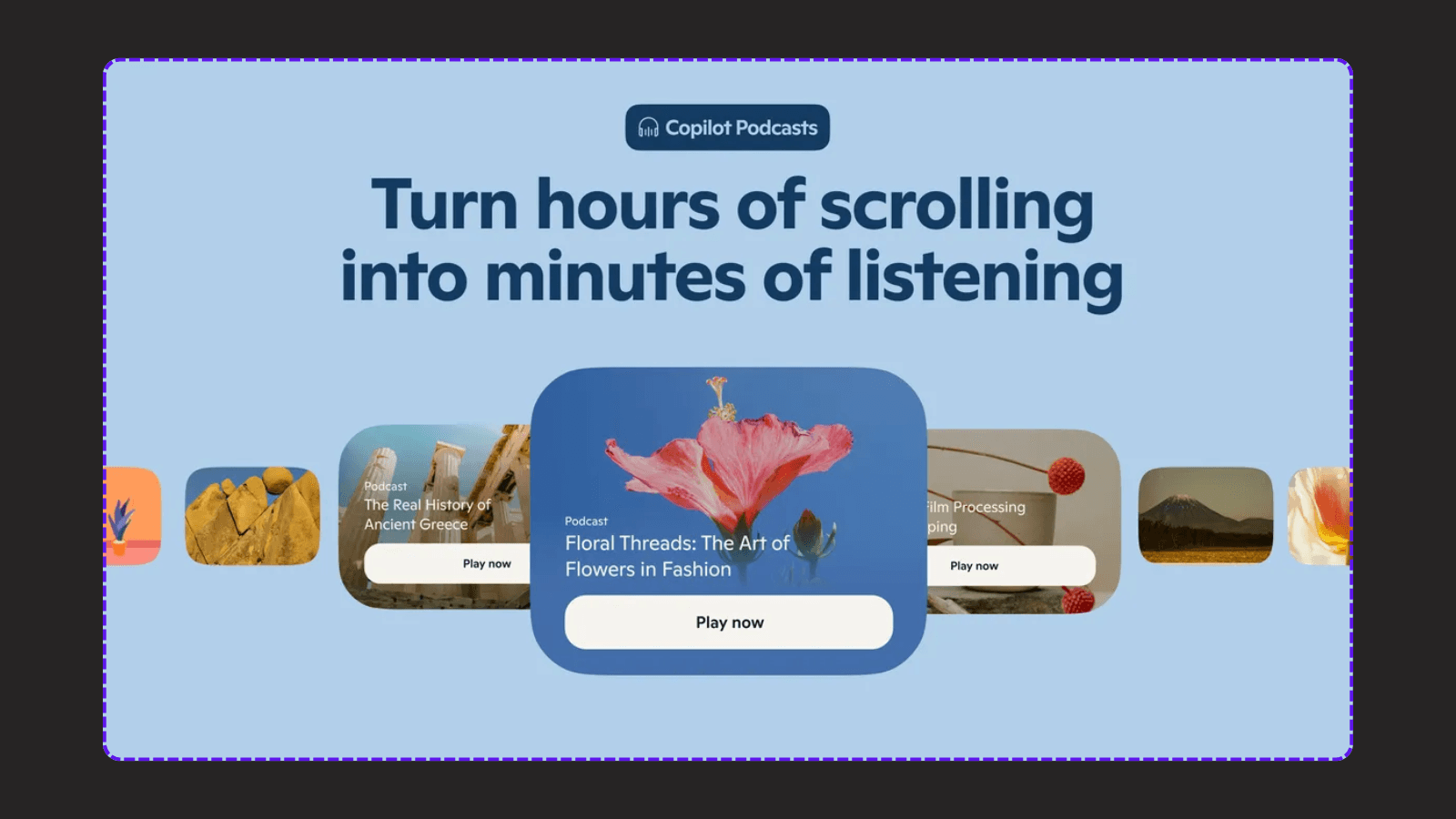
Looking for a Copilot Podcasts alternative? Microsoft retired Podcasts in the consumer Copilot app on August 18, 2026.
The best Copilot Podcasts alternative depends on what you want after the first draft. For private listening, compare audio-first tools. For an editable, publishable episode, evaluate PodcastorAI, which is designed to take a script or audio input into an AI-hosted video workflow.
My practical recommendation: do not choose a replacement by its avatar gallery or voice demo. Choose it by the work it lets you complete after generation: source checking, script editing, audio review, video creation, captions, export, and rights review. PodcastorAI is a broader production workflow rather than a one click copy of Copilot Podcasts, so it is a better fit for creators who want an asset they can edit and publish.
What happened to Copilot Podcasts?
Microsoft’s official support page says that Podcasts is being retired from the Copilot app for consumers on August 18, 2026. The change affects both free and paid Copilot customers. After retirement, customers cannot create or access Podcasts in Copilot, and previously created podcasts and shared podcast links are no longer accessible.
There was one important pre retirement action: Microsoft advised users to download individual podcasts from the podcast library before the retirement date. That download option does not restore access after retirement. If you still need an old episode, check whether you saved a local copy before August 18, 2026.
The change applies to the Podcasts feature. It does not mean that the wider Microsoft 365 subscription or the rest of the Copilot experience has been retired.
Which Copilot Podcasts alternative should you choose?
The right replacement depends on the output you need. A private audio summary, a scripted audio episode, and a video podcast for YouTube are different jobs.
| Your goal | What to evaluate first |
|---|---|
| Listen to a short AI conversation privately | Source grounding, audio quality, and ease of use |
| Create a podcast from a PDF, URL, or document | Supported sources, script editing, and source accuracy |
| Publish a video podcast | Hosts, layouts, subtitles, export settings, and rights |
| Repurpose an existing recording | Audio-to-script workflow, transcript quality, and video options |
| Build a recurring show | Reusable hosts, voice consistency, project controls, and cost per episode |
What does current podcast research say about audio and video?
The case for testing video is not only a product claim. The Infinite Dial 2026, a U.S. survey from Edison Research at SSRS supported by SiriusXM Media, found that 58% of Americans age 12 and older consumed a podcast in the previous month, while 45% consumed one in the previous week. The same study found that 57% had both listened to and watched a podcast, which supports treating audio and video as complementary formats rather than assuming that one replaces the other.
The study methodology surveyed 2,050 people in January 2026 and describes U.S. media behavior, not the likely audience for every show. Use the findings as a reason to test a dual format workflow, not as proof that every creator needs an AI video host. Your own audience data should decide whether the extra production work is justified.
What does PodcastorAI add beyond an audio-only alternative?
PodcastorAI is designed for creators who want to move beyond an audi only overview. It describes a workflow that can start from a script, audio, topic, URL, PDF, or document, then continue into audio and video production.
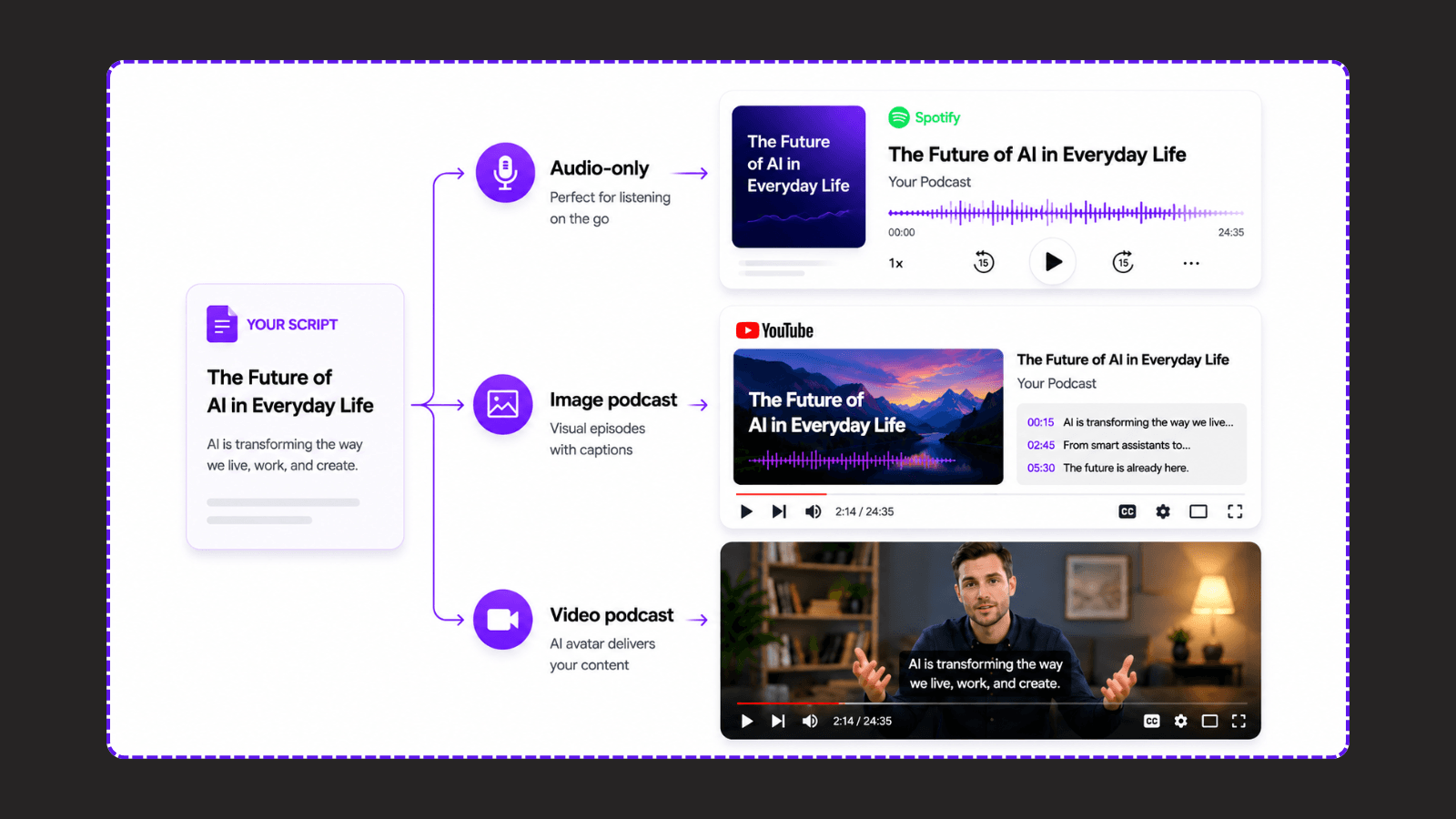
The meaningful difference is not simply that PodcastorAI has more features. The difference is that the output can continue through several production decisions before publication. That matters when the episode needs a consistent host, a visual format, captions, or a second version for another channel.
1. Create audio and video from the same project
PodcastorAI connects the source, script, audio track, host, visual layout, subtitles, and export workflow. You can use the same approved script for an audio episode and a video version instead of rebuilding the episode in a separate editor. The trade off is that you still need to check the full render; a connected workflow does not remove editorial review.
PodcastorAI provide three visual paths: Image + Waveform for audio-first narration, Split Screen for an AI host alongside visuals, and Same-Screen for placing a host over a background.
2. Use an AI host without appearing on camera
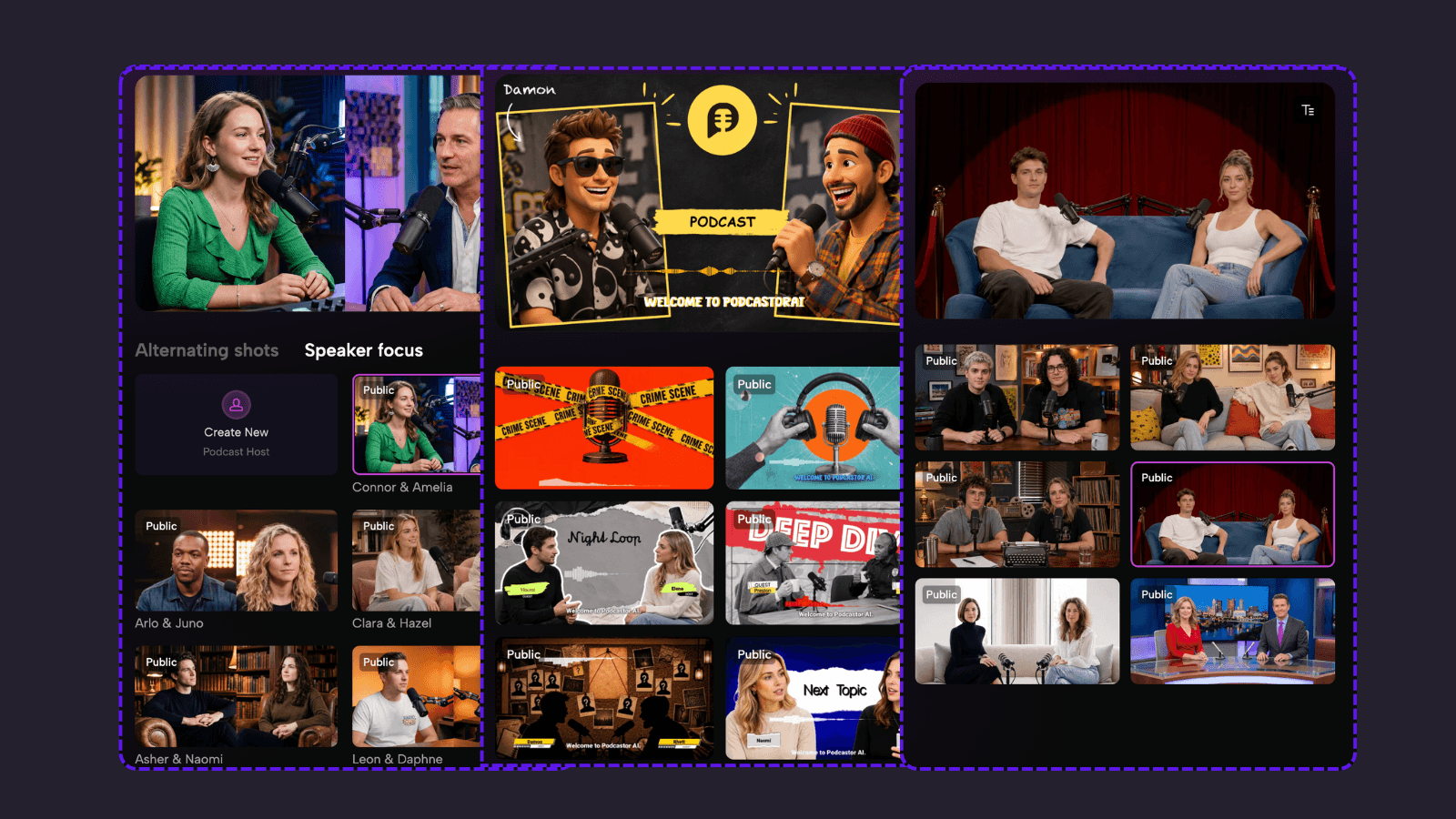
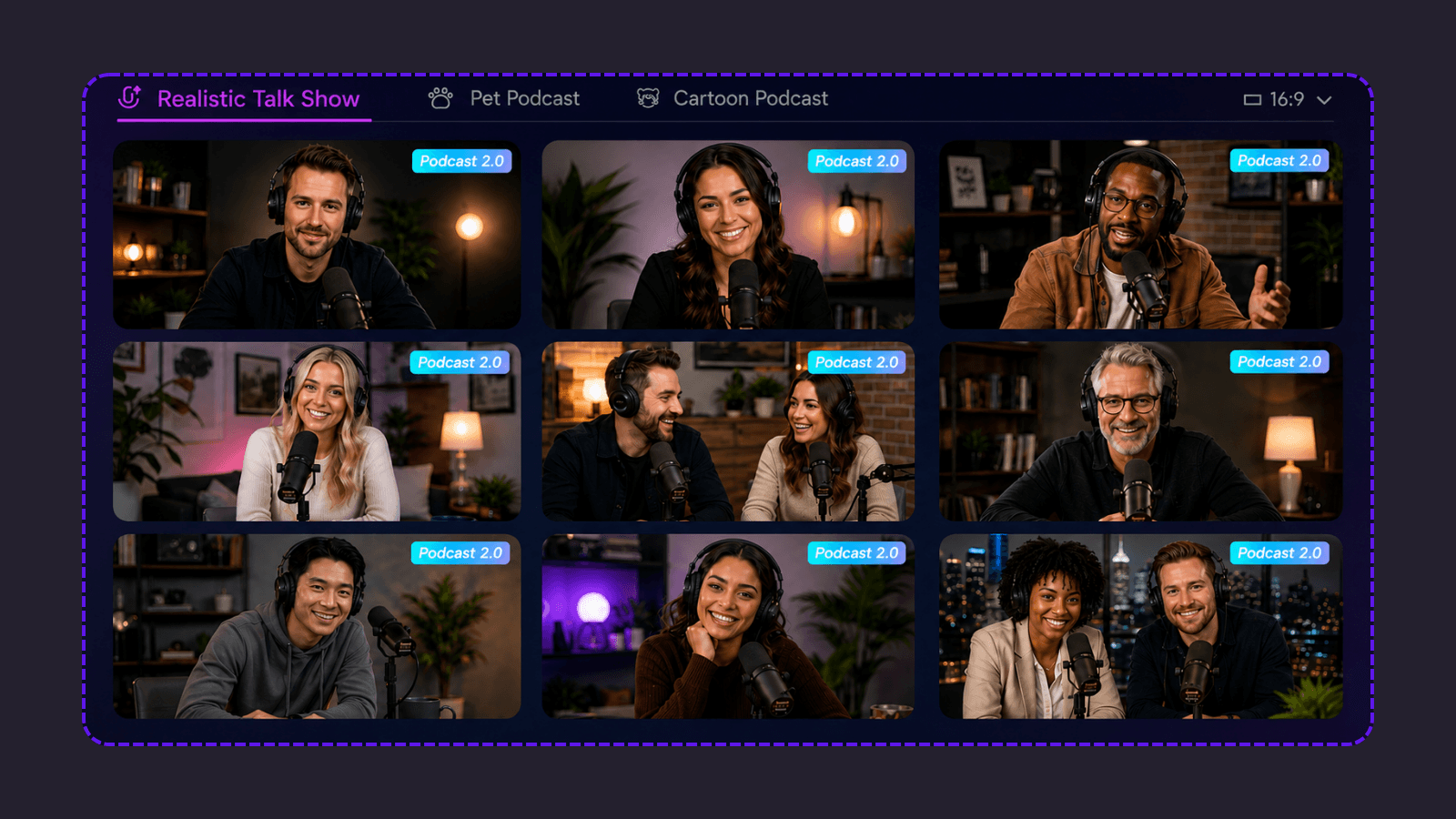
You can chose AI hosts in digital human, cartoon, and pet styles. PodcastorAI also says that creators can upload a photo to generate a custom AI host. This can help a creator build a recognizable visual format without recording on camera.
3. Review the script before rendering
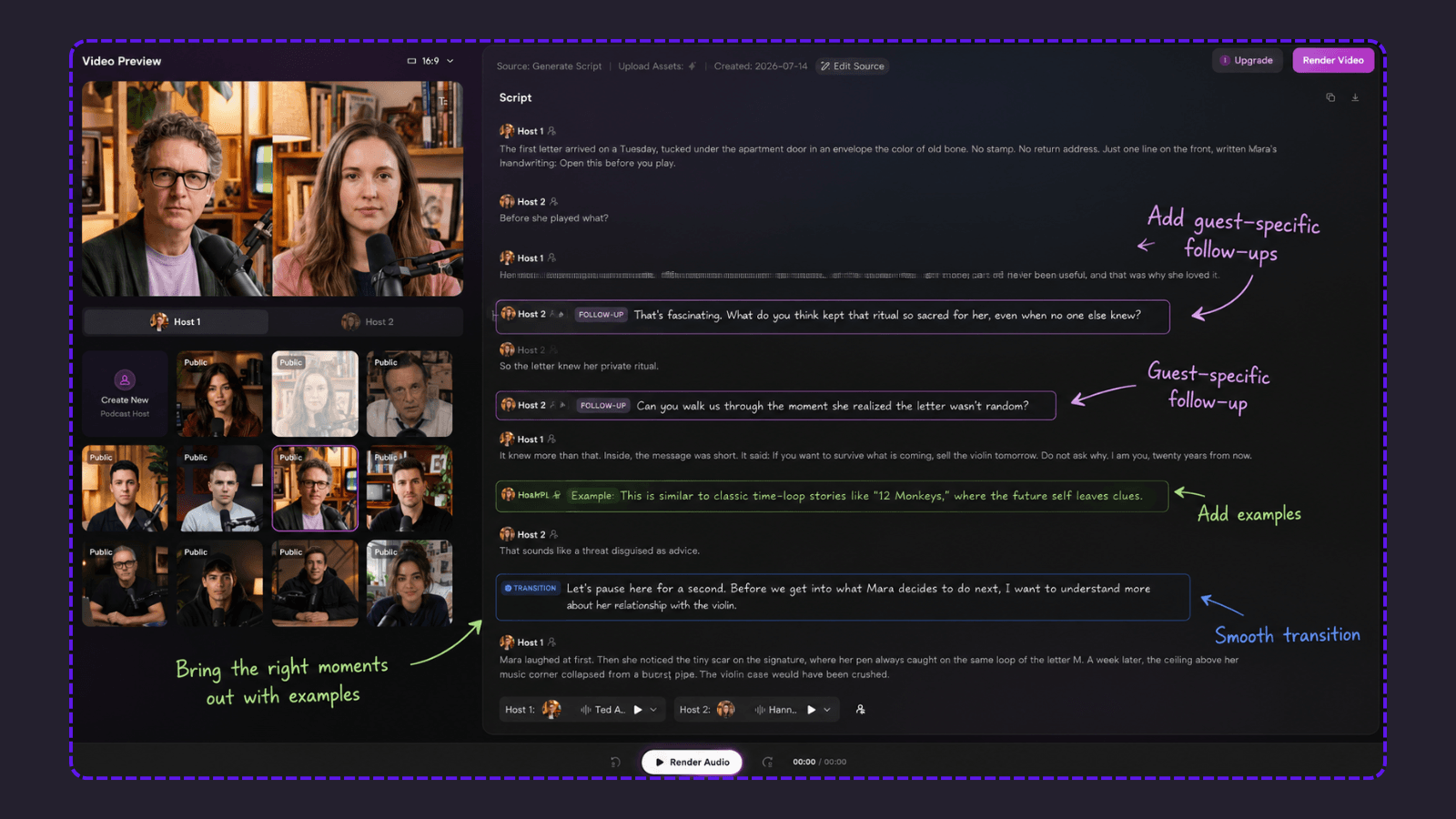
The source to script step is important because a generated conversation is still an interpretation of the source. PodcastorAI’s workflow lets you start with source material or a script, then review the dialogue before moving into audio and video.
4. Turn an existing recording into a video workflow
PodcastorAI lists Audio to Script as a separate workflow and supports audio as an input for its AI Video Podcast Generator. This is useful when you already have a recording and want to explore transcript-based editing, subtitles, or a visual podcast version.
What PodcastorAI does not replace
PodcastorAI is not automatically the right replacement for every Copilot Podcasts user. It is not a live guest recording service, a research fact checker, or a frame level video editor. It also does not make rights questions disappear: you still need permission to process source files, use photos, clone voices, and publish the final episode.
How to create an AI video podcast with PodcastorAI
Use this five steps workflow when moving from Copilot Podcasts to a more controllable production process. It is also a useful acceptance test: if a tool cannot support one of these steps, it may not fit a publishable show.
-
Choose the source. Start with a topic, URL, PDF, document, script, or existing audio file. Use a source you have the right to process and publish.
-
Generate or upload the script. Ask for a clear audience, episode goal, target length, and host format. Treat the result as a first draft.
-
Review the dialogue. Check every name, number, quote, claim, transition, and call to action against the source. Remove anything the source does not support.
-
Choose the voice, host, and layout. Select the audio treatment and visual format that fit the episode. Test subtitles and the background for readability.
-
Preview, export, and publish. Listen to the full audio, watch the full video, confirm the export settings, and check commercial-use and voice permissions before distribution.
This process is more deliberate than a one click audio overview, but it gives you a review point before the episode becomes a public asset. That review point is the main quality advantage of a production workflow.
Who should use PodcastorAI as a Copilot Podcasts alternative?
PodcastorAI is worth evaluating if you want to:
-
Turn articles, research, PDFs, URLs, or documents into a structured podcast draft.
-
Produce both audio and video versions from an approved script.
-
Create a faceless podcast format with a reusable AI host.
-
Repurpose an existing recording into a transcript, subtitle, or visual workflow.
-
Build a recurring show with a consistent host, voice, and visual format.
-
Edit the conversation before rendering instead of accepting the first generated result.
It may not be the best fit if you only need a private listening summary, live guest recording, or frame-level post-production. In those cases, compare a research assistant, recording platform, or full video editor as well. The right replacement is the one that removes your actual bottleneck, not the one with the longest feature list.
Final recommendation
If you are looking for a Copilot Podcasts alternative because you want something personal to listen to, PodcastorAI is useful for more than replacing a discontinued feature. You can start with your own blog post, article, notes, URL, or topic and turn it into a podcast built around the subjects you actually care about. That makes it practical for a long drive, a daily commute, or any time you want something more relevant than a generic podcast feed.
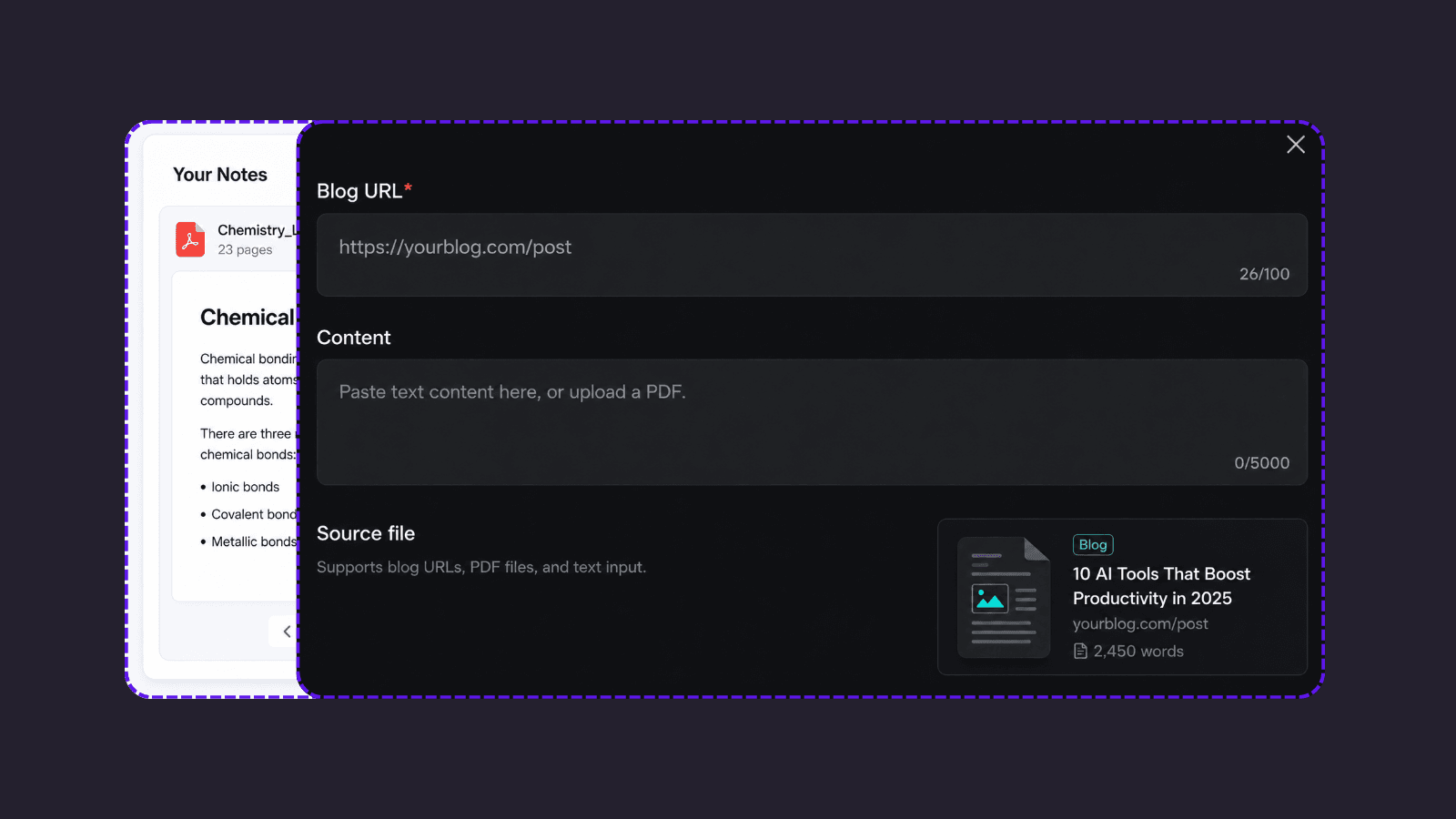
Because you choose the source material, you can create a focused listening experience instead of relying on a public feed filled with unrelated episodes or ad breaks. For private listening, the platform where you play the file may still have its own rules, but the episode itself starts with content you selected. When you want to publish, the same approved source can continue into an audio or video podcast workflow with editable scripts, AI hosts, subtitles, and export options.
Frequently asked questions
Is Copilot Podcasts discontinued?
Yes. Microsoft Support says that Podcasts was retired in the consumer Copilot app on August 18, 2026. After retirement, users cannot create or access Podcasts in Copilot, and previously created podcasts are not available.
Can I recover an old Copilot Podcast?
Not from Copilot after retirement, according to Microsoft. Before the retirement date, Microsoft advised users to download individual podcasts from the podcast library. Check your local files or backups for an exported copy.
What is the best Copilot Podcasts alternative?
There is no single best replacement for every use case. Choose an audio-focused tool for private listening, and evaluate PodcastorAI when you need source-based script review, AI hosts, audio, video, subtitles, and export in one workflow.
Can PodcastorAI turn a PDF, URL, or audio file into a podcast?
PodcastorAI’s official AI Video Podcast Generator page describes topic, URL, PDF, document, script, and audio inputs. Confirm the exact input limits and account requirements in the current product before starting a large project.
Does PodcastorAI create video podcasts without a camera?
Yes. The official product page describes AI hosts, custom hosts from a photo, visual layouts, custom backgrounds, subtitles, and video export. Review the generated episode before publishing because host quality and pronunciation can vary by input and settings.
Is an AI-generated podcast ready to publish?
Not automatically. Human review is still required for factual accuracy, copyright and source rights, voice permissions, pronunciation, captions, disclosures, and the final editorial judgment.