
The 6 best podcast clip makers in 2026 are PodcastorAI, CapCut, Adobe Premiere Pro, OpusClip, Descript, and Riverside, covering everything from traditional video editing to AI-powered podcast highlight generation.
If you’ve ever tried turning a 60 minutes podcast into a handful of TikTok videos or YouTube Shorts, you know that finding the right moments can take longer than editing them.
First, you have to identify the interesting parts. Then come the cuts, captions, framing, and the challenge of making sure each clip still makes sense outside the original conversation.
AI podcast clip generators promise to make this process faster, while established video editors offer greater control over the final result. But which option is worth your time and money?
In this guide, we’ll compare six podcast clip makers based on their features, starting prices, editing workflows, and feedback from real creators. We’ll also examine whether AI clipping tools can actually save enough editing time to justify their cost.
6 Best Podcast Clip Makers at a Glance
| Tool | Best For | Starting Price/Paid Monthly |
|---|---|---|
| PodcastorAI | AI podcast creation and highlight discovery | $9.9 |
| CapCut | Social media podcast clips | $19.99/mo |
| Adobe Premiere Pro | Professional podcast editing | $22.99/mo |
| OpusClip | Automatic podcast highlight generation | $15/mo |
| Descript | Transcript-based podcast editing | $24/mo |
| Riverside | Podcast recording and repurposing | $35/mo |
Prices in USD, checked October 2026. These are starting paid plan prices, not necessarily the cost of accessing every clipping feature. PodcastorAI’s Clips feature is available on all plans, including the Free plan, so you can start creating podcast clips at no cost.
6 Best Podcast Clip Makers Reviewed
PodcastorAI
My Experience
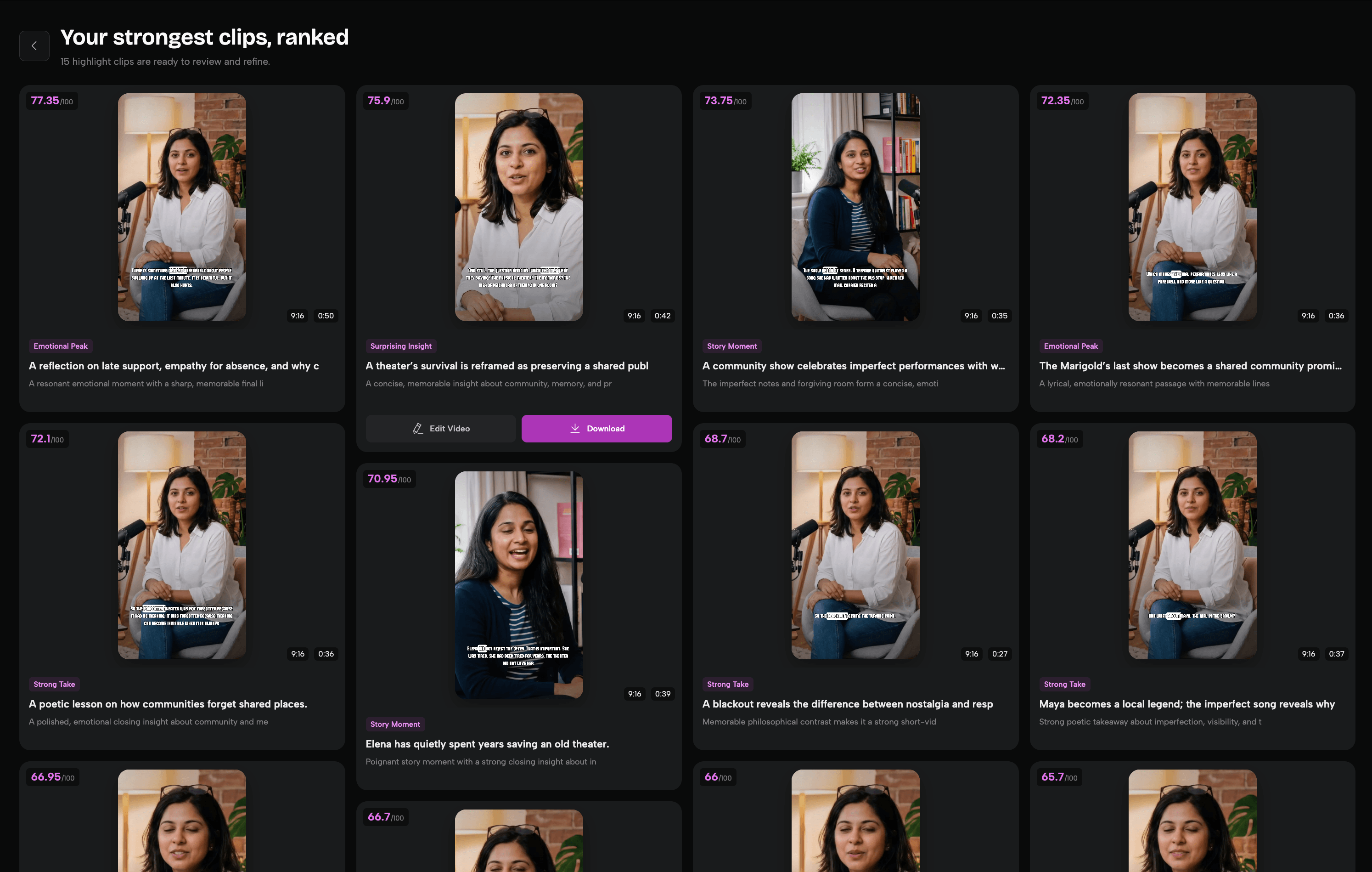
What I like about PodcastorAI is how straightforward the clipping process is. After uploading my podcast video, it took around 1 mins to generate 15 ready-to-use clips.
What impressed me most was its transparent six factors scoring system. Each clip comes with an overall score and a detailed breakdown of factors like hook strength, content value, and emotion. This helps me understand why certain moments were selected and choose clips based on my preferences, rather than blindly trusting AI recommendations.
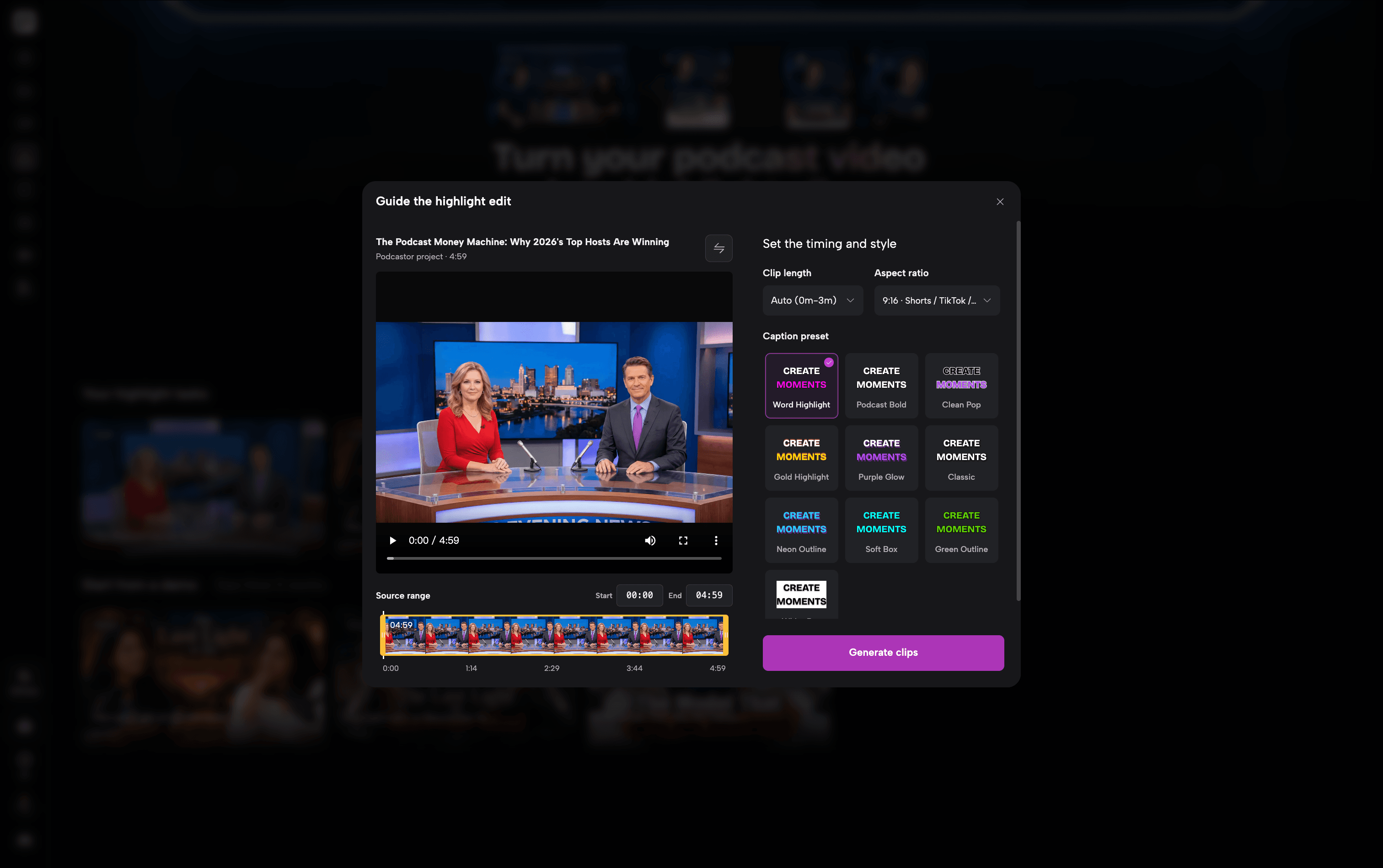
I also appreciate the caption customization options, including 10 presets and 59 fonts. Another advantage is the pricing. PodcastorAI offers 50 free trial credits, and processing a 5 minutes video costs 5 credits in my test. The $9.90/month Creator plan includes 300 credits, enough to process approximately 60 five-minute videos per month, or about $0.17 per source video, assuming all credits are used for clipping.
Best for
Podcasters and content creators who want to create podcasts and turn long episodes into shareable short-form videos in one workspace.
Key Features
-
AI Highlight Detection: Automatically identifies engaging moments from longer podcast videos.
-
Six Factors Scoring: Ranks clips by hook, content value, emotion, standalone clarity, quotability, and expression clarity.
-
Flexible Clip Settings: Adjust source range, clip length, and aspect ratio.
-
Custom Captions: 10 caption presets, 59 fonts, and customizable text styles.
-
All-in-One Workflow: Generate clips from existing videos or PodcastorAI projects.
CapCut
My Experience
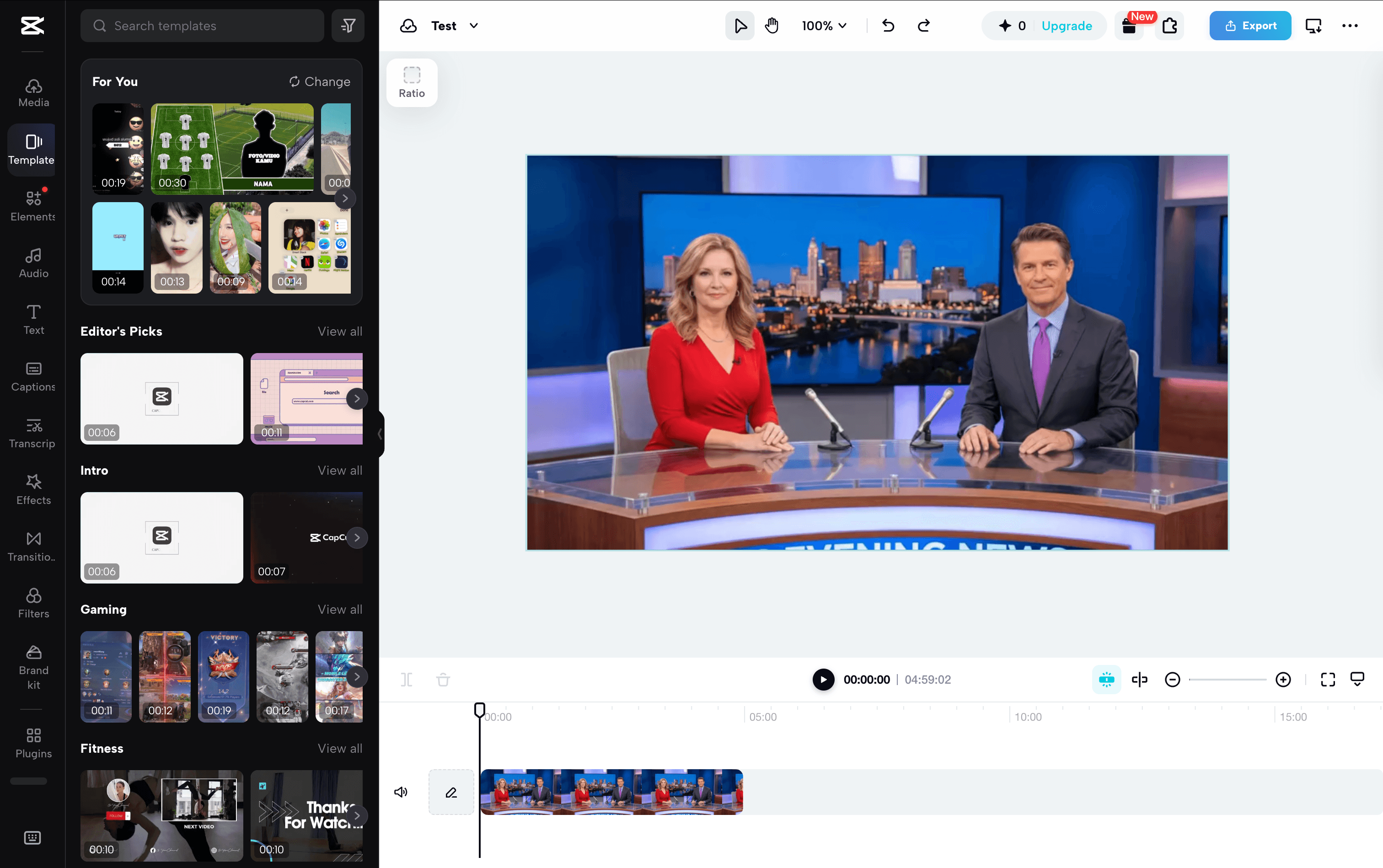
My first experience with CapCut was a little frustrating. When I tried to access its AI Clips feature through the official website, I was repeatedly redirected to download the desktop app. I also checked the web editor and its All Tools section but couldn’t find the feature. As someone who prefers browser-based tools, I found this less convenient than expected.
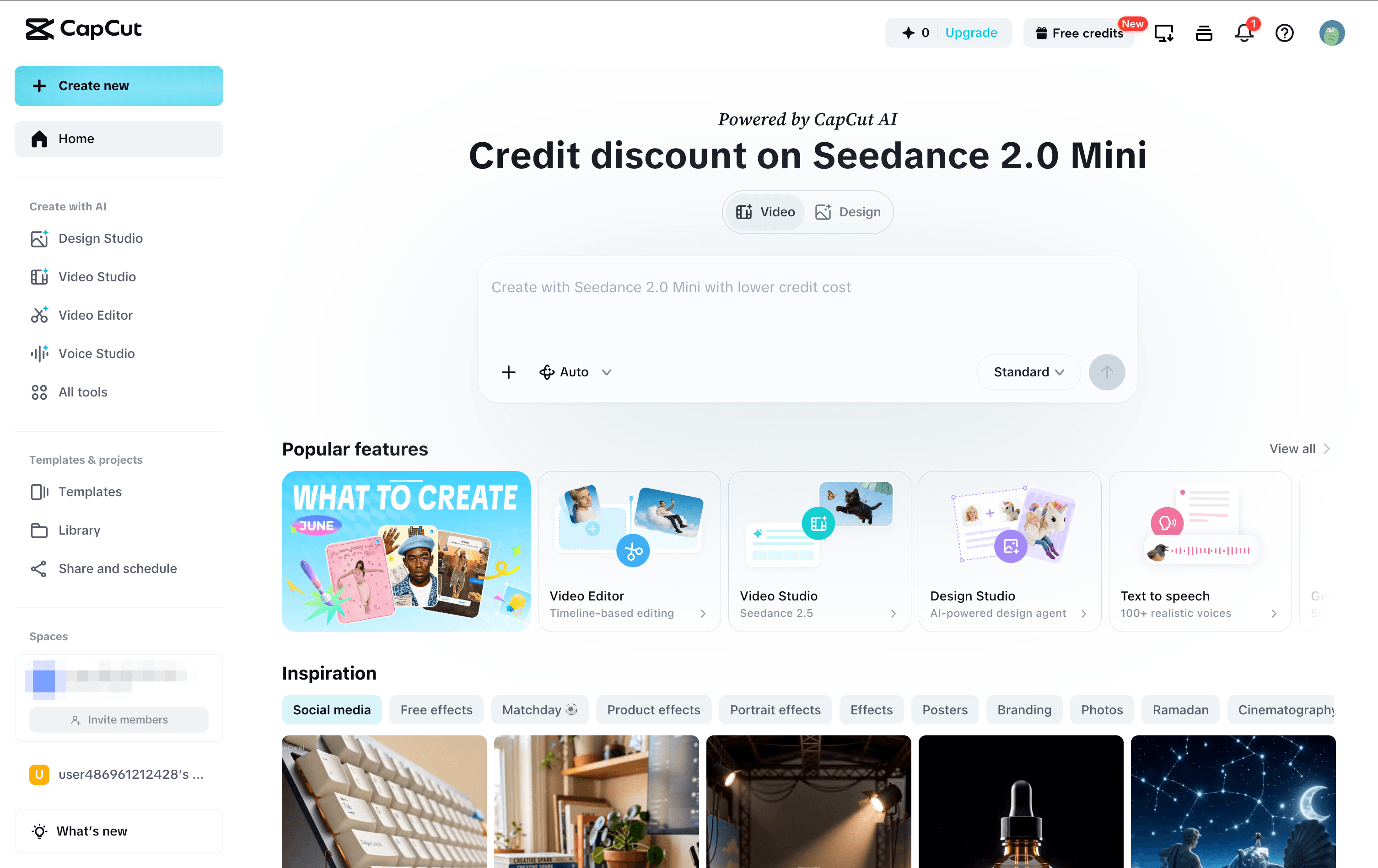
That said, CapCut offers much more than basic podcast clipping. Its Long Video to Shorts feature is designed to automatically identify highlights, while its video editor provides extensive control over captions, transitions, effects, and visual styles. I can see why creators who want to polish their clips for TikTok or YouTube Shorts would find it appealing.
Overall, I think CapCut is better suited to creators who want detailed editing control rather than the simplest possible AI clipping workflow.
Best for
Social media creators and podcasters who want flexible video editing tools to customize short-form clips for TikTok, Instagram Reels, and YouTube Shorts.
Key Features
-
AI Long Video to Shorts: Automatically identifies highlights and converts longer videos into short clips.
-
Auto Captions: Generates subtitles with customizable text styles.
-
Video Editing Tools: Adjust clips, transitions, effects, audio, and timing.
-
Aspect Ratio Adjustment: Adapt horizontal podcast footage to vertical social media formats.
-
Social Media Export: Export finished clips for TikTok, Instagram Reels, and YouTube Shorts.
Adobe Premiere Pro
My Experience
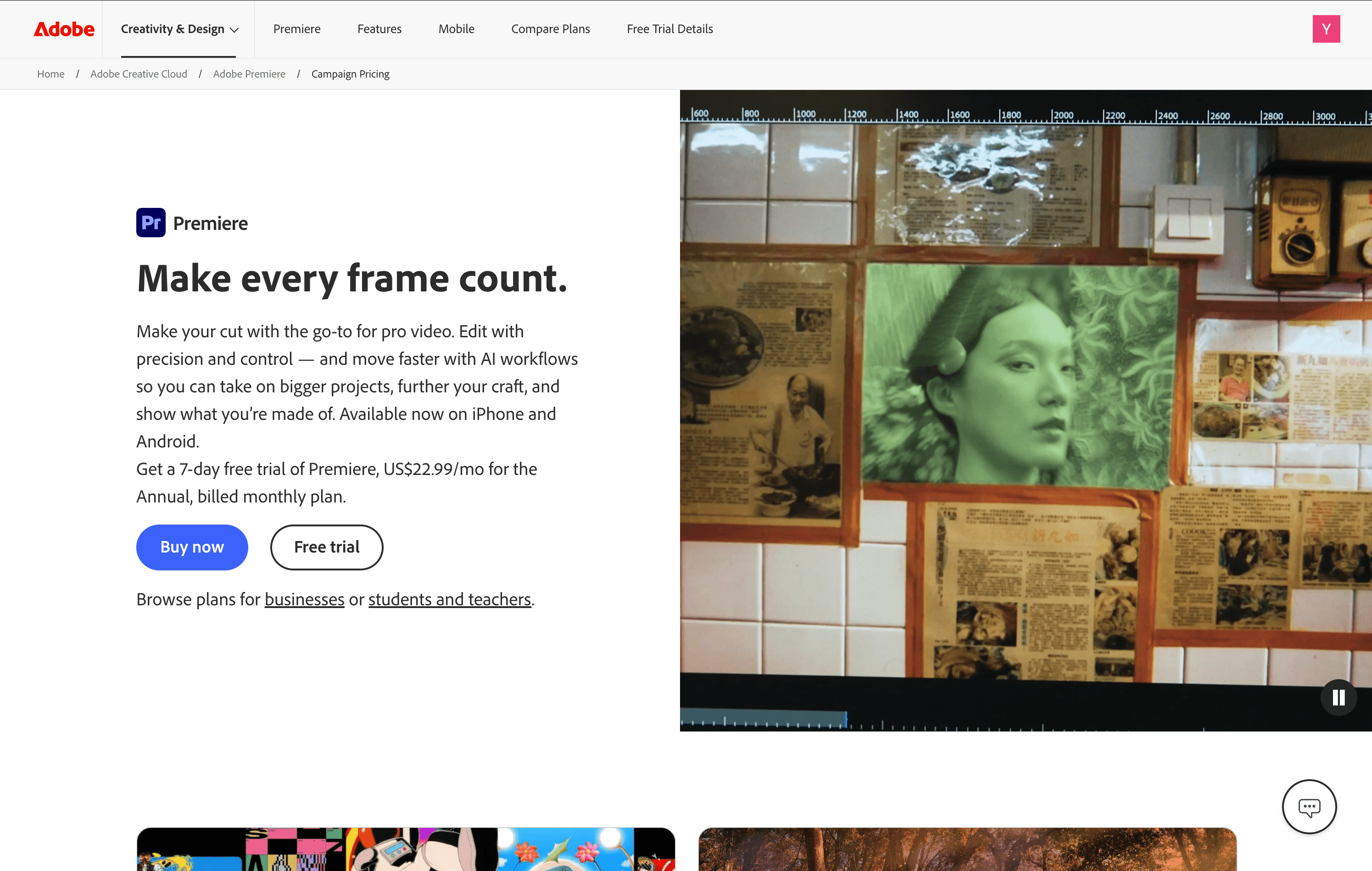
When I tried to get started with Adobe Premiere Pro, the first obstacle was its subscription process. Although Adobe offers a 7-day free trial, I had to select a paid plan before proceeding. The $22.99/month option also requires an annual commitment, which felt like a significant investment just to try a podcast clipping tool.
What attracted me most to Adobe Premiere Pro was its Text-Based Editing feature. It allows me to locate specific moments directly through the transcript instead of repeatedly searching through the video timeline. In other words, I can identify potential highlights simply by reviewing the text.
However, this is also where I see its limitation. I still need to spend considerable time identifying the best moments myself, without a scoring system to help me evaluate their potential. Unlike PodcastorAI, which provides detailed scores across six factors and helps me understand why certain clips are worth sharing, Premiere Pro leaves most of that decision-making to me. On top of that, reframing horizontal podcast videos into vertical formats for YouTube Shorts still requires additional editing effort.
Best for
Professional podcast editors and production teams who need advanced control over video, audio, captions, and visual effects.
Key Features
-
Text-Based Editing: Find and edit podcast segments directly through transcripts.
-
Auto Reframe: Convert horizontal podcast footage into vertical formats for TikTok, Reels, and YouTube Shorts.
-
Automatic Captions: Generate transcripts and subtitles with speech recognition.
-
Multi-Track Editing: Precisely adjust video, audio, transitions, and effects.
-
Professional Editing Tools: Fine-tune colors, audio quality, framing, and clip timing.
OpusClip
My Experience
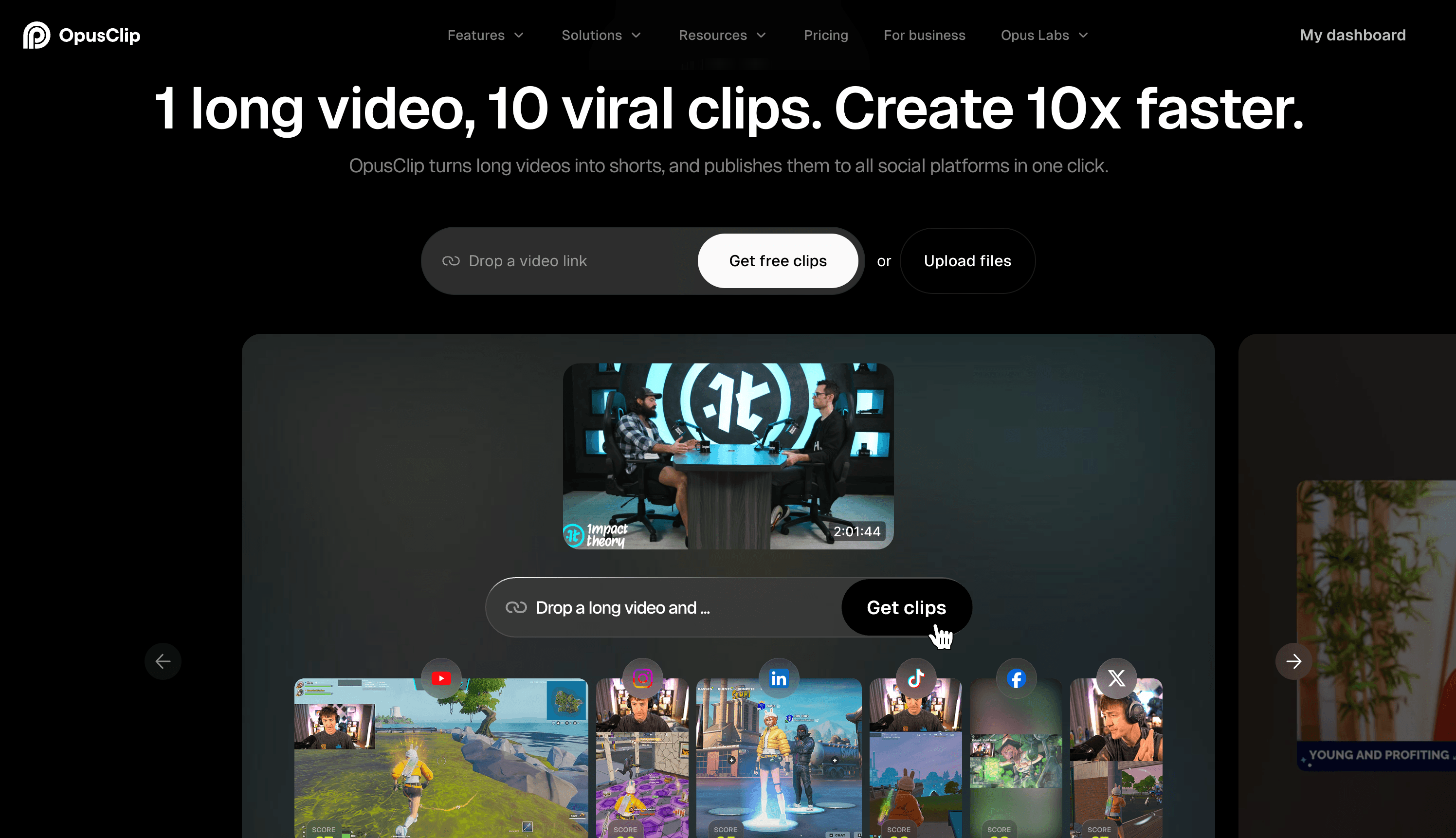
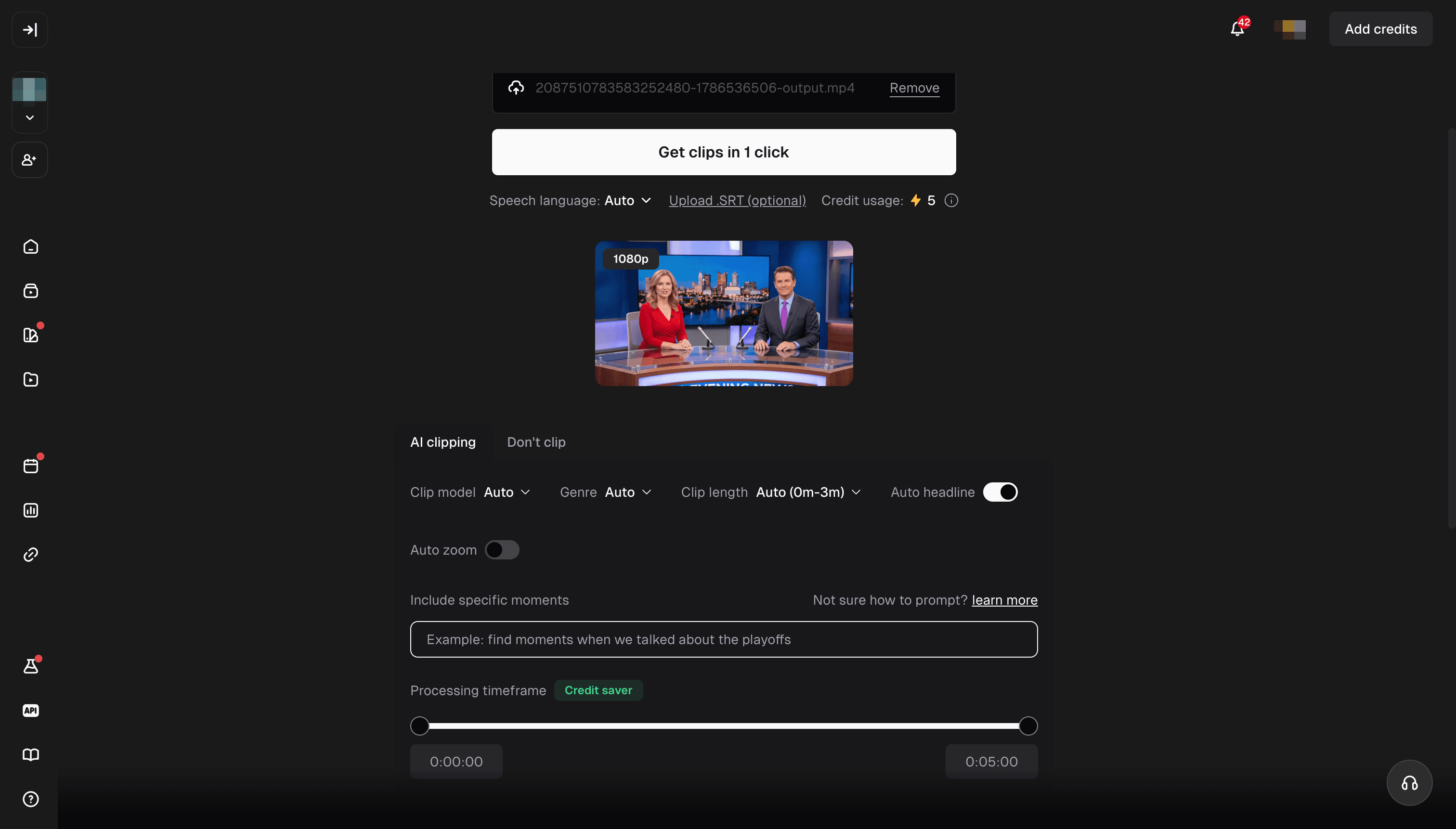
What I like about OpusClip is the flexibility it offers before generating clips. After uploading my podcast video, I could customize the clip length, aspect ratio, and caption style. I could even enter a prompt to specify which moments I wanted the AI to find, which I found particularly useful.
Another interesting feature is its Virality Score, which helps creators evaluate the potential of each highlight. Unlike PodcastorAI’s six-factor scoring system, OpusClip focuses on predicting a clip’s overall viral potential, giving me another way to prioritize clips.
One thing worth considering is its credit-based pricing. Processing my 5-minute video required 5 credits. The $15/month Starter plan includes 150 credits, meaning I could process around 30 five-minute videos per month, at an average cost of $0.50 per source video. For creators regularly clipping longer podcast episodes, these credits could run out fairly quickly.
Best for
Podcasters and social media creators who want AI-generated highlights with flexible clipping settings, customizable captions, and social media publishing options.
Key Features
-
AI Highlight Detection: Automatically identifies potential highlights from long-form podcast videos.
-
Virality Score: Ranks clips based on their predicted viral potential.
-
Prompt-Based Clipping: Specify topics or moments for AI to find.
-
Custom Captions & Formats: Choose animated caption presets and aspect ratios, including 9:16, 1:1, and 16:9.
-
Social Media Publishing: Export or publish clips to YouTube Shorts, TikTok, and Instagram Reels.
Descript
My Experience
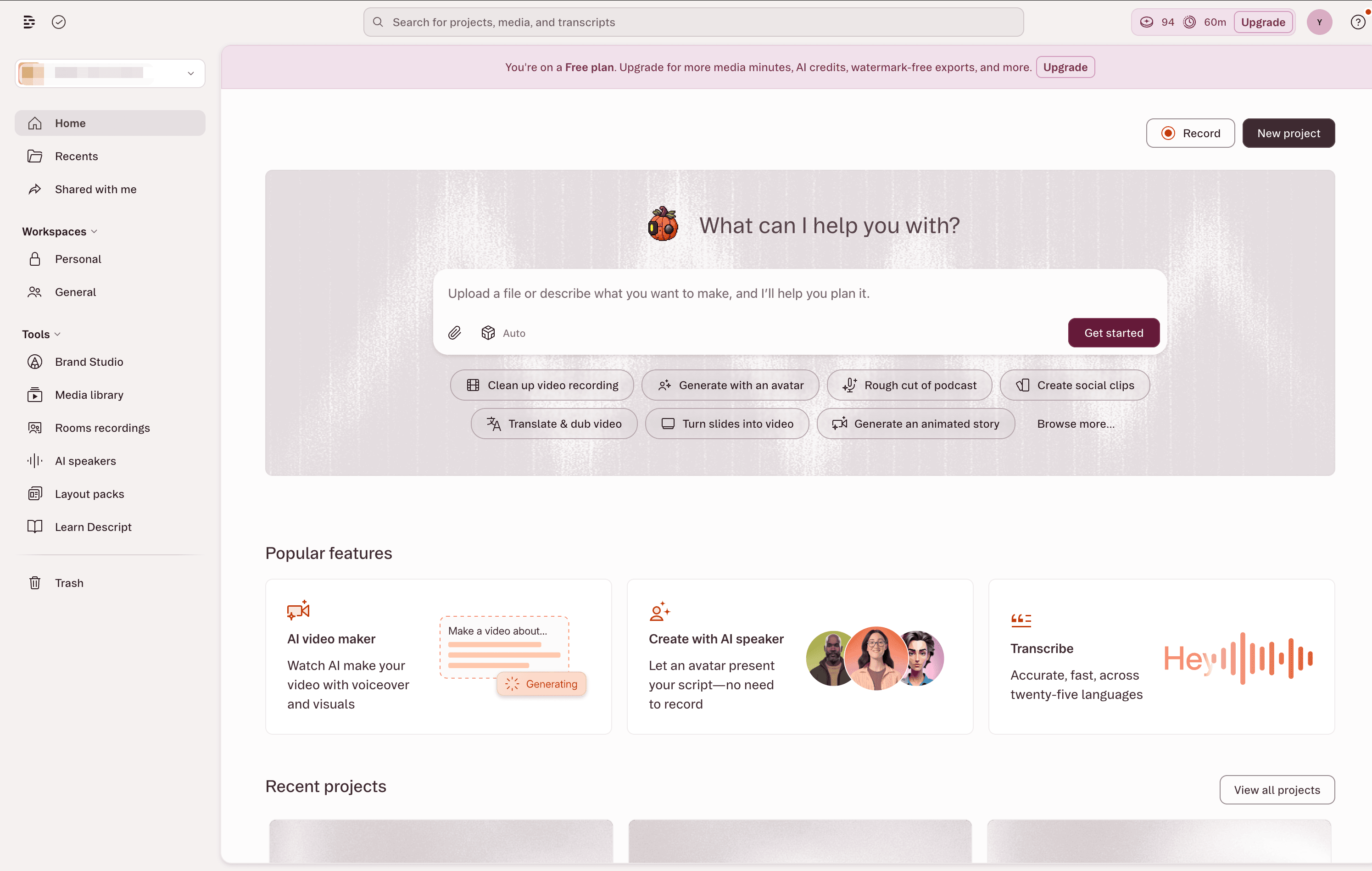
What attracted me most to Descript is its combination of AI clip generation and text-based editing. I like the idea of using Underlord AI to identify potential podcast highlights, then refining them directly through the transcript instead of manually navigating a traditional video timeline.
What I find particularly useful is the ability to remove filler words, cut unnecessary dialogue, and rearrange content simply by editing text. This seems especially convenient for interview podcasts, where I may need to shorten long conversations without losing the main message.
However, I see some limitations in this workflow. AI-generated clips may still need adjustments to their transitions, captions, and visual framing. While Descript makes editing more accessible, I wouldn’t expect it to handle every detail automatically.
Best for
Podcasters and interview creators who want AI-generated highlights with the flexibility to refine clips through transcript-based editing.
Key Features
-
AI Clip Generation: Identify potential highlights from longer podcasts using Underlord AI.
-
Text-Based Editing: Edit audio and video directly through transcripts.
-
Filler Word Removal: Automatically remove filler words and unnecessary pauses.
-
Social Media Editing: Customize captions, video formats, and visual elements for short-form content.
Riverside
My Experience
My first impression of Riverside was quite positive. The interface is clean and intuitive, and I found the clipping process easy to follow. I could quickly upload my video, choose an aspect ratio, customize captions, and adjust clip duration. Options like removing pauses and filler words were also easy to find.
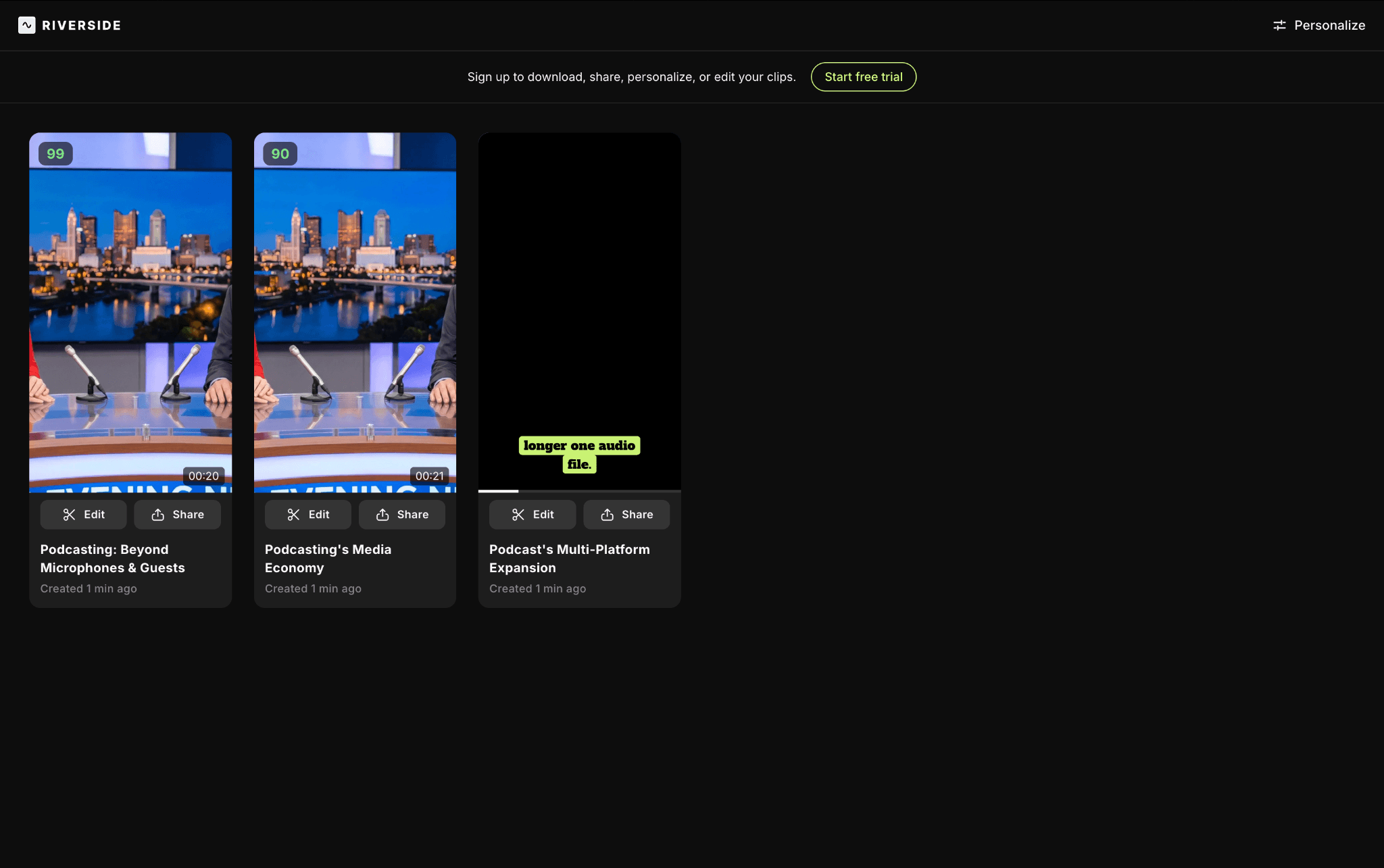
However, the actual results were a little disappointing. It took around 4–5 minutes to process my video. Although the interface initially showed four clips being generated, only three appeared in the final results, with scores of 99, 90, and 70.
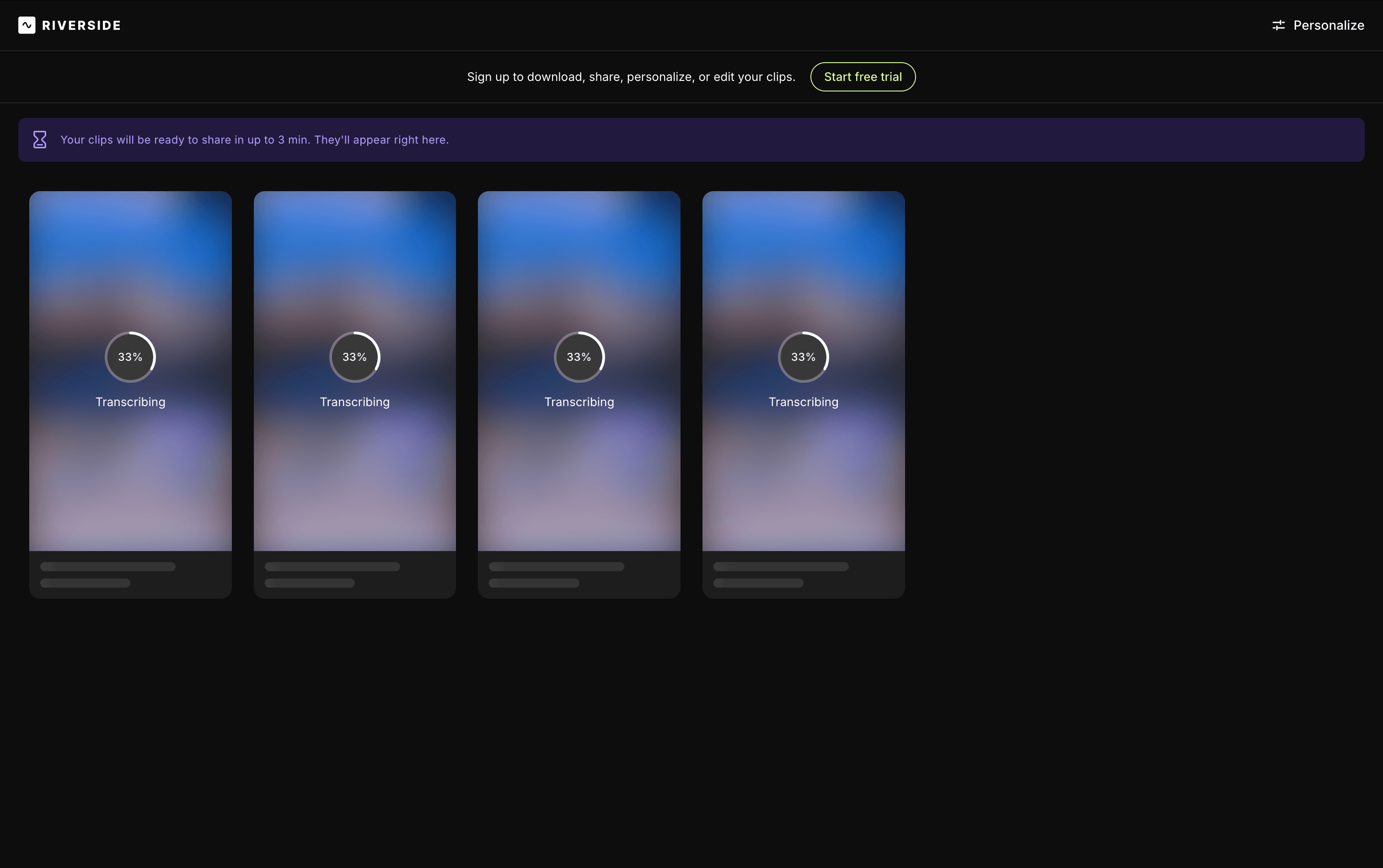
The biggest issue was the preview. All three clips showed a black screen during playback, even though the captions were visible. I’m not sure whether this was a browser playback issue or a rendering problem, but it prevented me from properly reviewing the clips.
Overall, I really liked Riverside’s simplicity and customization options, but the preview issue made the experience less smooth than I expected.
Key Features
-
AI Clip Generation: Automatically identifies highlights from longer podcast recordings.
-
Clip Customization: Adjust aspect ratio, caption style, and clip duration.
-
Clip Scoring: Assigns scores to generated clips to help prioritize highlights.
Can AI Podcast Clippers Save You Money?
Yes, but the biggest savings come from reducing editing time, not just paying less for software.
With traditional video editors, I still need to find interesting moments, trim footage, adjust framing, and add captions. AI podcast clipping tools can automate much of this process, making them especially useful for creators who regularly turn long episodes into short-form content.
However, subscription prices don’t tell the whole story. Here’s how PodcastorAI and OpusClip compare based on the credit consumption I observed while testing a 5-minute video:
| Tool | Monthly Plan | Monthly Credits | Estimated Cost per 5-Minute Source Video |
|---|---|---|---|
| PodcastorAI | $9.90/month | 300 | ~$0.17 |
| OpusClip | $15/month | 150 | ~$0.50 |
Estimates assume 5 credits per 5-minute source video and full use of monthly credits for clipping. Actual costs depend on usage, plan limits, and processing settings. These figures represent source-video processing costs, not the cost of each finished clip.
In my test, PodcastorAI generated 15 clips in around 30 seconds, significantly reducing the time I would otherwise spend searching for highlights manually. However, generating more clips doesn’t necessarily mean getting better results. I would also consider how many clips are actually usable and how much manual editing they still require.
Ultimately, the best value comes from getting more publishable clips with less time and effort, rather than simply choosing the tool with the lowest subscription price.
Final Thoughts
After exploring these six podcast clipping tools, I realized that the best choice depends on how much editing control you need and how much time you’re willing to spend.
Traditional editors like Adobe Premiere Pro and CapCut offer greater flexibility for detailed editing, while AI-focused tools can make highlight discovery much faster. Descript is particularly useful for transcript-based editing, and Riverside offers a convenient workflow for podcast recording and repurposing.
Personally, I prefer tools that help me understand why a clip is worth sharing, rather than simply generating a collection of short videos. That’s why PodcastorAI’s six-factor scoring system stood out to me.
Regardless of which tool you choose, I’d recommend starting with a free option and testing it with your own podcast footage. The best podcast clip maker is ultimately the one that helps you create more usable content with less effort.
FAQs About Podcast Clip Makers
What is the best podcast clip maker in 2026?
The best podcast clip maker depends on your workflow. PodcastorAI stands out for fast highlight generation and transparent six-factor scoring, while CapCut and Adobe Premiere Pro provide extensive editing tools, Descript specializes in transcript-based editing, and Riverside combines podcast recording with AI clipping.
What is the best free podcast clip maker?
PodcastorAI is a good starting point for free AI podcast clipping, offering 50 one-time trial credits with access to its Clips feature. CapCut, Descript, and Riverside offer free options as well, but available AI features, export options, and usage limits vary by plan.
Can AI automatically create podcast clips?
Yes. AI podcast clipping tools can analyze longer recordings, identify highlights, and generate short videos with captions. Some also provide scores to help prioritize clips.
Can I turn a podcast into YouTube Shorts or TikTok clips?
Yes. AI podcast clip makers can turn long-form recordings into short videos for YouTube Shorts, TikTok, and Instagram Reels. Most support vertical 9:16 formats and customizable captions, making it easier to repurpose podcast content across different platforms.
How long should a podcast clip be?
30–60 seconds is a useful starting point for most podcast clips. Quick tips may work in 20–40 seconds, while interviews or storytelling clips may need 60–90 seconds. The ideal length depends on the topic and whether the clip delivers a complete idea without unnecessary context.