
If you’re searching for a HeyGen Podcast Generator, chances are you want to create an AI powered podcast without spending hours recording, editing, or setting up a professional studio.
If you want more flexibility over your podcast’s content, hosts, visual style, and how you repurpose episodes? That’s where PodcastorAI comes in.
PodcastorAI is an AI podcast generator designed for creators who want to turn ideas, PDFs, URLs, scripts, and existing audio into engaging podcasts. From writing conversational scripts to choosing AI voices, building video podcasts, and creating social media clips, it offers a connected podcast creation workflow.
Whether you’re creating a faceless YouTube channel, turning educational materials into conversations, or building a recurring AI podcast series, PodcastorAI gives you multiple ways to bring your content to life.
Why PodcastorAI Is Worth Trying as a HeyGen Podcast Alternative
The challenge with AI podcast creation isn’t simply getting two voices to speak.
A useful podcast needs engaging dialogue, a clear structure, suitable voices, consistent presentation, and a format that works for its audience.
PodcastorAI focuses on helping creators manage these stages together.
Instead of treating every episode as a standalone avatar video, you can work from the source material, shape the conversation, produce the audio, select the video presentation, and reuse the finished content.
Here’s what that looks like in practice.
1. Create AI Podcasts from PDFs, URLs, Topics, and More
Imagine you’ve written a detailed blog post, collected research for a presentation, or prepared a PDF guide.
You already have the information. The challenge is turning that information into content people will actually listen to or watch.
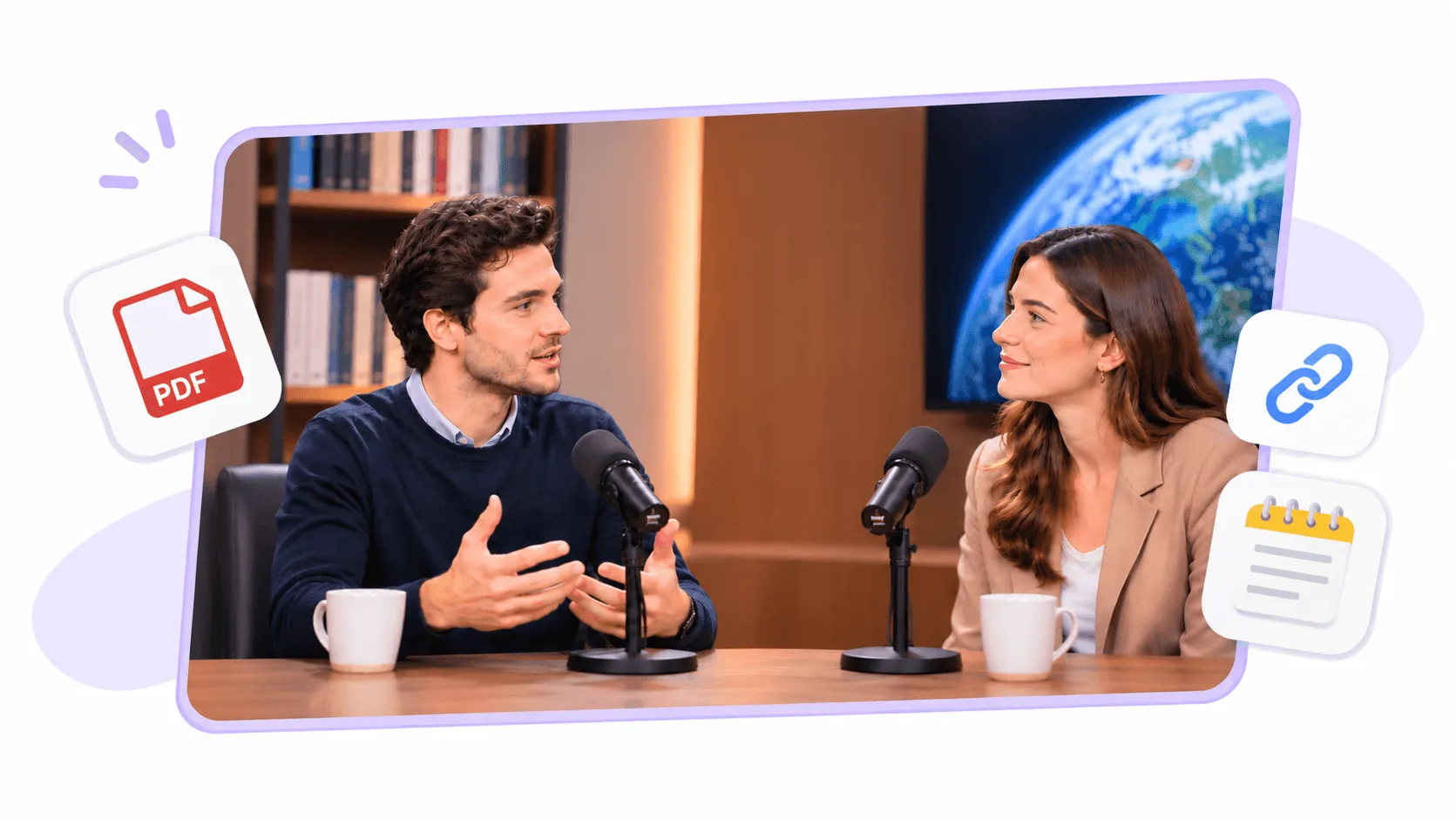
With PodcastorAI, you can start from several types of source material:
-
PDFs: Transform research papers, reports, guides, and educational documents into podcast conversations.
-
URLs: Repurpose articles and web content into audio or video episodes.
-
Topics: Start with an idea and generate a podcast script.
-
Scripts and notes: Turn prepared talking points or complete dialogue into a podcast.
-
Audio: Bring existing recordings into a video podcast workflow.
For example, a teacher could upload a PDF about climate change and create a two persons educational discussion. A marketer could turn a product guide into a conversational explainer. A content creator could transform a blog article into a podcast episode for YouTube.
The benefit isn’t just generating new content. It’s giving existing information a format that can reach a different audience.
Turn Your Content into an AI Podcast
2. Edit Your Podcast Script Before Generating Audio
A good AI podcast should sound like a conversation, not a document being read aloud.
That’s why script control matters.
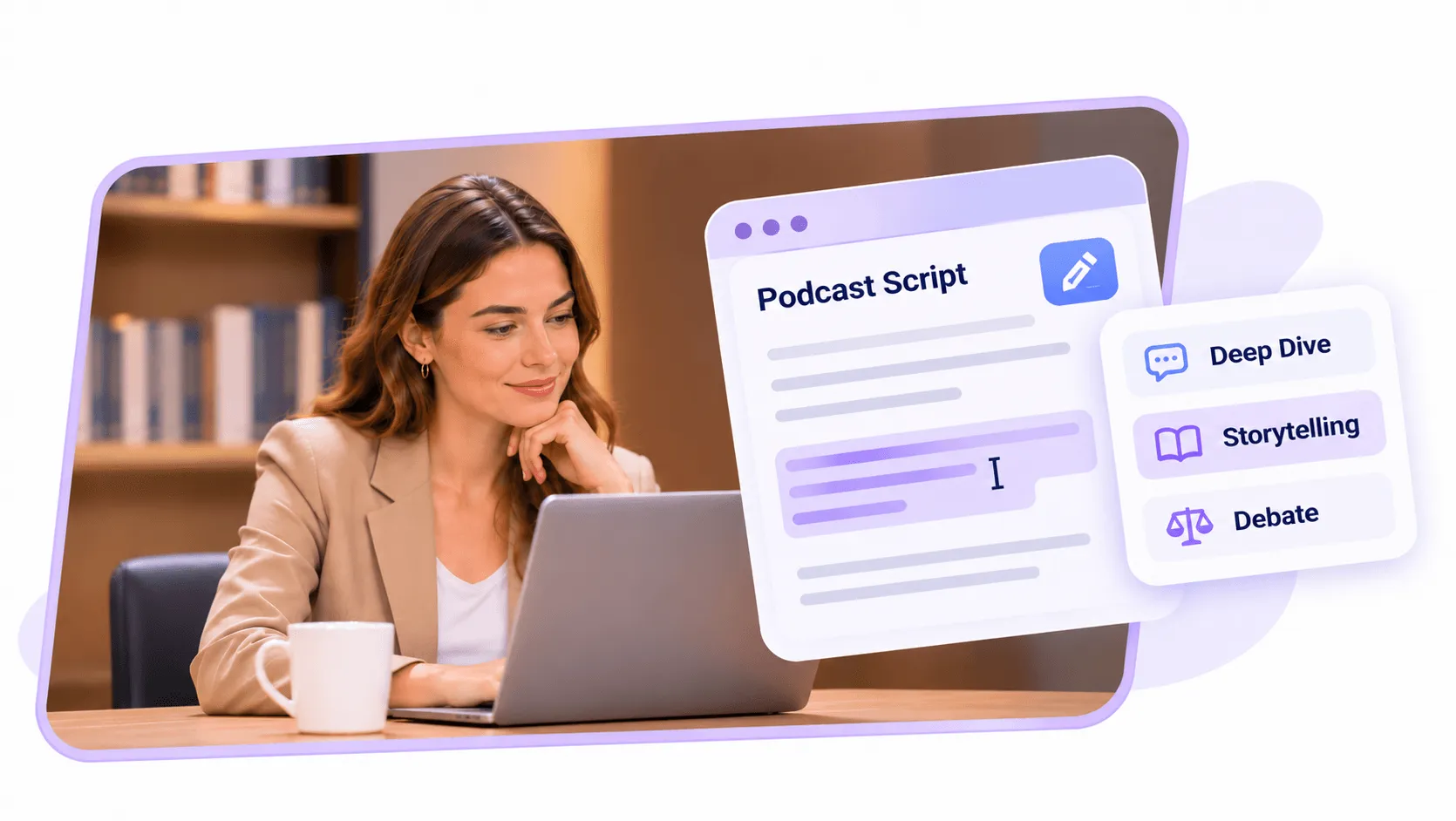
PodcastorAI generates a structured script from your content, which you can review and edit before converting it into speech.
You can refine explanations, remove unnecessary details, adjust the conversation, and make sure the final dialogue reflects what you actually want to communicate.
PodcastorAI also supports different storytelling approaches, including:
Deep Dive: Explore a topic in more detail through explanations, examples, and discussion.
Storytelling: Present information in a narrative format that can make complex or abstract ideas more engaging.
Debate: Structure a conversation around contrasting perspectives or arguments.
Consider a 20 pages industry report. Simply reading the report aloud would make for a difficult listening experience.
A better approach would be to organize the most important findings into a discussion between two hosts. One could introduce a key finding while the other asks questions, introduces examples, or explores its implications.
With an editable script, you retain control over the final message rather than relying entirely on the first AI-generated version.
This is particularly useful for educational content, business explainers, and podcasts based on factual source material.
3. Create Natural-Sounding Conversations with AI Voices
You don’t need to record every line yourself to produce a podcast.
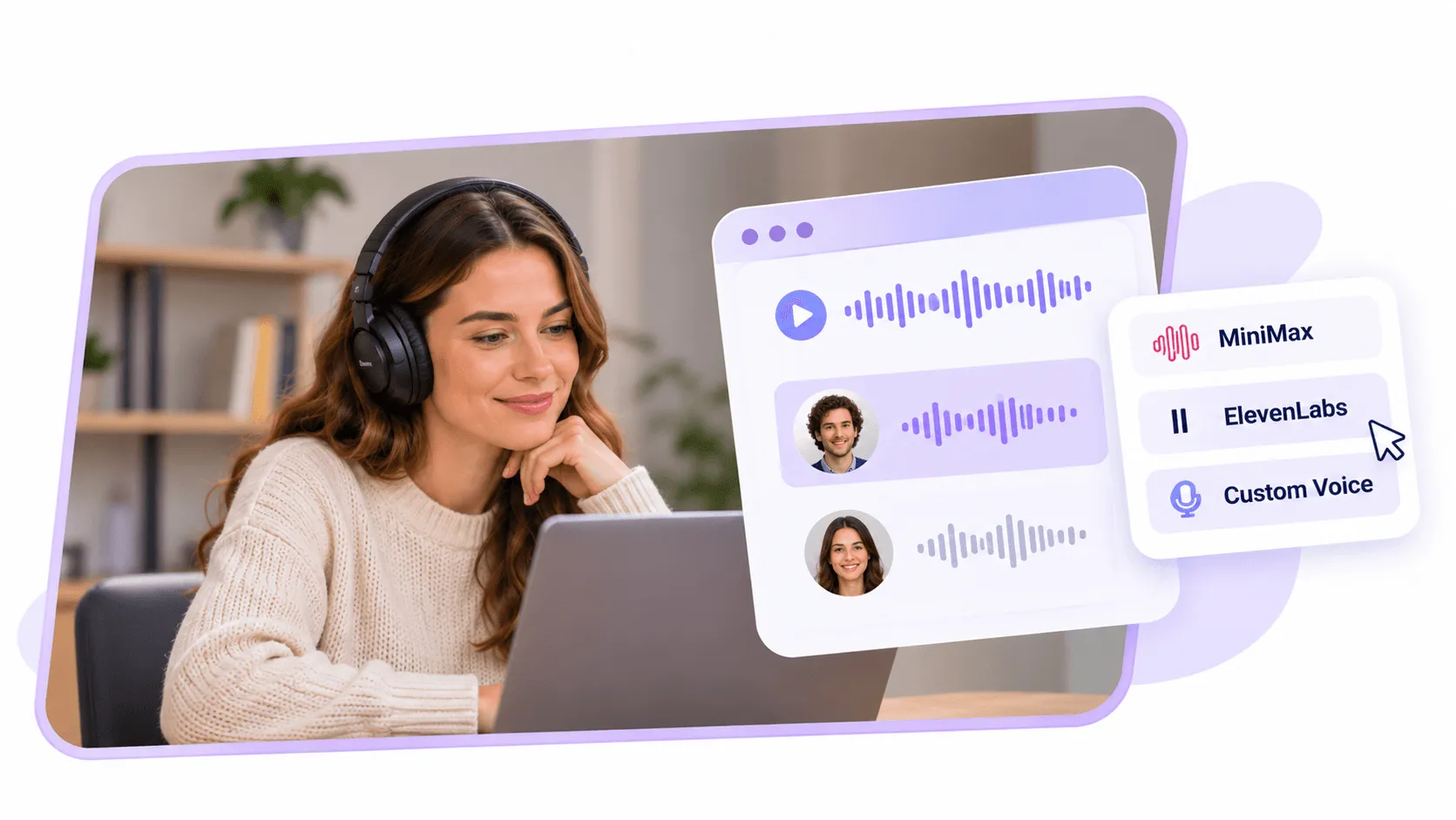
PodcastorAI offers AI voice options through voice technologies including MiniMax and ElevenLabs, allowing you to select voices for your hosts.
For a two persons podcast, you can assign different voices to each speaker to establish a consistent conversational identity.
You can also explore custom voice options when you want a more personalized presentation.
The choice of voice matters because different podcast formats require different delivery styles.
An educational discussion may benefit from a clear, relaxed speaking style. A storytelling podcast may need more expressive narration. A professional business podcast may call for a measured and confident tone.
PodcastorAI allows you to make voice selection part of the production process instead of treating it as an afterthought.
And if you’re creating an audio first show, you can focus on the spoken episode without needing to generate a video every time.
Turn Your AI Podcast into a Video with Different Host Styles
This is where PodcastorAI becomes especially interesting for creators exploring HeyGen’s video podcast capabilities.
HeyGen’s dedicated podcast experience centers on realistic two-host conversations in a virtual setting.
PodcastorAI gives creators different ways to present their episodes visually, depending on the content and audience.
Realistic Two-Person Video Podcasts
Want a podcast that resembles a traditional studio interview?
PodcastorAI supports AI hosted conversations featuring two speakers in a shared visual setting.
You can create a talk show style episode without filming yourself, hiring hosts, or renting studio equipment.
This format works particularly well for interviews, educational discussions, and professional podcast channels.
Split-Screen and Solo Video Podcasts
Not every episode needs two hosts sitting in the same studio.
PodcastorAI offers layouts such as split-screen conversations and solo-host presentations.
A split screen format can work well when you want the speakers to have separate visual identities, while a solo host presentation can be useful for narration, explanations, and commentary.
These choices let you adapt the presentation to the content instead of relying on one visual arrangement for every episode.
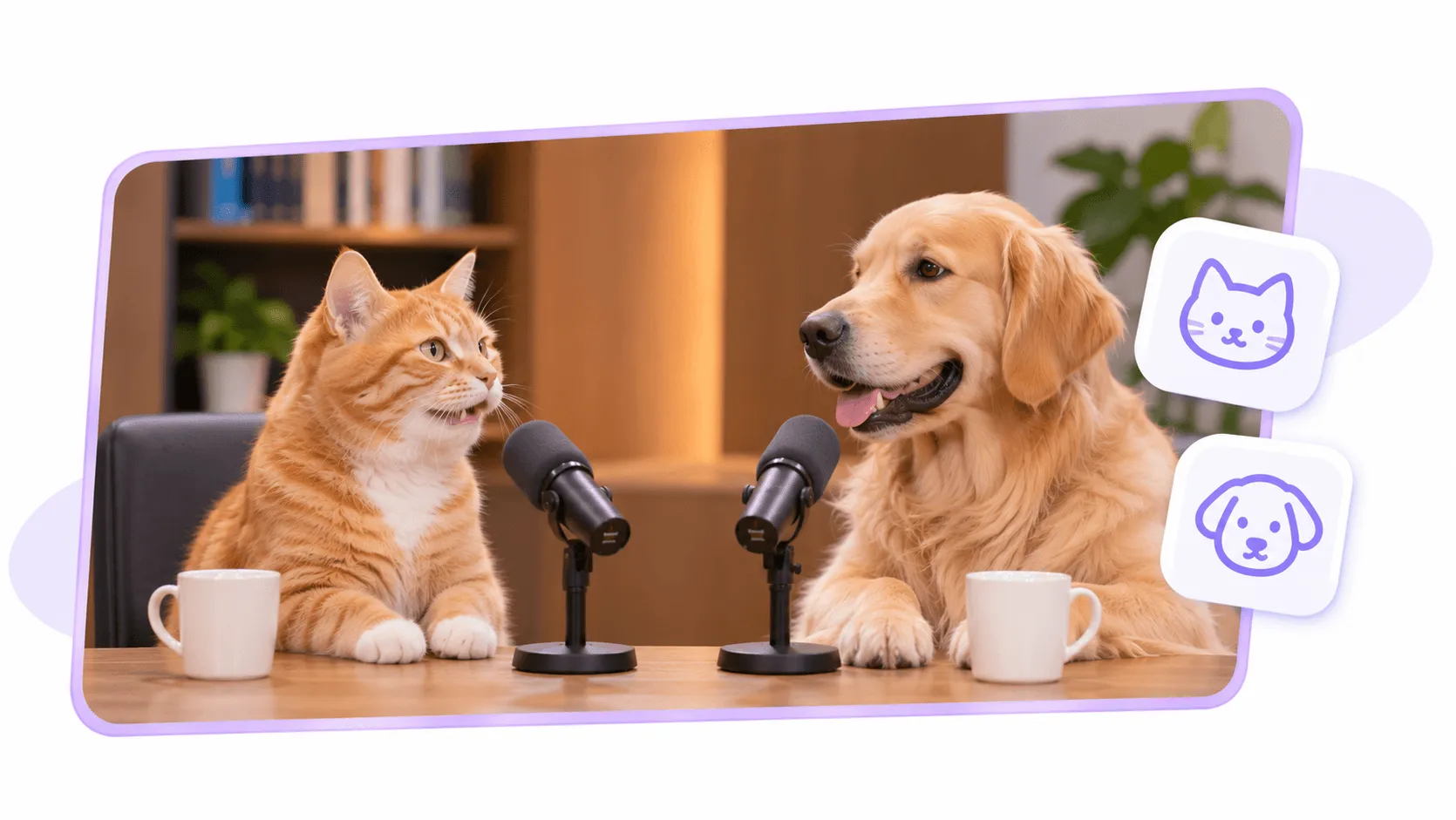
Cartoon and Pet Podcasts
Sometimes a realistic human host isn’t the most engaging choice.
For entertaining, educational, or storytelling based content, PodcastorAI also supports creative formats featuring cartoon or pet-style hosts.
Imagine an animated character explaining a science concept, or two animal characters having a conversation about everyday topics.
These formats can help creators experiment with visual storytelling and build a recognizable style for their channels.
For faceless YouTube creators, this flexibility is particularly useful. You can experiment with different show concepts without having to appear on camera or invest in traditional video production.
Create Your AI Video Podcast with PodcastorAI
Go Beyond Podcast Generation: Turn Your Episodes into Short Clips
Creating an episode is only one part of running a podcast.
You also need to help people discover it.
Instead of producing a completely new video for every social media platform, you can repurpose moments from an existing podcast.
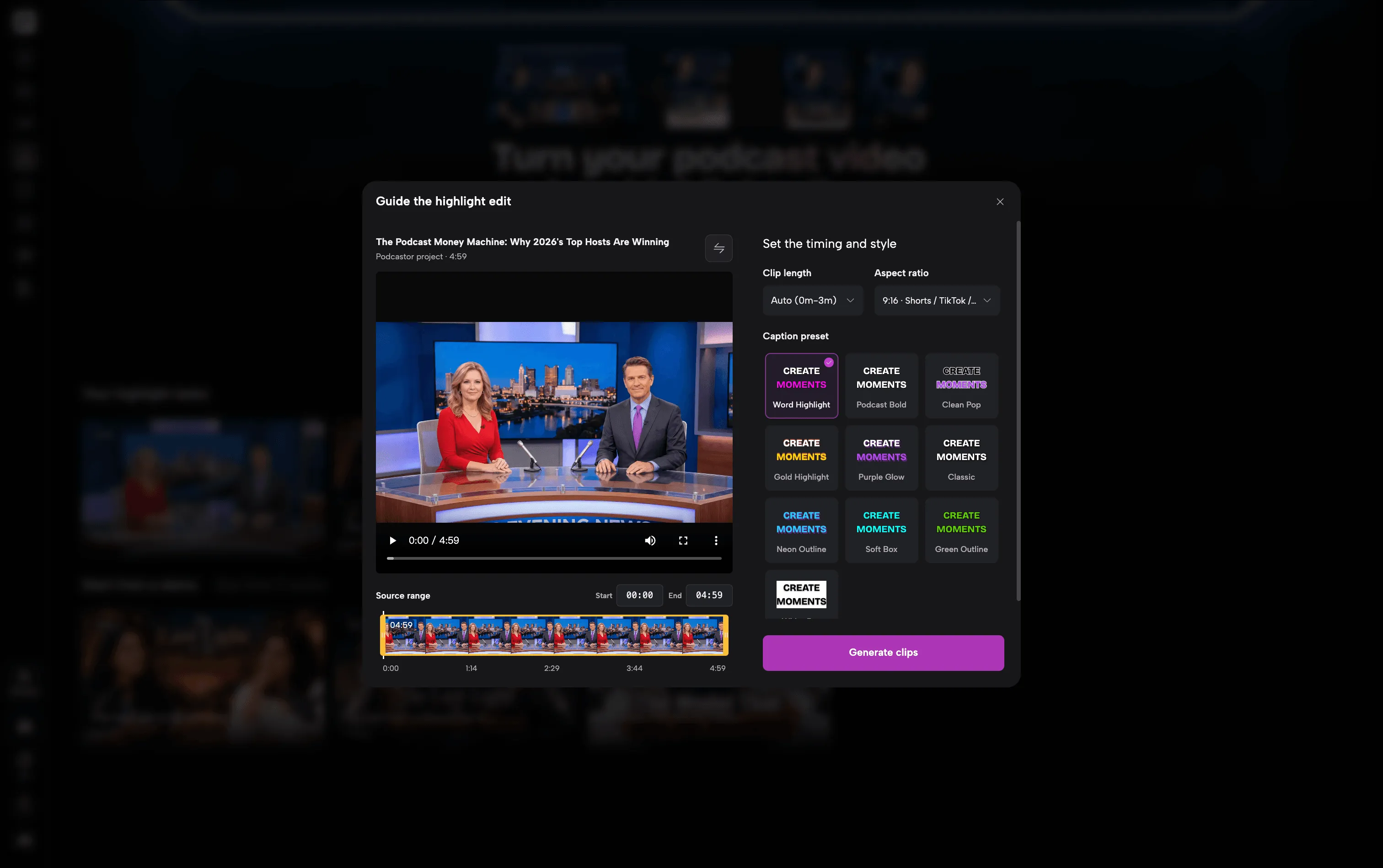
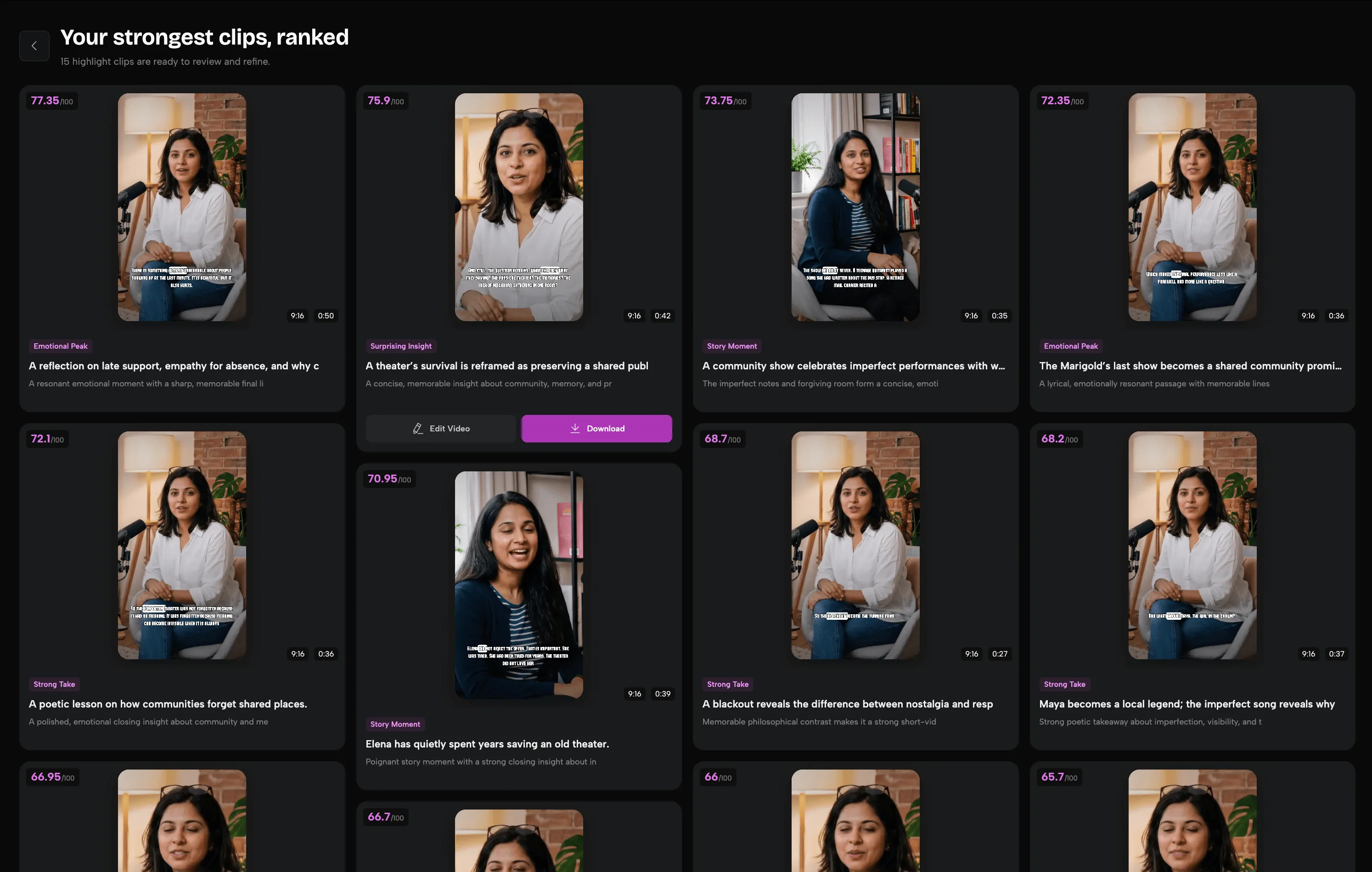
PodcastorAI includes an AI Clip Maker that helps identify promising segments and turn them into short-form videos.
Its clipping workflow includes:
-
Automatic identification of candidate podcast highlights
-
Multi-dimensional scoring to help evaluate clips
-
Customizable subtitle styles and fonts
-
Common social video aspect ratios, including 9:16, 1:1, and 16:9
For example, imagine you’ve created a video podcast explaining five important AI trends.
You could turn an interesting explanation or a memorable exchange between the hosts into a short video for YouTube Shorts, Instagram Reels, or TikTok.
The original episode becomes a source of additional content, helping you reach people who prefer shorter formats.
For creators managing multiple social channels, this is a practical reason to think beyond the initial podcast generation step.
Explore PodcastorAI’s AI Podcast Clip Maker
HeyGen vs. PodcastorAI: Which One Fits Your Workflow?
Both platforms can generate AI-powered video podcasts, but they approach the broader creation process differently.
| What You Need | HeyGen | PodcastorAI |
|---|---|---|
| AI video podcast generation | Yes | Yes |
| PDF, URL, and script input | Yes | Yes |
| AI-powered two-host conversations | Yes | Yes |
| AI voice and avatar customization | Yes | Yes |
| Dedicated short studio-style podcast videos | Yes | Yes |
| Solo, split-screen, and creative podcast formats | Capabilities vary by HeyGen workflow | Multiple dedicated podcast styles |
| Editable podcast scripts | Yes | Yes |
| Audio and video podcast workflows | Yes | Yes |
| Short-form content repurposing | Available through broader video tools | Dedicated AI Podcast Clip Maker |
| Main product positioning | General AI video platform | Podcast-focused creation platform |
Neither platform is automatically the best option for every creator.
HeyGen may be a better fit if your main priority is realistic AI avatar presentation or if you’re already using its broader video marketing tools.
PodcastorAI may be a better fit if your main project is a podcast series and you want to experiment with different host styles, work from existing documents, develop conversations, and create video clips from your episodes.
The most useful comparison is not simply which platform has more features, but which workflow gets you closer to the content you want to publish.
What Can You Create with PodcastorAI?
Here are four practical ways creators can use PodcastorAI.
Educational Video Podcasts
Upload a lecture, PDF, or study material and transform it into a conversation between AI hosts.
Instead of presenting information as a traditional lecture, you can use questions, explanations, and examples to make the content easier to follow.
This works for teachers, online educators, students, and educational YouTube channels.
Faceless YouTube Podcast Channels
Build a podcast channel without showing your face or recording every episode yourself.
Start with a topic, generate a script, choose recurring AI hosts, and select a video presentation that suits your channel.
You can create episodes around educational topics, technology news, storytelling, or other subjects while keeping a consistent visual identity.
Blog-to-Podcast Content Repurposing
If you already publish blog articles, you can give that content another format.
Turn a long form article into a podcast discussion, then produce a video version for YouTube and extract short clips for social media.
This is especially useful for content teams that want to get more value from material they’ve already researched and written.
Business and Product Explainers
Companies can turn product information, internal knowledge, or educational resources into conversational podcast content.
For example, a software company could create a discussion about common industry challenges, while a training team could transform learning materials into an audio briefing.
PodcastorAI helps create these formats without requiring employees to record every presentation themselves.
How to Create Your First Podcast with PodcastorAI
Getting started doesn’t require professional audio or video production experience.
Step 1: Add your content. Start with a topic, PDF, URL, notes, or prepared script.
Step 2: Review the conversation. Generate a podcast script, choose a conversational format, and edit the dialogue as needed.
Step 3: Choose your AI voices. Select voices that match your hosts and the tone of your content.
Step 4: Create your podcast. Generate an audio episode or choose a video podcast format with AI hosts.
Step 5: Review and repurpose. Check the finished content, make adjustments where necessary, and create clips if you want to share highlights.
You can begin with a short episode to explore the workflow before committing to a larger podcast project.
Final Thoughts
HeyGen demonstrates how AI avatars can make video podcast production more accessible. Its realistic hosts and automated studio-style presentation make it a useful option for short-form podcast videos.
But if you’re looking for a podcast-focused alternative, PodcastorAI brings together content-to-script generation, editable conversations, AI voices, multiple video styles, and podcast clip creation.
Whether you want to explain a PDF, build a faceless YouTube podcast, create educational conversations, or repurpose existing articles into video content, you can start with the material you already have.
There’s no need to build a recording studio or film yourself.