AI Audio Podcast Generator

Turn your ideas, notes, documents, or recordings into natural-sounding audio podcasts in minutes.

Generate Script
Upload Script
Describe the topic, audience, and angle for your episode. You can also upload a script or use an existing recording.Try Sample
Drag and drop files here to upload
Supports .pdf, .docx, .txt
Host 1Select voice
Host 2Select voice

Geography & Civilization

Geography & Civilization

Children's Education

Children's Education

Psychology & Mind

Psychology & Mind

History

History

Business & Finance

Business & Finance

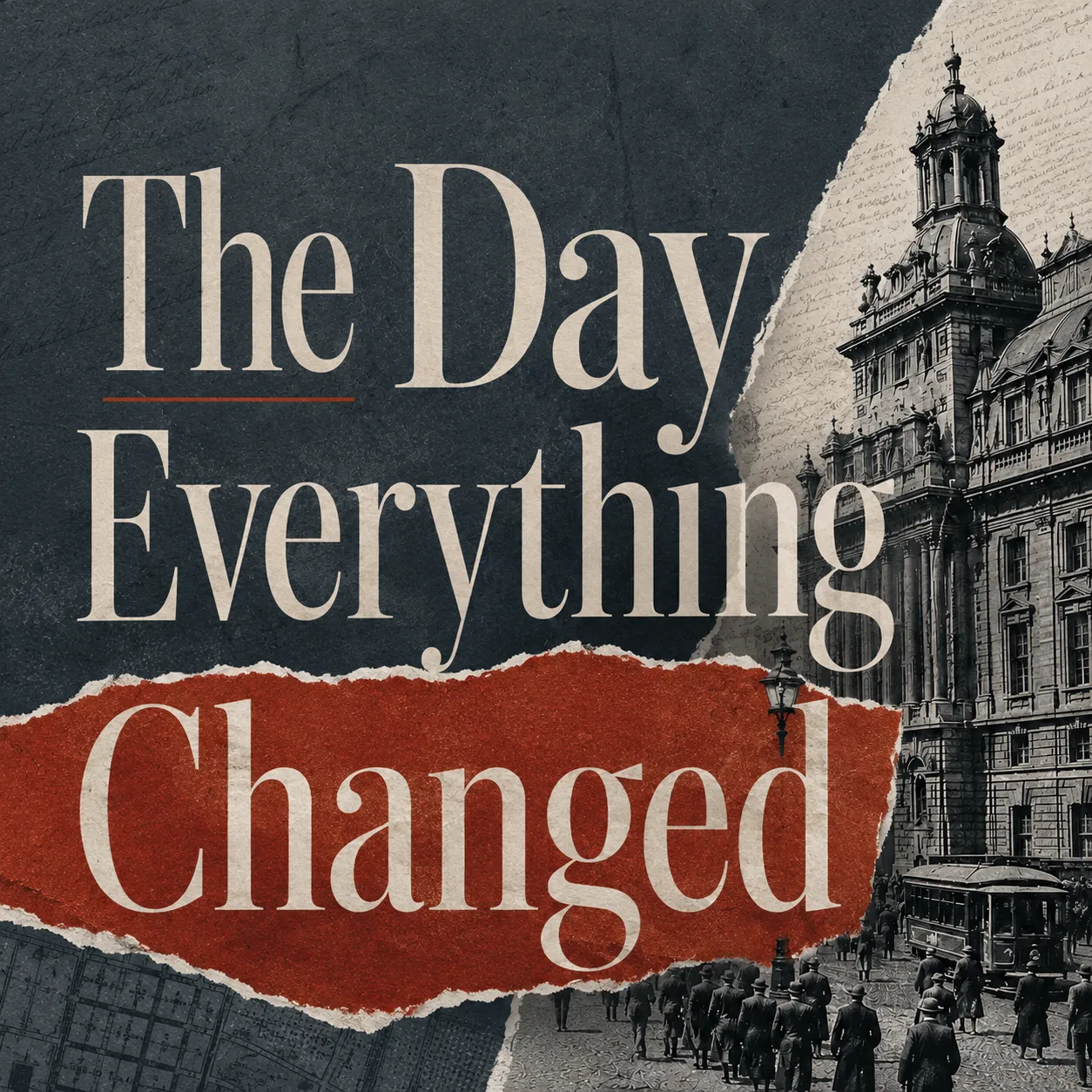
True Crime

True Crime

Class Lecture

Class Lecture

AI Audio Podcast Generator

Why Choose Our Audio Podcast Generator

Turn any topic, document, link, or recording into a polished audio podcast with structured scripts, distinct AI voices, and flexible formats.

Turn Any Content Into an Audio Podcast

Start with a topic, URL, PDF, document, or recording. Our AI audio podcast generator turns your source material into a structured podcast script with natural speaker turns, so it sounds like a real conversation instead of text being read aloud. Already have a recording? Use our audio to script tool to turn spoken content into an editable podcast script.

Choose Distinct AI Voices for Every Speaker

Give each host or guest a different AI voice, language, tone, and speaking style. Create clearer speaker separation and more natural podcast audio, whether you're making a solo episode, interview, or two-person conversation.

Choose Your Audio Podcast Format

Turn the same idea into a Deep Dive, Storytelling episode, or Debate. Set the language and length, then generate audio that matches the format you want.

Edit Before You Generate Audio

Review and refine your script before rendering. Rewrite lines, adjust the flow, switch speakers, or regenerate sections without starting over.

How It Works

How to Use an Audio Podcast Generator

Use PodcastorAI to turn source material into a ready-to-share podcast episode in four clear steps.

Step 1

Add a Topic or Source

Enter an idea, paste a URL, upload a document, or bring in a recording for the tool to understand.

Step 2

Generate and Edit the Podcast Script

PodcastorAI creates a structured conversation from your source. Review the outline, rewrite lines, and shape the episode before sound is rendered.

Step 3

Set the Speakers and AI Voices

Choose a solo or two-speaker format, select AI voices, and tune the language, style, and episode length.

Step 4

Generate and Download the Audio Podcast

Generate the episode, listen to the result, and download a finished audio file ready for publishing or further editing.

Use Cases

Audio Podcasts for Every Kind of Creator

Build repeatable audio content for your audience, classroom, or team.

Creators and Independent Publishers

Turn newsletters, essays, and ideas into consistent audio episodes without recording every take yourself.

FAQs

Audio Podcast Generator FAQs

Answers to common questions about using AI to create, edit, and download podcast audio.

An AI audio podcast generator turns a topic, source material, or recording into an editable podcast script and finished audio with natural AI voices. PodcastorAI handles the conversation structure, speaker turns, and voice production in one workflow.